
FREE
Loading…
Upload your design, pick a scene and a shirt colour, and get a realistic mockup photo in about a minute: flat lay, on a model, street style, on a hanger or folded. No Photoshop, no templates, no sample order.
Scene
Shirt colour
Last updated:
Unretouched results, one per scene. The designs were made with our T-shirt design generator and the people are AI-generated.
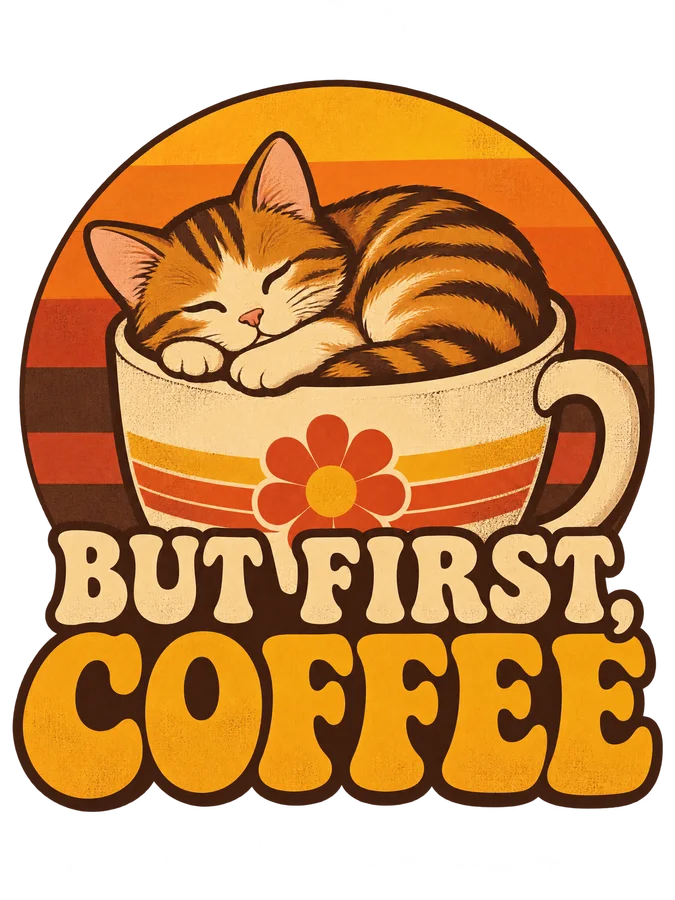
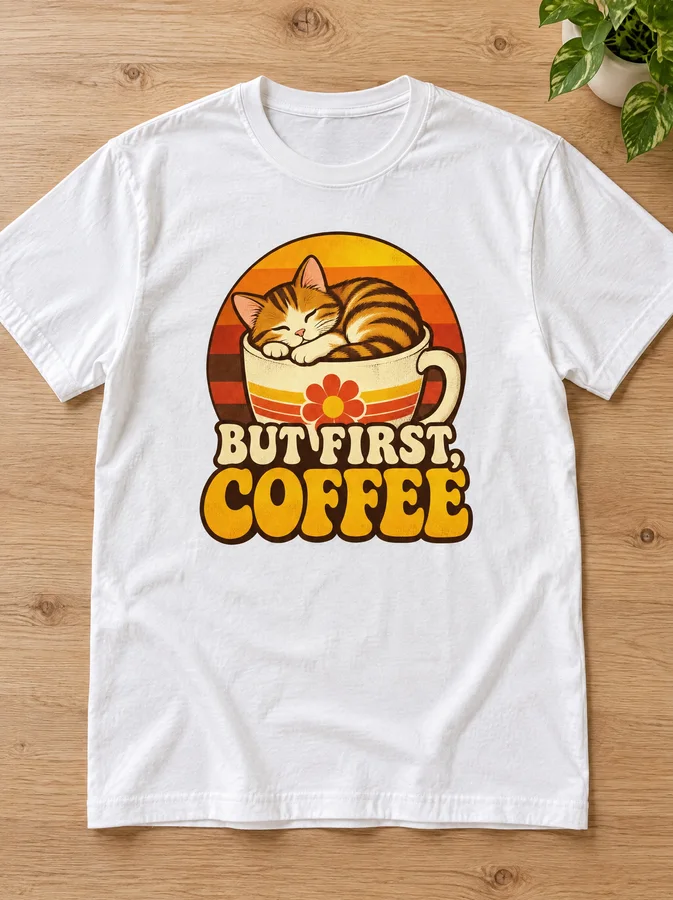
The classic first listing photo: the shirt smoothed out on a wooden table and shot from above. The retro cat design keeps its colours, and every letter of BUT FIRST, COFFEE is the one that was uploaded.
In the editor: Scene · Flat lay · Shirt colour · White
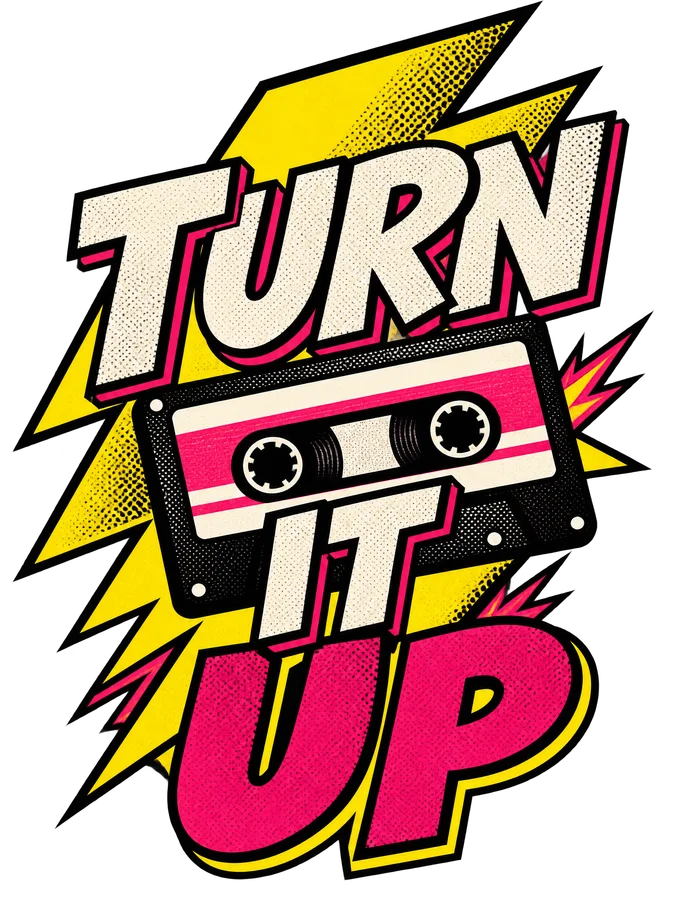
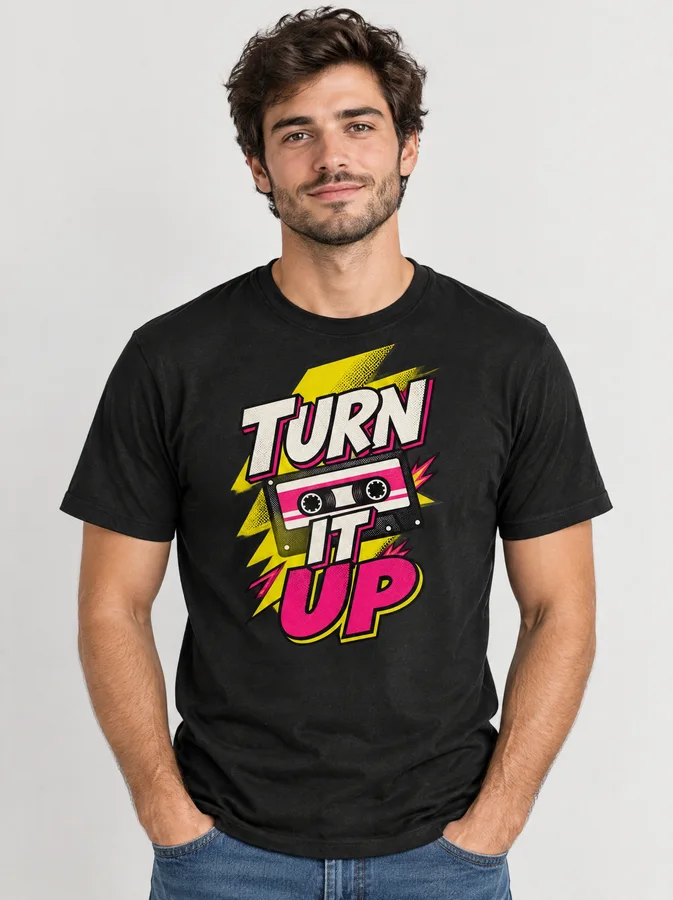
Someone wearing it in a bright studio. The halftone design sits at a natural chest-print size and bends a little with the fabric, which is what makes a mockup read as a photo instead of a sticker.
In the editor: Scene · On a model · Shirt colour · Black
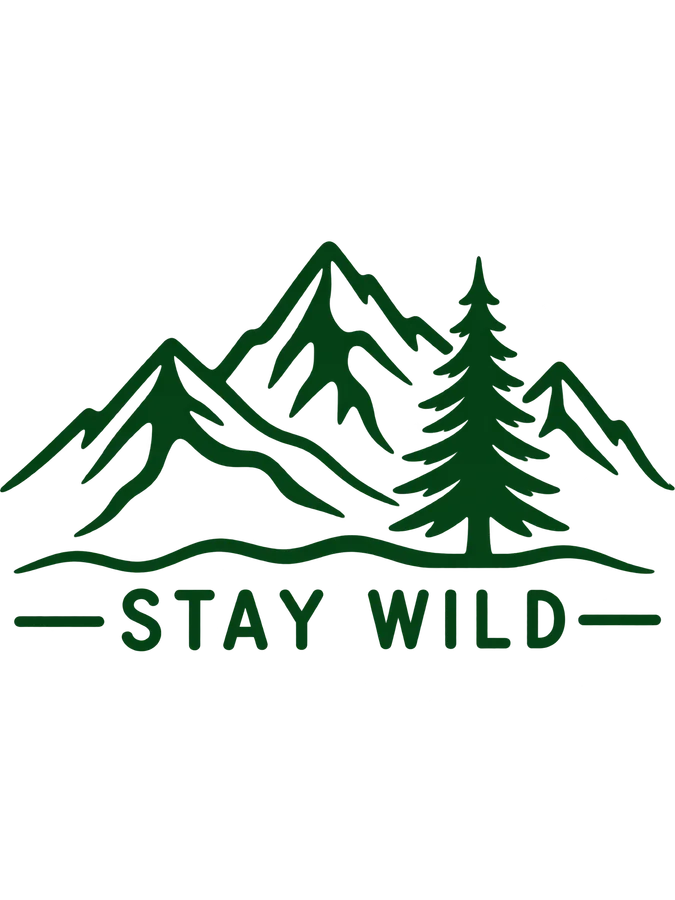
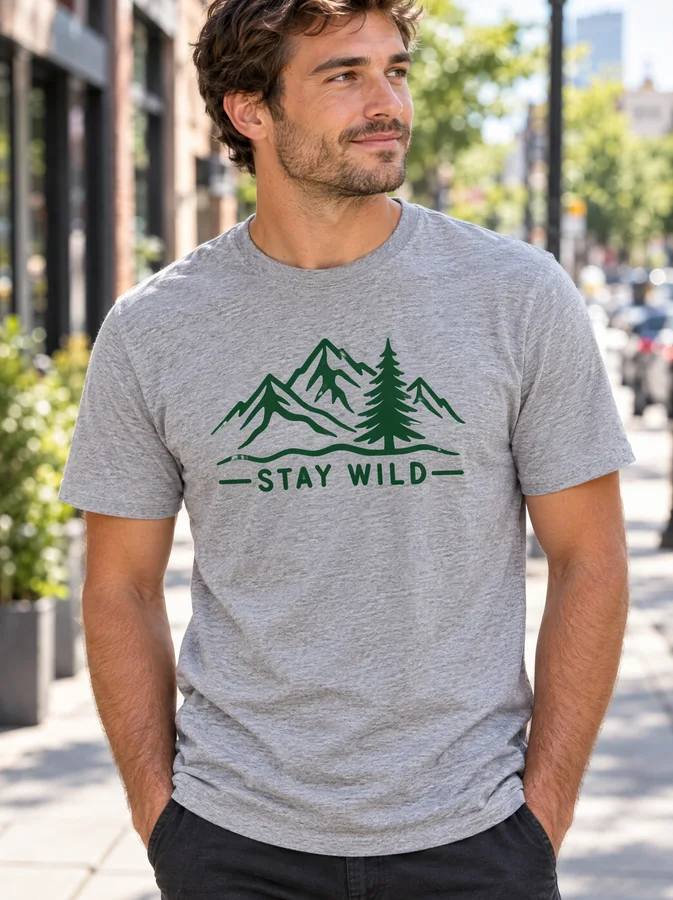
A candid lifestyle shot for ads and social posts. One-colour line art like STAY WILD reads clearly on grey, which a mockup lets you check before you order a single shirt.
In the editor: Scene · Street style · Shirt colour · Heather grey
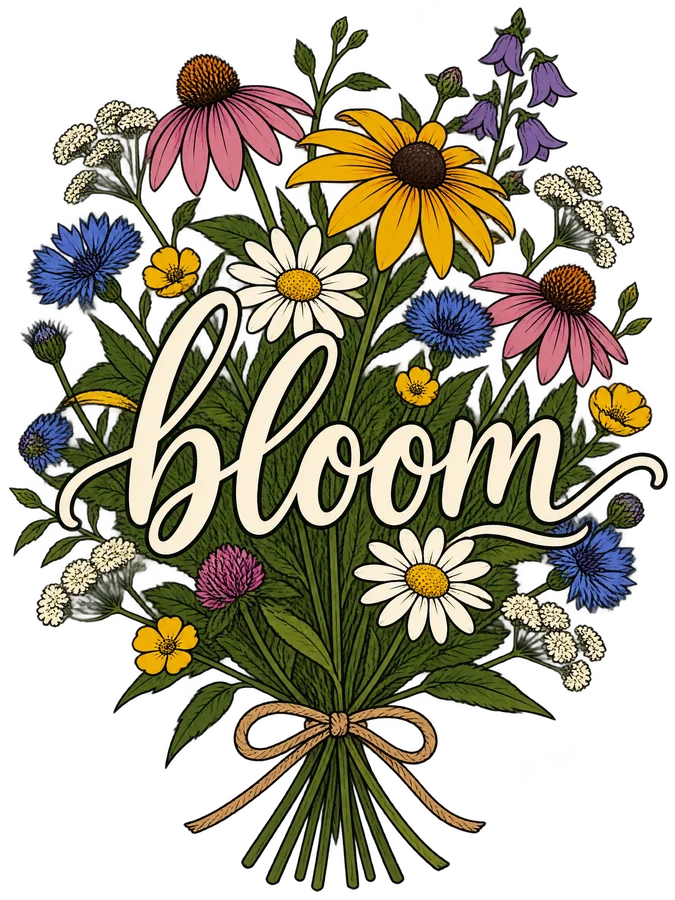
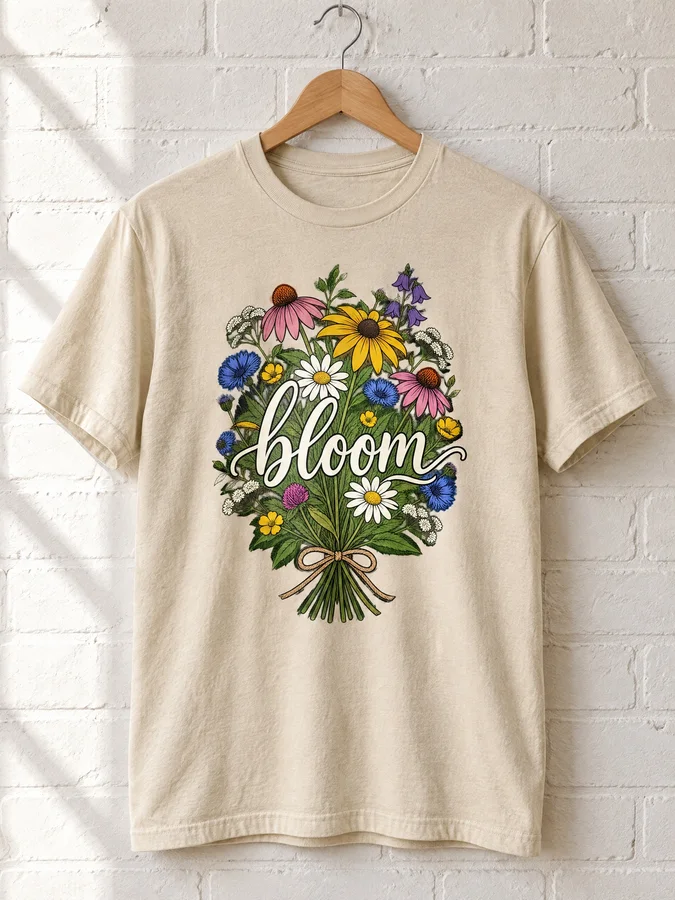
Front view on a wooden hanger against a white brick wall. Soft natural colours like sand suit botanical designs; try the same design on two or three colours and compare.
In the editor: Scene · On a hanger · Shirt colour · Sand
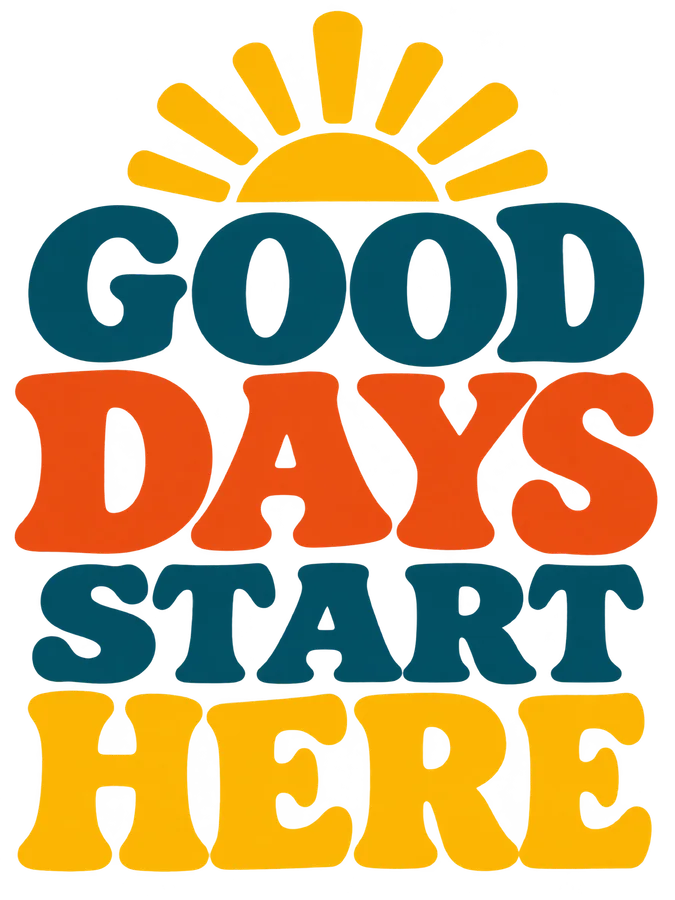
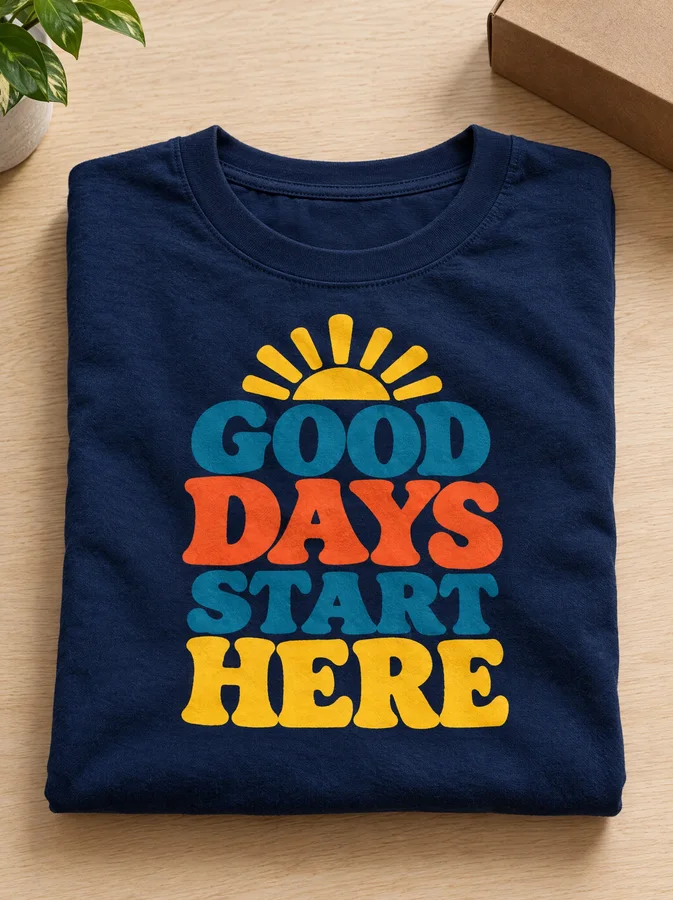
Folded so the print shows on top: a good second or third photo in a listing, or for a packaging card. The light lettering of GOOD DAYS START HERE was made with a dark shirt in mind.
In the editor: Scene · Folded · Shirt colour · Navy
The sparkpix.ai T-Shirt Mockup Generator puts your design on a realistic T-shirt photo. You upload the design (a transparent PNG works best), pick one of five scenes (flat lay, on a model, street style, on a hanger, folded) and a shirt colour, and in about a minute you get a 2K mockup with the design centred on the chest at a natural print size, following the fabric. Each mockup costs 5 credits, about $0.14 on the $9.99 monthly plan, and the first is free.
| Mockup generator (here) | PSD mockup templates | A real photo shoot | |
|---|---|---|---|
| What you need | Your design file | Photoshop and a PSD template | Ordering a sample and a camera |
| Time | About a minute per photo | Minutes per template, once you know how | Days, plus shipping |
| Cost | 5 credits, about $0.14 per photo | Template packs or a subscription | The shirt, postage and your time |
| Scenes and models | Five scenes, any shirt colour, new photo every time | Whatever the template shows, often reused by other sellers | Whatever you can set up |
| How exact the print is | Redrawn by AI: check the lettering | Pixel-exact smart object | The real thing |
A PNG with a transparent background works best. Or try one of the sample designs.
Flat lay, on a model, street style, on a hanger or folded.
White, black, heather grey, navy or sand, or type any colour in the box.
In about a minute you get the mockup photo. Check the lettering, then download it for your listing.
A design without a background prints cleanly on any shirt colour. If yours sits in a white box, the tool is told to leave the box out, but a transparent file is more reliable.
Dark ink disappears on black and navy. Check the mockup before you publish; if it is hard to read, pick a lighter shirt or recolour the design.
The print is redrawn as part of a photo, so check slogans and names. If a letter changed, generate again.
Listings look like one shop when every main photo uses the same scene and angle. Save the lifestyle shots for extra photos.
The default is a centred chest print. Type "small left-chest print" or "oversized print" in the box to change it.
Marketplaces expect photos to match what the buyer receives. Use the same shirt colour and print size you actually sell.
Listing photos for a print-on-demand store
Testing designs and shirt colours before you order
Ads, social posts and pitch decks
Showing a client or a team their shirt
Print files: send the printer your original design, not the mockup
Pixel-exact proofs for colour matching
Back, sleeve and all-over prints
Other people’s logos or characters
It puts your design on a realistic photo of a T-shirt, so you can show it in a store, an ad or a pitch without printing a sample. On sparkpix.ai you upload the design, pick a scene and a shirt colour, and get a mockup photo in about a minute.
Each mockup costs 5 credits, and new accounts get 5 free credits, so the first is free. After that the $9.99 monthly plan includes 350 credits (70 mockups), or 500 credits once for $19.99. No watermark.
The tool is told to reproduce the design exactly (artwork, colours, proportions and spelling) and in our tests it did, but it redraws the print as part of a photo, so check the lettering. If anything changed, generate again.
A PNG with a transparent background, ideally at least 1,000 pixels wide. JPGs work too; if the design sits in a plain box, the box is left out.
White, black, heather grey, navy and sand are one click. For any other colour, edit the line in the box, for example "The T-shirt is forest green."
Yes, as listing and ad photos. Make sure they match the shirt you sell: the same colour and a similar print size.
No. People in the On a model and Street style scenes are generated by AI and change with every run.
This tool is set up for T-shirts. For other products, upload your design to the GPT Image 2.6 editor and describe the product and scene.
2K in 3:4, about 1,760 × 2,352 pixels, a common shape for product listings and social posts.
Uploaded designs are deleted within 3 days. Mockups are saved to your account so you can download them again, and you can delete them at any time.
One design, one scene, about a minute.
About a minute
No watermark
All of these are part of the sparkpix.ai AI photo editor, so one account works across every tool.
Make the design first, as a transparent PNG.
Transparent clipart and silhouette sets.
Make your design’s background transparent.
Enlarge a design for print.
Mockups for hoodies, mugs and other products.
Change the light in a product photo.
Change one thing in a photo by describing it.
Take out tourists, strangers, or anyone you don’t want.
Clear text, watermarks, emojis, and date stamps.
Erase clutter, power lines, fences, reflections, shadows.
Describe any change in words, or draw over the area to edit.
Add a missing friend, a late relative, or your younger self.
All of these are part of the sparkpix.ai AI photo editor, so one account works across every tool.