
FREE
Loading…
Type what you need, choose one piece or a matching set of 6 or 12, and pick a style: watercolor, kawaii, flat vector, line art, silhouette and more. You get clipart on a transparent background in about 20 seconds, ready for stickers, cutting machines, printables and bundles.
How many
Style
Last updated:
Straight from this tool, one per style. Under each is the subject that was typed; the checkerboard shows the background is transparent.
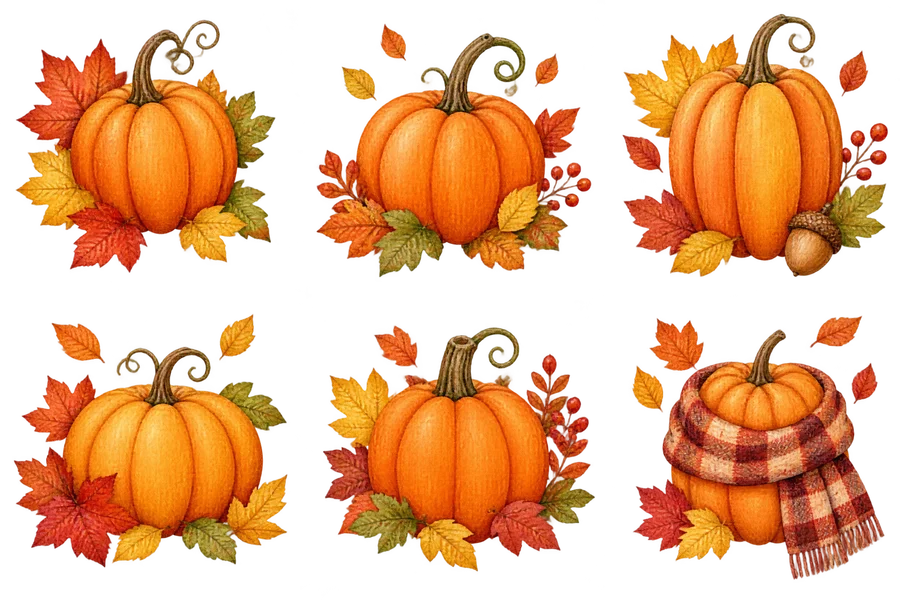
Set of 6 · Watercolor
Subject: a cozy autumn pumpkin with falling leaves
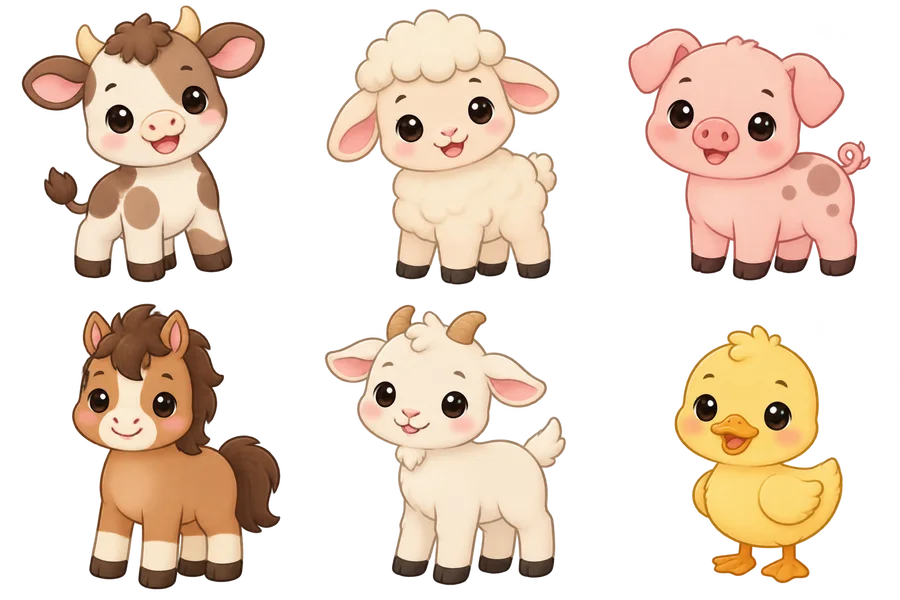
Set of 6 · Cute kawaii
Subject: baby farm animals
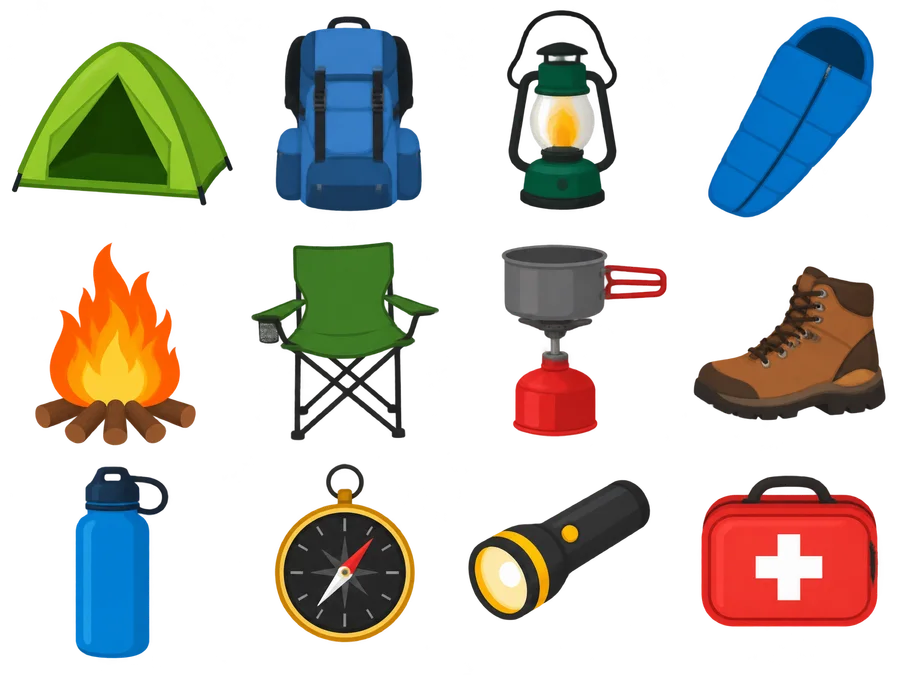
Set of 12 · Flat vector
Subject: camping gear
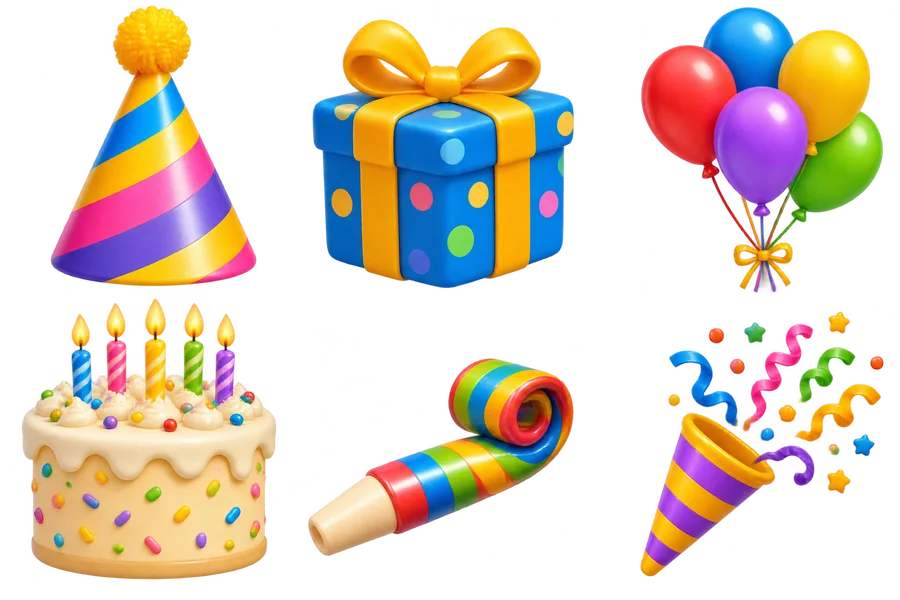
Set of 6 · 3D icon
Subject: birthday party items
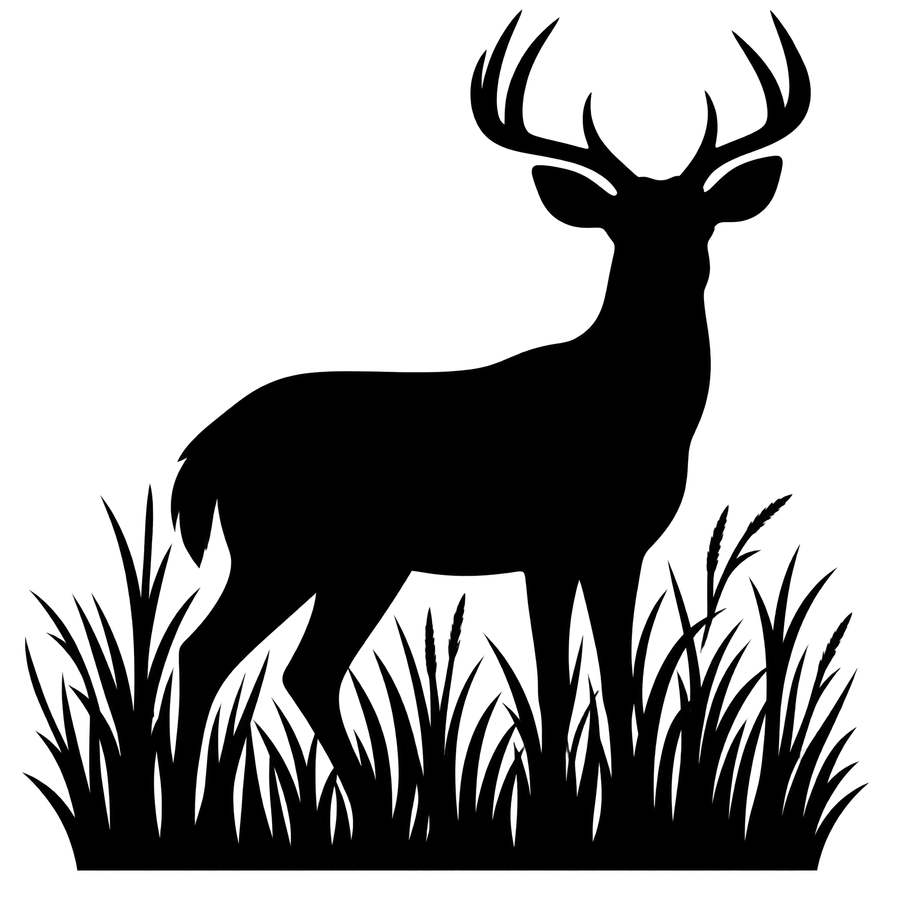
Single · Silhouette
Subject: a deer standing in tall grass
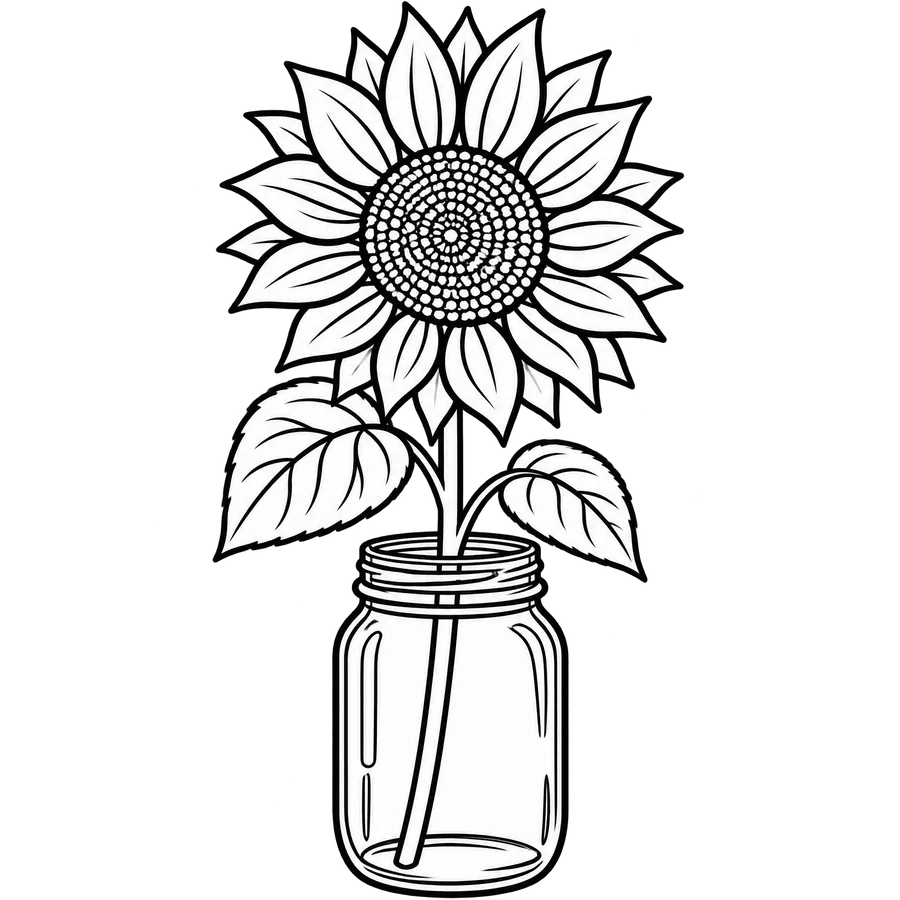
Single · Line art
Subject: a sunflower in a mason jar
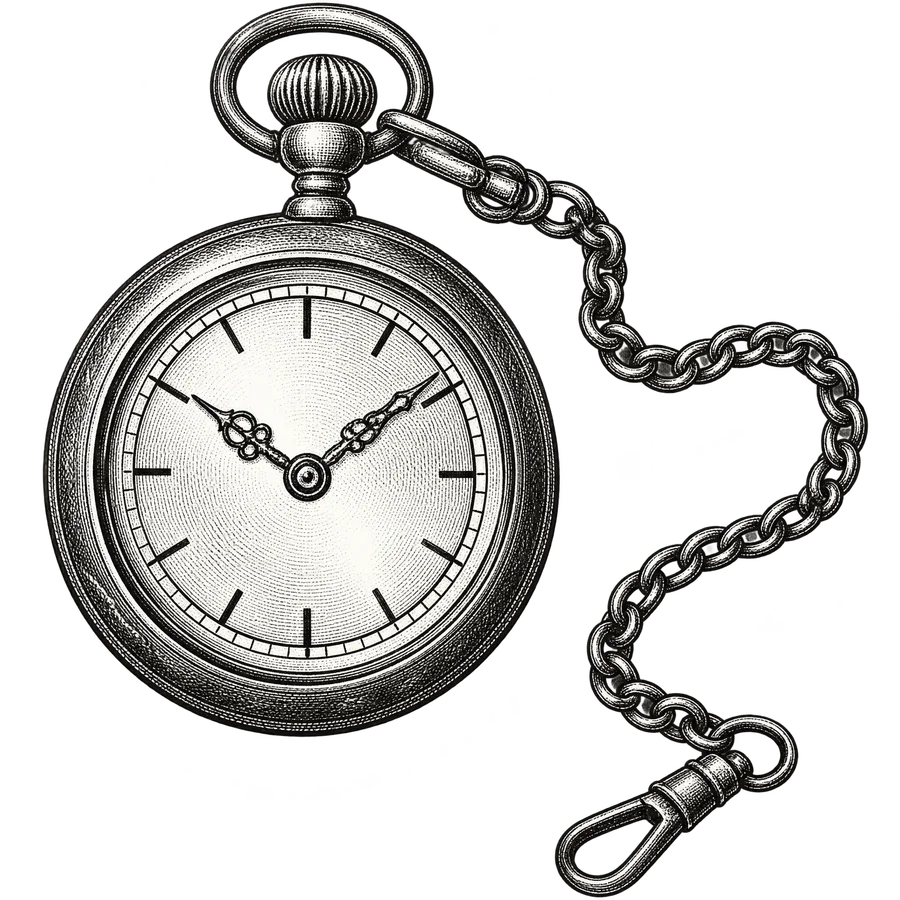
Single · Vintage engraving
Subject: an antique pocket watch with its chain
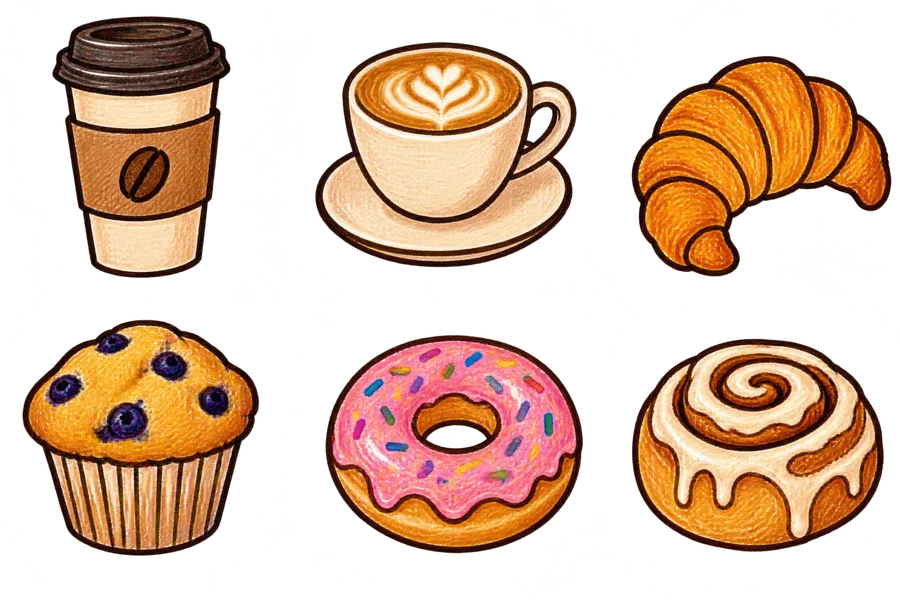
Set of 6 · Doodle
Subject: coffee and pastries
The sparkpix.ai AI Clipart Generator draws clipart from a short description. You type a subject, choose a single piece or a matching set of 6 or 12, and pick one of eight styles (flat vector, watercolor, cute kawaii, line art, silhouette, vintage engraving, 3D icon, doodle). In about 20 seconds you get a 2K PNG with a transparent background; sets are laid out in a grid with space to cut them apart. Each image costs 5 credits, about $0.14 on the $9.99 monthly plan, and the first is free.
| Clipart generator (here) | A general AI chatbot | Stock clipart sites | |
|---|---|---|---|
| Background | Real transparent PNG | A white box or a fake checkerboard, unless you remove it | Usually PNG or SVG |
| Exactly your subject | Yes, whatever you type | Yes | Only what exists in the library |
| A matching set | Set of 6 or 12 in one style, spaced to cut apart | Styles drift between separate prompts | Bundles, if one matches |
| Time | About 20 seconds | A minute plus retries | Searching and checking licences |
| Cost | 5 credits, about $0.14 per image | Free plans have daily limits | Free with attribution, or paid per bundle |
What the clipart shows: "baby farm animals", "a sunflower in a mason jar", "camping gear".
Single for one piece, or a set of 6 or 12 matching pieces laid out in a grid with space between them.
Flat vector, watercolor, kawaii, line art, silhouette, vintage engraving, 3D icon or doodle.
In about 20 seconds you get a transparent PNG at 2K. Cut set pieces apart in any image editor.
| Style | Usually used for |
|---|---|
| Watercolor | Sublimation prints, invitations, digital clipart bundles |
| Cute kawaii | Stickers, kids’ party printables, planner decorations |
| Flat vector | Slides, worksheets, web graphics, icon sets |
| Line art | Colouring pages, embroidery and engraving guides |
| Silhouette | Cricut and Silhouette vinyl, laser cutting, wall decals |
| Vintage engraving | Labels, packaging, wedding stationery |
| 3D icon | App and web icons, social posts, presentations |
| Doodle | Menus, cafe boards, notebooks and journals |
The full prompt the tool sent for three of the examples.
Clipart. A set of 6 separate clipart pieces of a cozy autumn pumpkin with falling leaves, each one a different variation, arranged in a neat 3 × 2 grid with clear empty space between them so each can be cut out on its own. Style: soft hand-painted watercolor with delicate pigment edges. Every piece is isolated on a transparent background: no scene, no ground or shadow underneath, no backdrop, no frame or border. Crisp edges and consistent style across pieces. No text, letters, numbers or watermark unless the description asks for words, and then spelled exactly as written. Original artwork only: no existing logos, brand names or copyrighted characters.
Clipart. A set of 6 separate clipart pieces of baby farm animals, each one a different variation, arranged in a neat 3 × 2 grid with clear empty space between them so each can be cut out on its own. Style: cute kawaii, rounded shapes, pastel colours, small happy faces and soft outlines. Every piece is isolated on a transparent background: no scene, no ground or shadow underneath, no backdrop, no frame or border. Crisp edges and consistent style across pieces. No text, letters, numbers or watermark unless the description asks for words, and then spelled exactly as written. Original artwork only: no existing logos, brand names or copyrighted characters.
Clipart. A set of 12 separate small clipart pieces of camping gear and related items, arranged in a neat 4 × 3 grid with clear empty space between them so each can be cut out on its own. Style: flat vector, clean shapes and flat colours like a stock vector illustration. Every piece is isolated on a transparent background: no scene, no ground or shadow underneath, no backdrop, no frame or border. Crisp edges and consistent style across pieces. No text, letters, numbers or watermark unless the description asks for words, and then spelled exactly as written. Original artwork only: no existing logos, brand names or copyrighted characters.
"Baby farm animals" or "birthday party items" gives six different pieces. "A pumpkin" as a set gives six variations of a pumpkin.
Pick subjects with a clear outline (animals in profile, trees, tools). Fine hair or smoke turns into tiny islands that are hard to weed.
Line art comes back with clean outlines on a transparent background; print it on white paper and it is a colouring page.
Each piece sits in its own cell with empty space around it, so a simple rectangle crop in any editor separates them.
Results are PNG. For SVG, trace a silhouette or line-art piece in your cutting software (Cricut Design Space and Silhouette Studio both can).
You can sell what you make, but check marketplace rules: some require AI-made bundles to be labelled as AI-generated.
Digital clipart bundles and printables
Stickers, vinyl decals and laser-cut pieces
Classroom worksheets and slides
Party invitations and craft projects
Existing cartoon characters, logos or team marks
Native SVG or editable vector layers
Photos (it draws illustrations)
Dozens of pieces in one image (12 is the maximum)
It draws clipart from a short description. On sparkpix.ai you type the subject, choose one piece or a set of 6 or 12, pick one of eight styles, and in about 20 seconds get a PNG with a transparent background.
Each image costs 5 credits, whether it is one piece or a set of 12. New accounts get 5 free credits, so the first is free. After that the $9.99 monthly plan includes 350 credits (70 images), or 500 credits once for $19.99. No watermark.
Yes. The tool requests a real alpha channel and saves a PNG, so the clipart drops onto any background without a white box.
Yes. Pick the Silhouette style: each piece is one solid black shape with crisp edges and no inner lines except cut-outs. Import the PNG into your cutting software and trace it to get a cut path.
A set comes as one image with the pieces in a grid and empty space between them. Crop each cell in any image editor, or use a sprite or grid slicer.
Not directly; the output is PNG. Silhouettes and line art trace cleanly into SVG in tools like Cricut Design Space, Silhouette Studio, Inkscape or Illustrator.
Yes, on products and in digital bundles. The tool only draws original artwork, never existing logos or characters. Some marketplaces ask sellers to label AI-generated clipart, so check their rules. In the US, images made purely by AI generally cannot be registered for copyright.
2K: a single piece is 2,048 × 2,048 pixels, a set of 6 is about 2,496 × 1,664 (3:2), and a set of 12 about 2,368 × 1,776 (4:3).
Yes, if you ask for them: put the words in quotation marks and they are spelled as written. Without that, no text is added.
Results are saved to your account so you can download them again, and you can delete them at any time.
One subject, one style, a whole set in about 20 seconds.
About 20 seconds
Transparent PNG
All of these are part of the sparkpix.ai AI photo editor, so one account works across every tool.
Print-ready shirt designs with your words.
See a design on a real-looking shirt.
Enlarge clipart for big prints.
Make an existing image transparent.
Turn a photo into outlines.
The model behind the clipart.
Make an image from a sentence.
All of these are part of the sparkpix.ai AI photo editor, so one account works across every tool.