FREE
Loading…
Runs GFPGAN with Real-ESRGAN: every face in the photo is restored and the whole image is upscaled 4x, in about 11 seconds. No Python, no GPU, no install.
Upload to get high resolution images
Supports JPG, PNG, WebP (max 20MB)
Nude or explicit images are not supported.
Median time per image (last 30 days, 4,755 runs)
Real-ESRGAN upscale, up to 4096 px on the long side
Free full-resolution images with a free account
Jobs that failed, and were not charged
GFPGAN (Generative Facial Prior GAN) is a face restoration model from Tencent ARC Lab, published by Xintao Wang and colleagues at CVPR 2021. Ordinary upscalers treat a face like any other texture. GFPGAN instead draws on a StyleGAN2 model trained on 70,000 high-quality face photos (the FFHQ dataset), so it knows what eyes, teeth, skin and hairlines should look like and can rebuild them when a photo has lost that detail.
On its own GFPGAN only works on faces. The Real-ESRGAN project, from the same lab, pairs the two: Real-ESRGAN upscales the whole image and GFPGAN takes over wherever it detects a face. That pairing is what runs here.
JPG, PNG or WebP up to 20 MB. It is resized to 1024 pixels on the long side before processing.
Real-ESRGAN upscales the whole image 4x and GFPGAN restores every face it detects in the same pass.
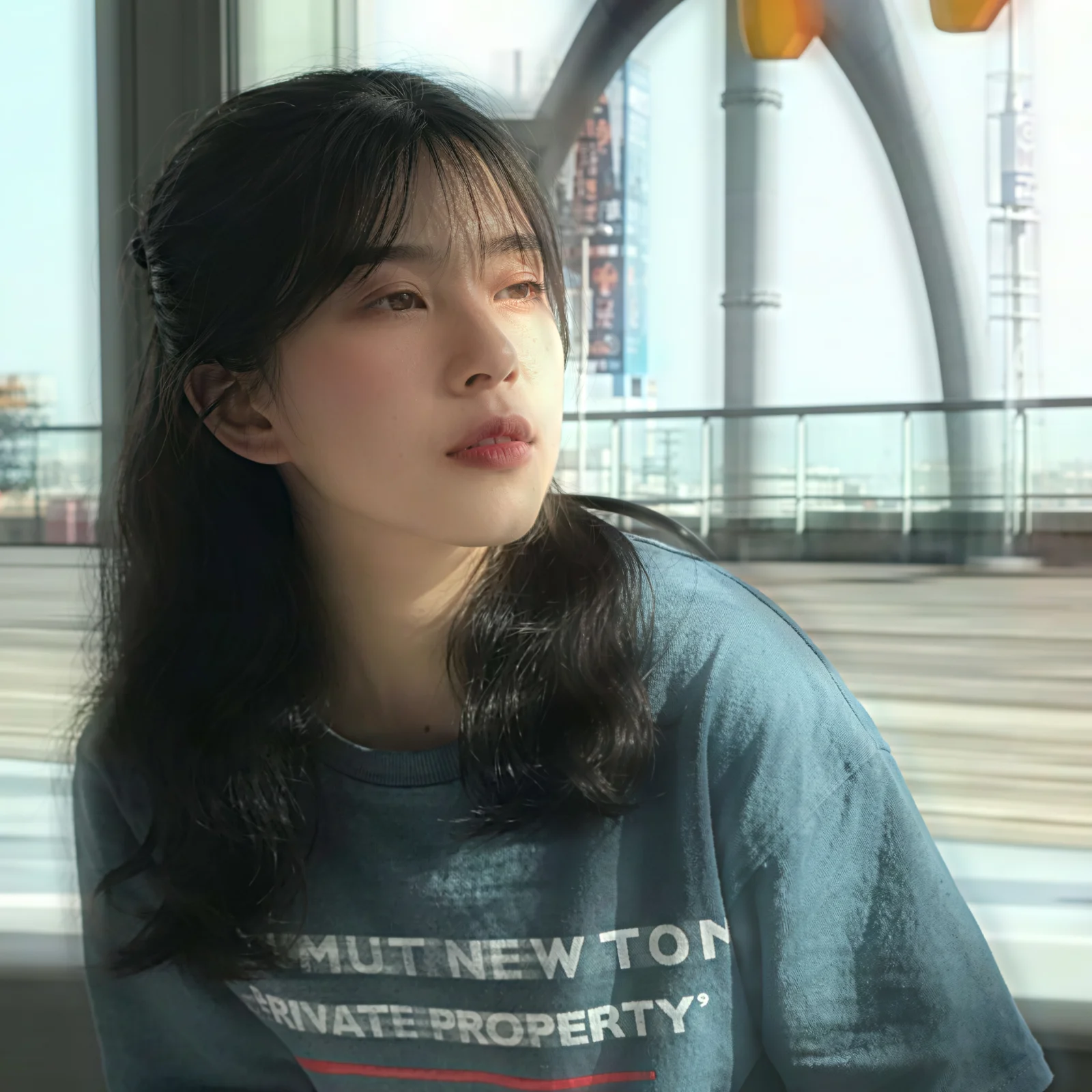
Drag the slider to compare, then download the result at up to 4096 pixels on the long side.
The model is open source, so you can always run it locally. This is what each route involves.
| GFPGAN online (here) | GFPGAN from GitHub | |
|---|---|---|
| Setup | None | Python, PyTorch, the repository and model weights |
| Hardware | Hosted GPU | A CUDA GPU; CPU works but is slow |
| Time per photo | About 11 seconds | Seconds on a GPU once installed |
| Input size | Resized to 1024 px, output up to 4096 px | Any size your memory allows |
| Settings | Fixed: 4x upscale, face restoration on | Every option: model version, scale, face weight |
| Cost | 1 free a day, 2 with an account, then 3 credits | Free, plus your own hardware |
Choose the online version for a few photos without setup. Run it locally for large batches, very large originals, or when you need to tune the settings.
Yes. Your photo is processed by Real-ESRGAN with GFPGAN face enhancement switched on, the same combination the Real-ESRGAN project ships as its face_enhance option. Real-ESRGAN upscales the whole image 4x and GFPGAN restores each face it detects. Nothing is generated by a prompt-based model.
You get one free image a day without an account, shown as a watermarked preview up to 1536 pixels. With a free account you get two images a day at full resolution and without a watermark. After that each image costs 3 credits; credit packs start at $9.99 for 350 credits.
Over the last 30 days the median job finished in 11 seconds and 90% finished within 23 seconds, across 4,755 runs. Failed jobs, 0.3% of them, are not charged.
The photo is resized to at most 1024 pixels on the long side before processing and then upscaled 4x, so the result is up to 4096 pixels on the long side. A 1024 by 768 photo comes back at 4096 by 3072.
It can, slightly. GFPGAN rebuilds facial detail from a learned model of human faces, so eyes, skin and teeth come back sharper, and on very small or very damaged faces the restored features can drift from the real person. For a lightly blurred face the change is usually subtle; for a tiny face in an old group photo, compare the result with the original before you use it.
Skip it for anime and cartoon faces, statues and paintings, since GFPGAN is trained on photographs of real people and will make them look photographic. Use the plain Real-ESRGAN upscaler for those, and for landscapes, products and text with no faces in them.
No. Running GFPGAN yourself means cloning the repository, installing PyTorch and downloading the model weights, and it is slow without a CUDA GPU. Here it runs on a hosted GPU and you only upload a photo.
About 11 seconds per image. One free a day without an account, two with one.
Run GFPGAN