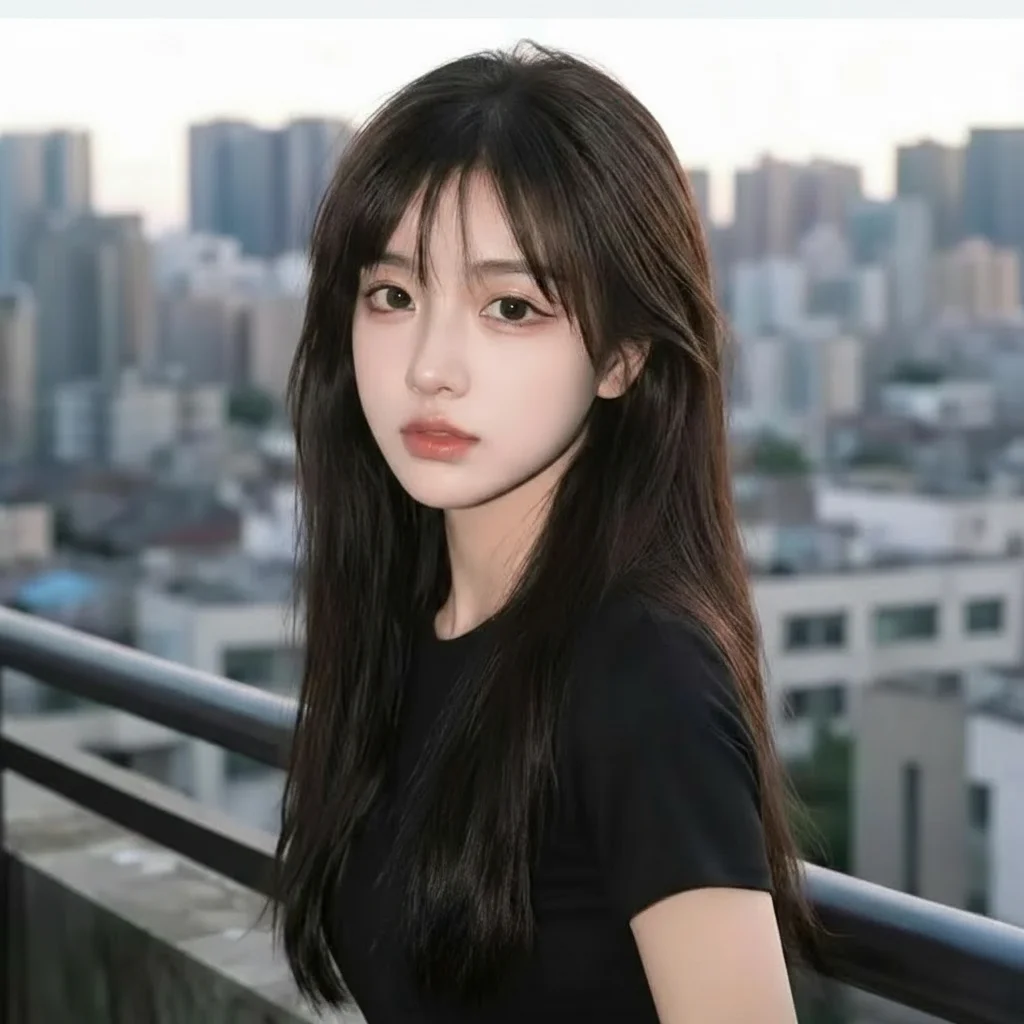
FREE
Loading…
Edit photos seamlessly just by typing — no Photoshop skills needed. Give your images a fresh new look.
Leading generators in one editor — switch with the Model picker above, or open a model's page to see what it does best.
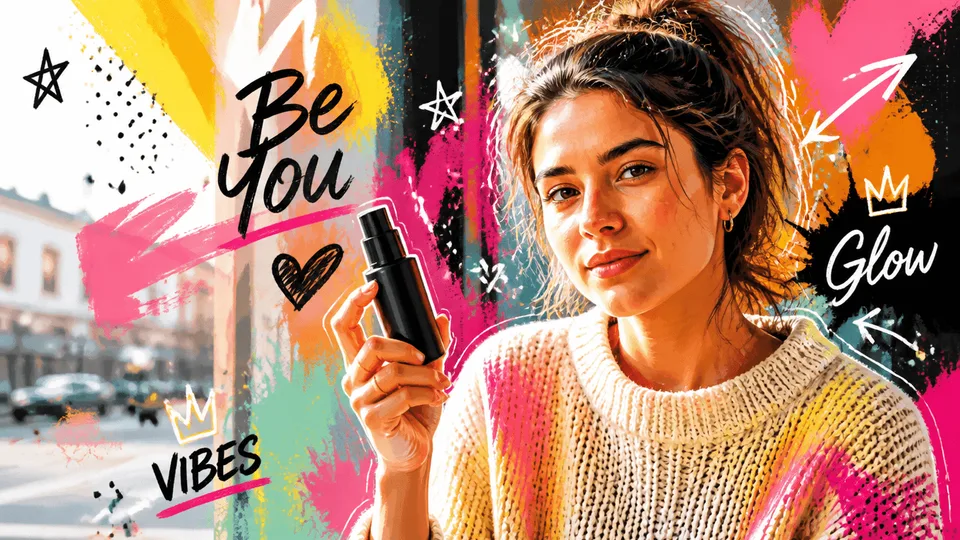
Create high-quality images, text-rich visuals, and product photography.
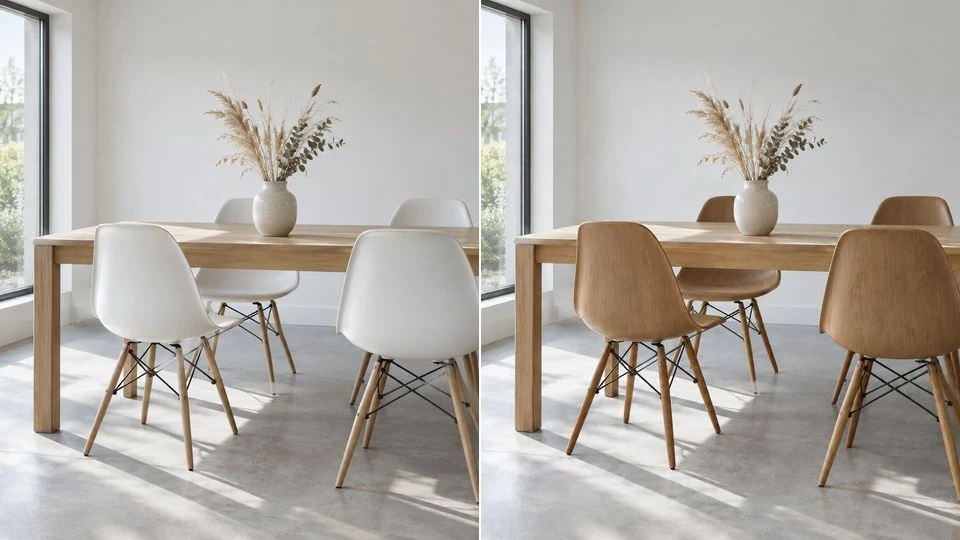
Change one part of a photo and the rest stays put. Real transparent PNG.
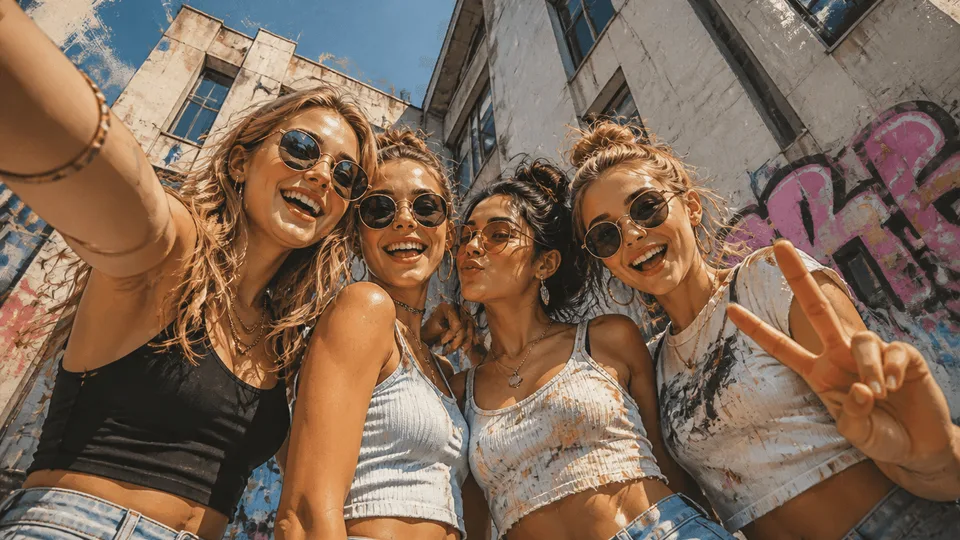
Google's next-gen image model for instant professional creativity.
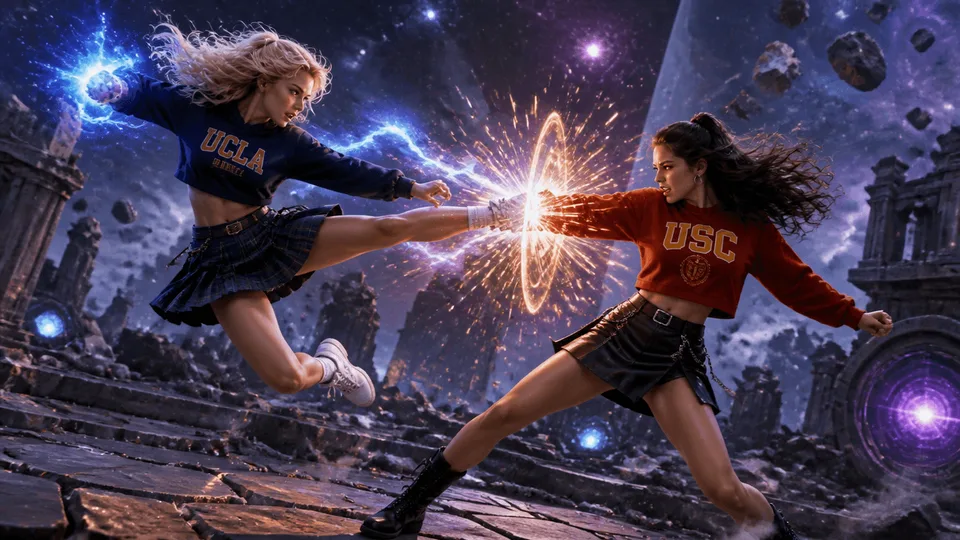
Gemini 3 Pro Image — top-tier detail and accurate in-image text.

Create high-resolution images from text with xAI's Aurora model.

Free text-to-image generation — no credits, no sign-up to try.

The 4K tier — half the credits of Pro, twice the resolution.
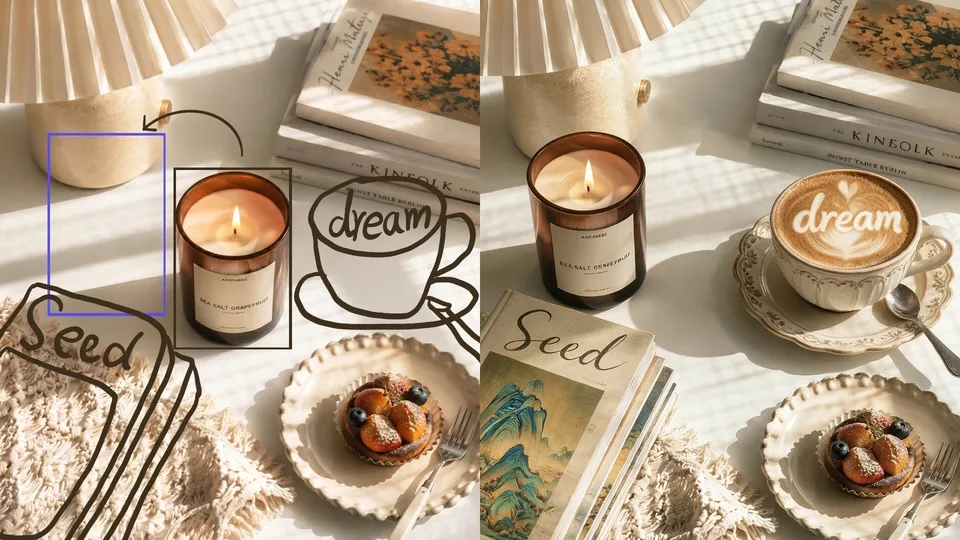
Edit a photo with one sentence, or generate from scratch.
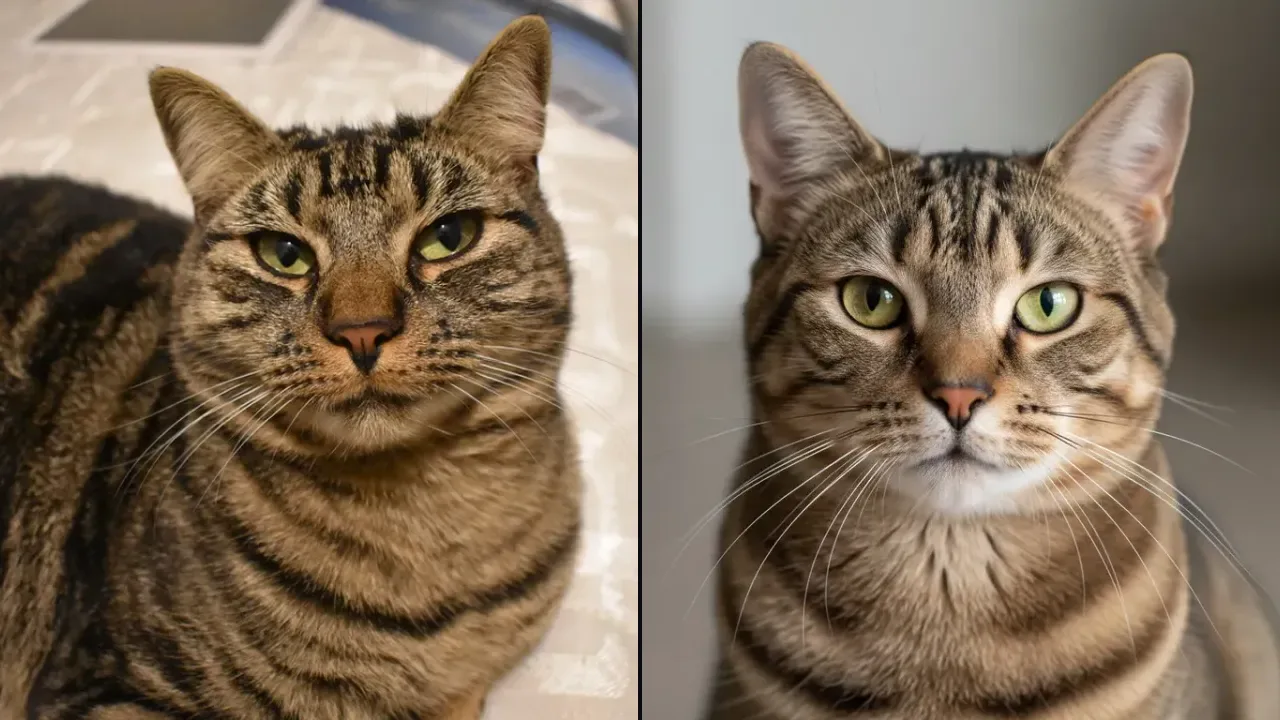 Play daily
Spot the real photo. Five questions a day — win up to 5 credits.
 Coming soon
Coming soon to the sparkpix editor.
The capabilities people reach for most — pick one to start editing.
Check if a photo was made by AI in 2-3 seconds.
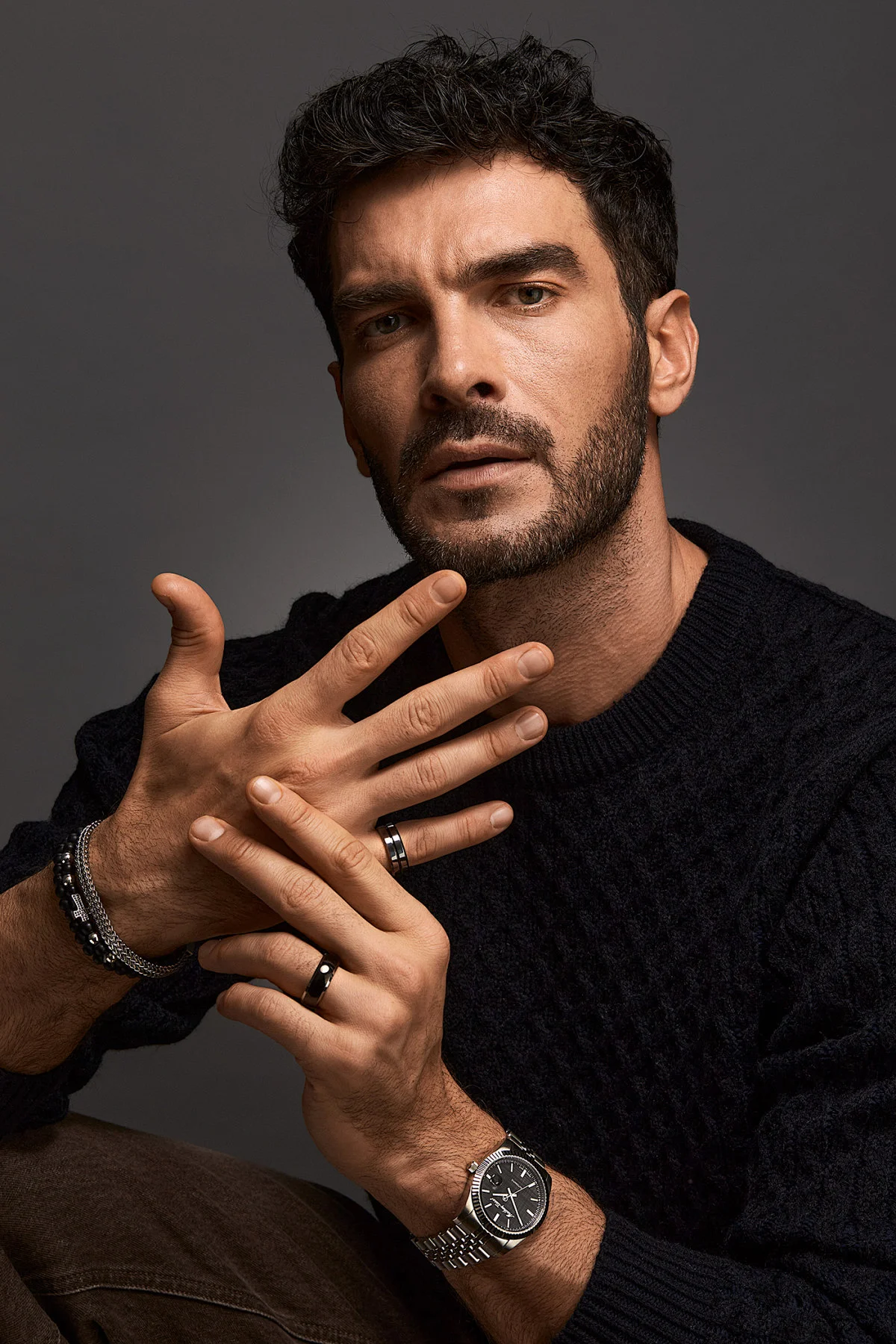
Turn a casual photo into your best profile shot.
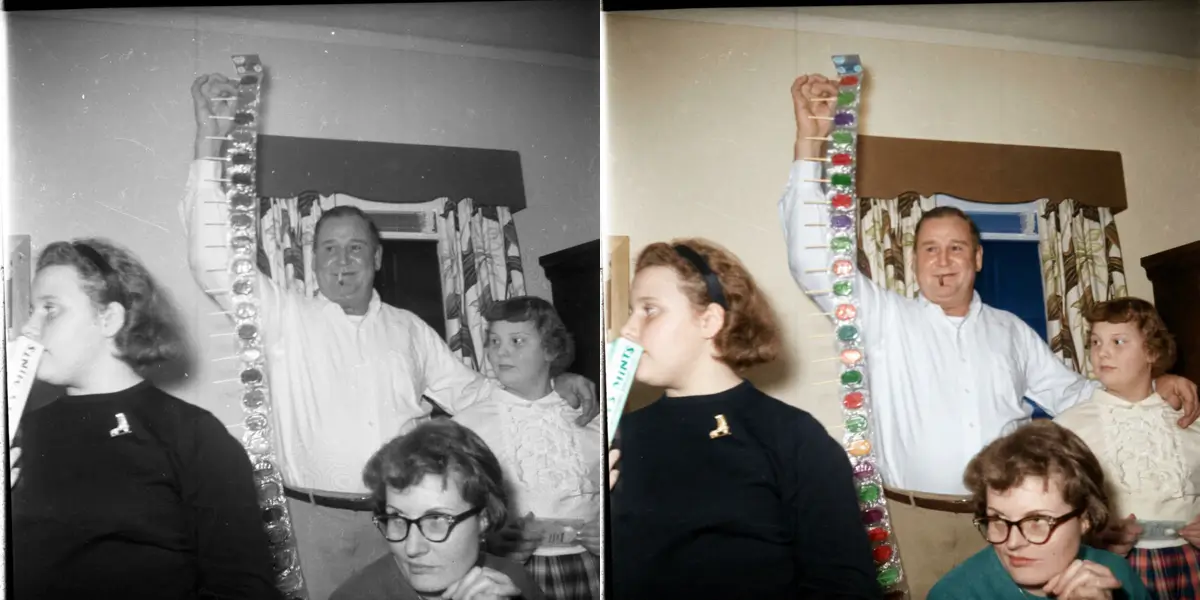
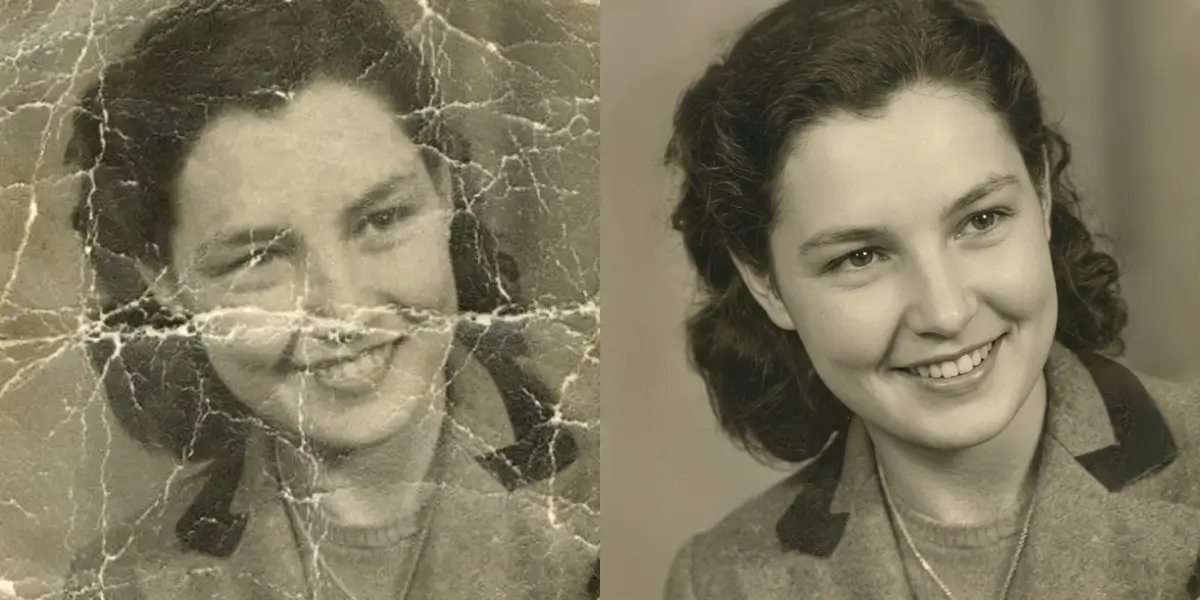
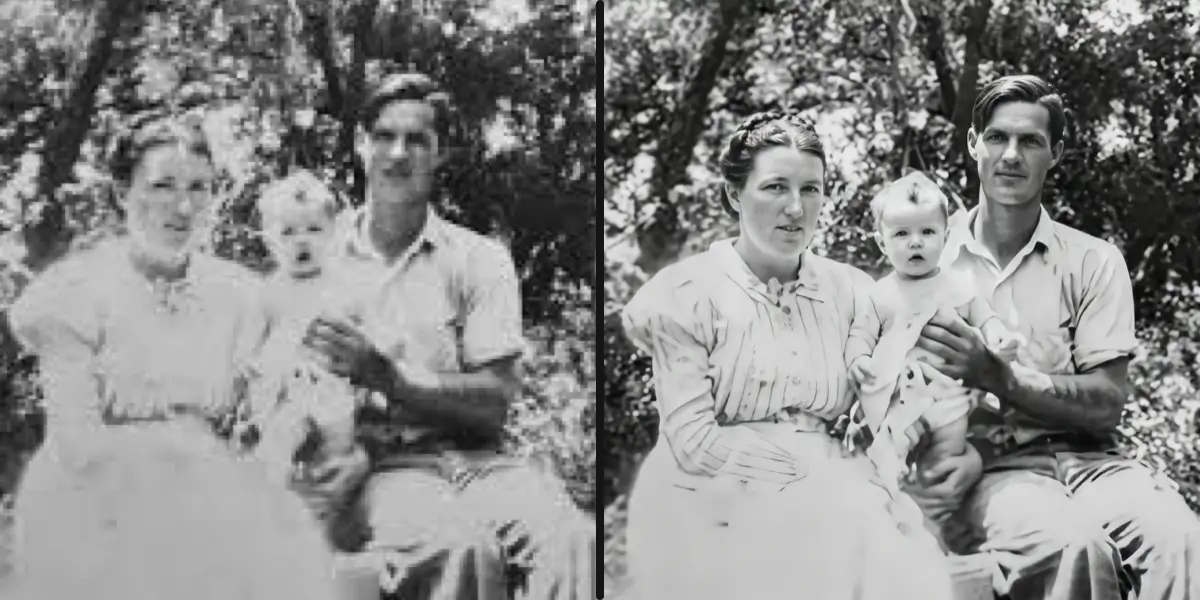
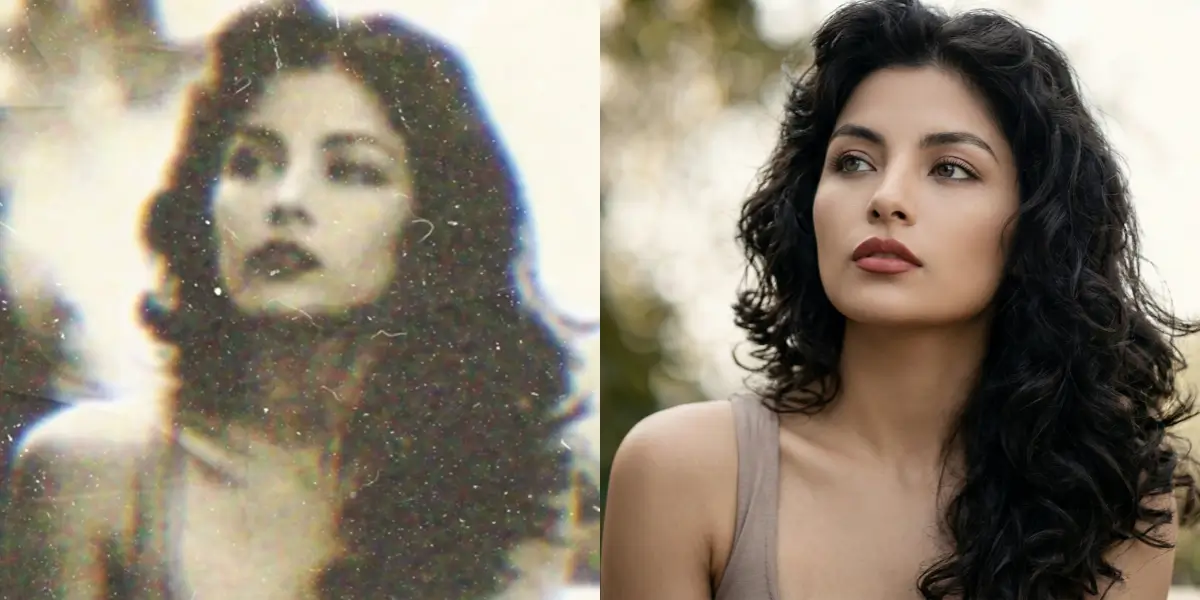
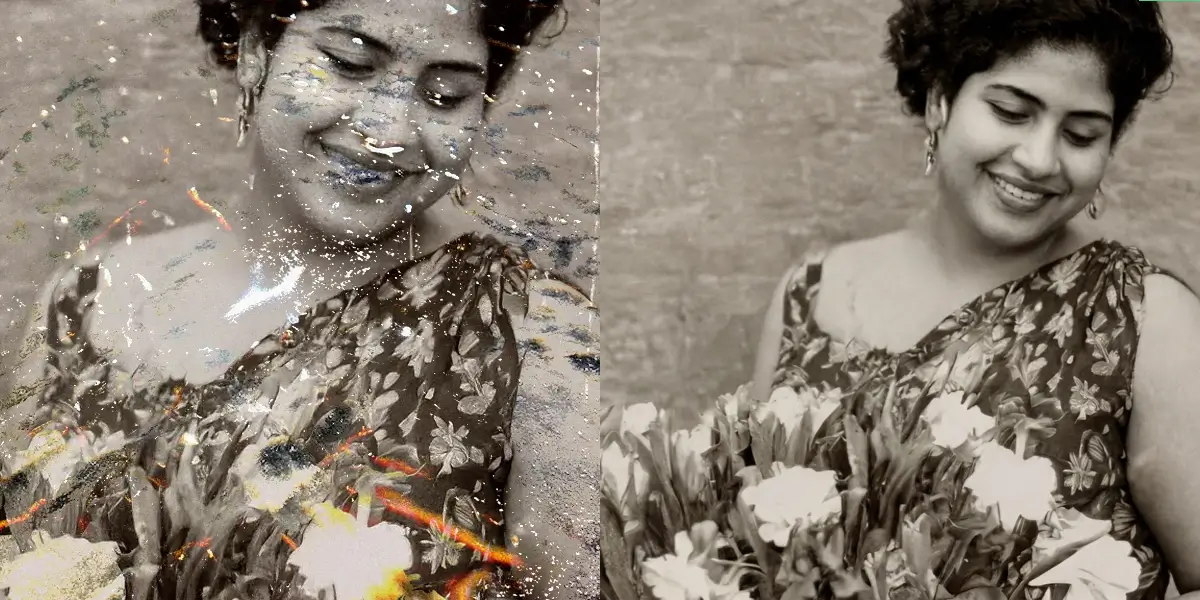
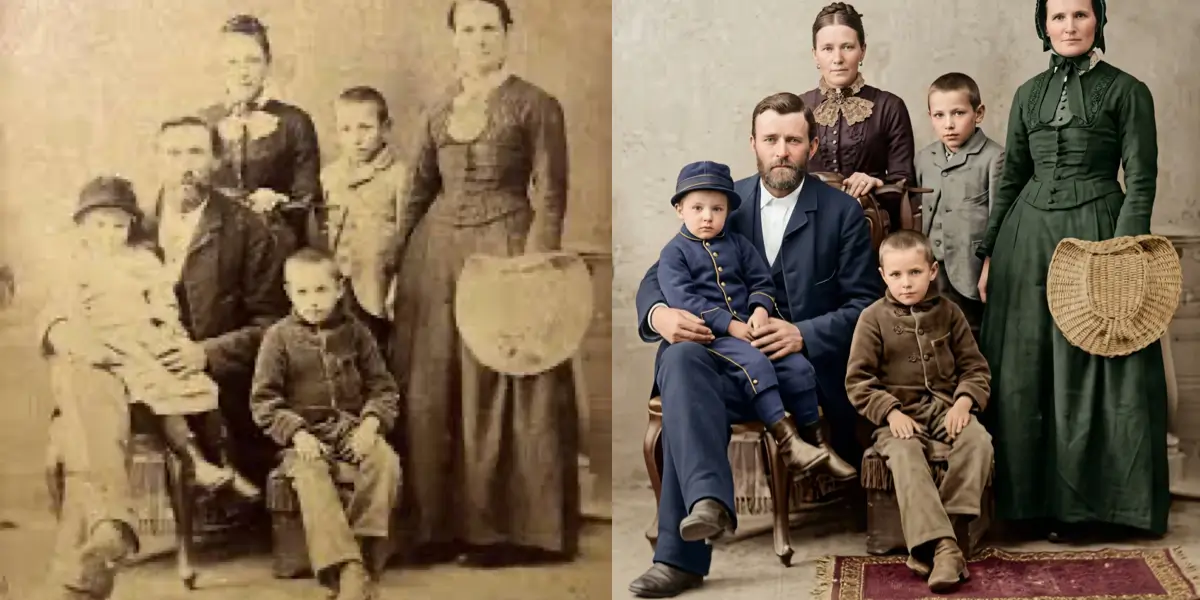
Repair scratches, fading and damage on old photos.
Upscale to 4K without losing detail.
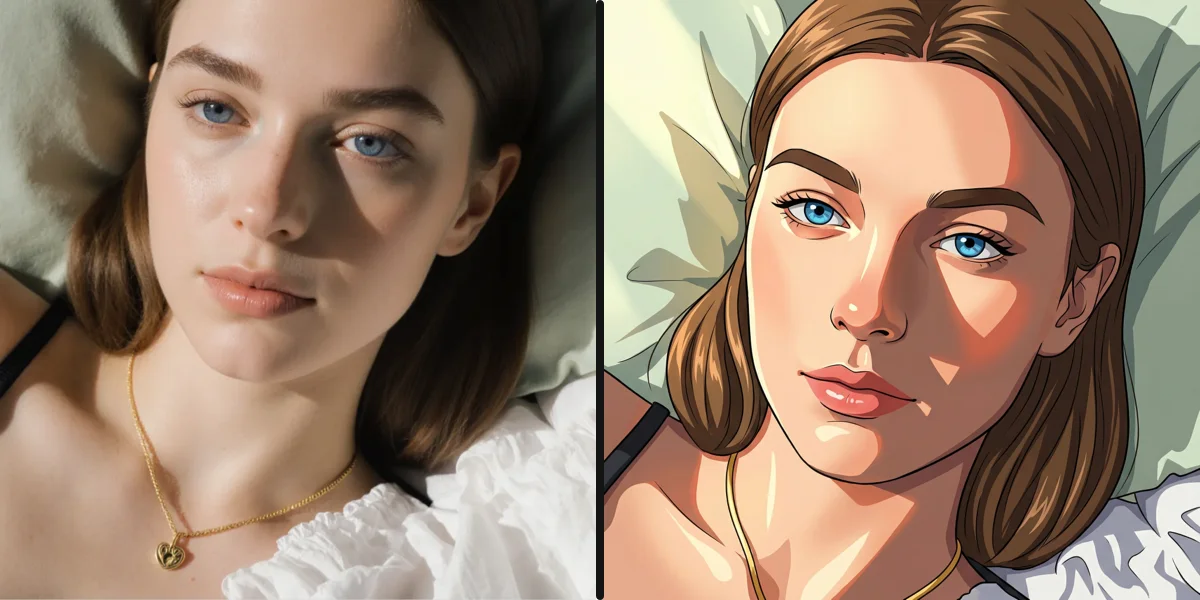
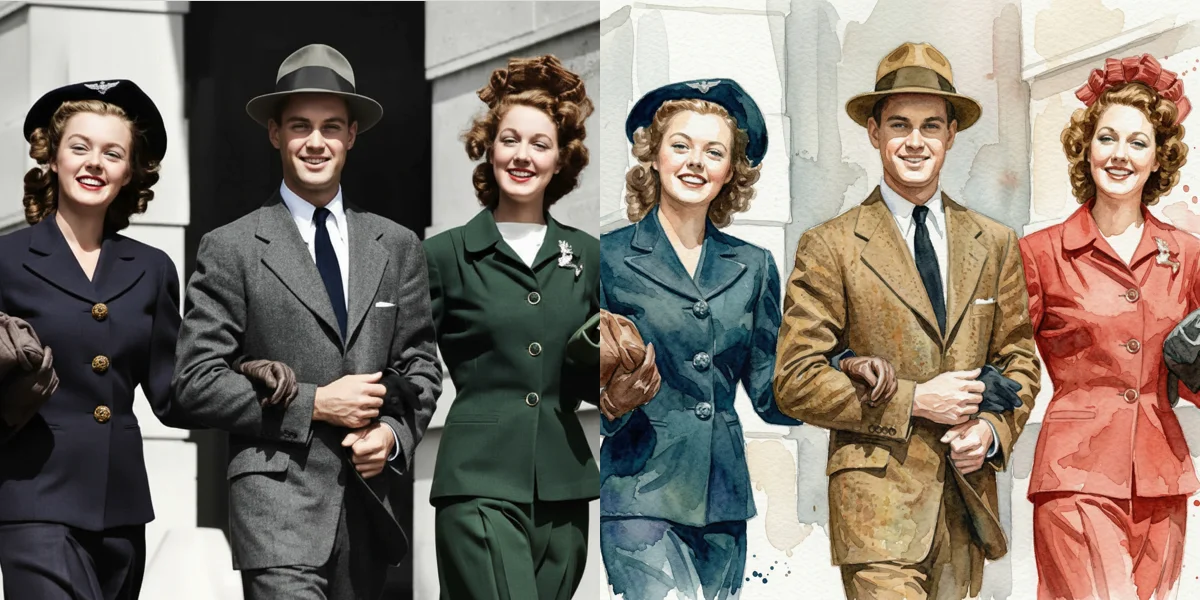
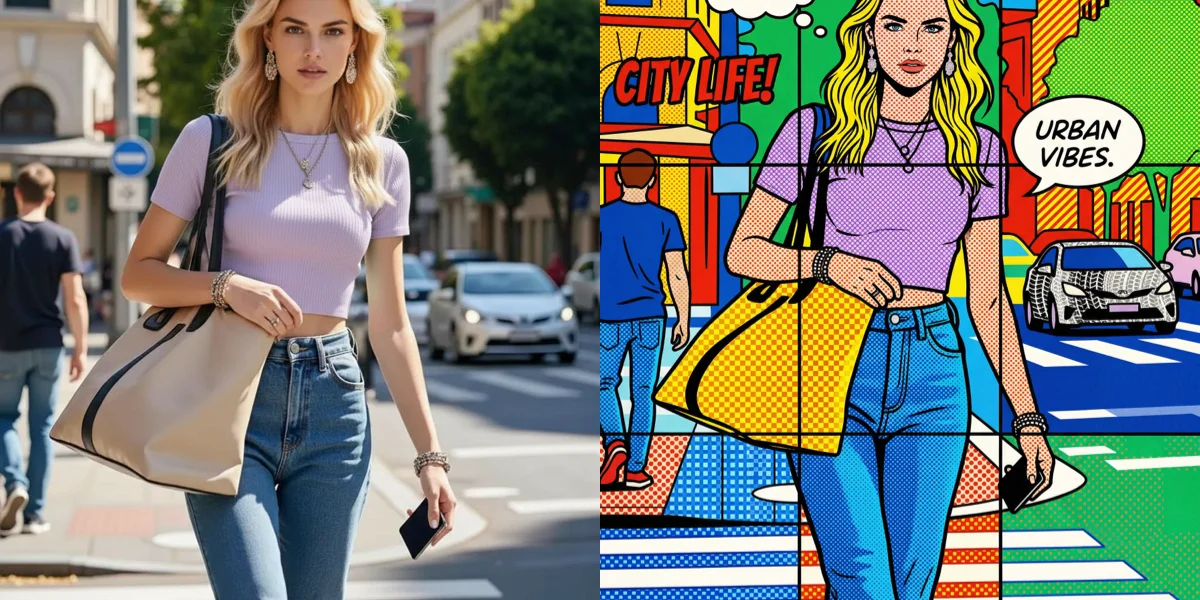
Ghibli, anime, oil paint and more — one click.
Swap clothing without touching anything else.
Clean cutout in seconds, no manual selection.
Erase people, objects or clutter from any photo.
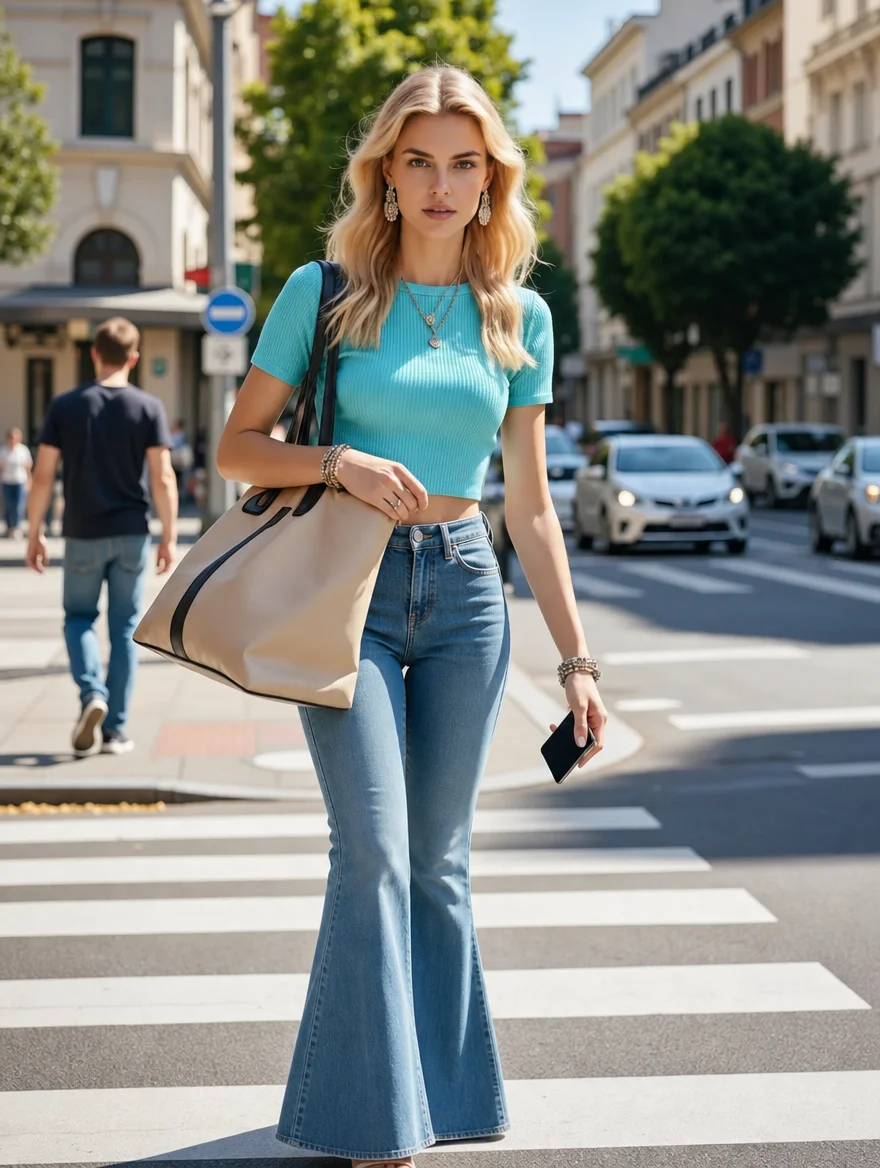
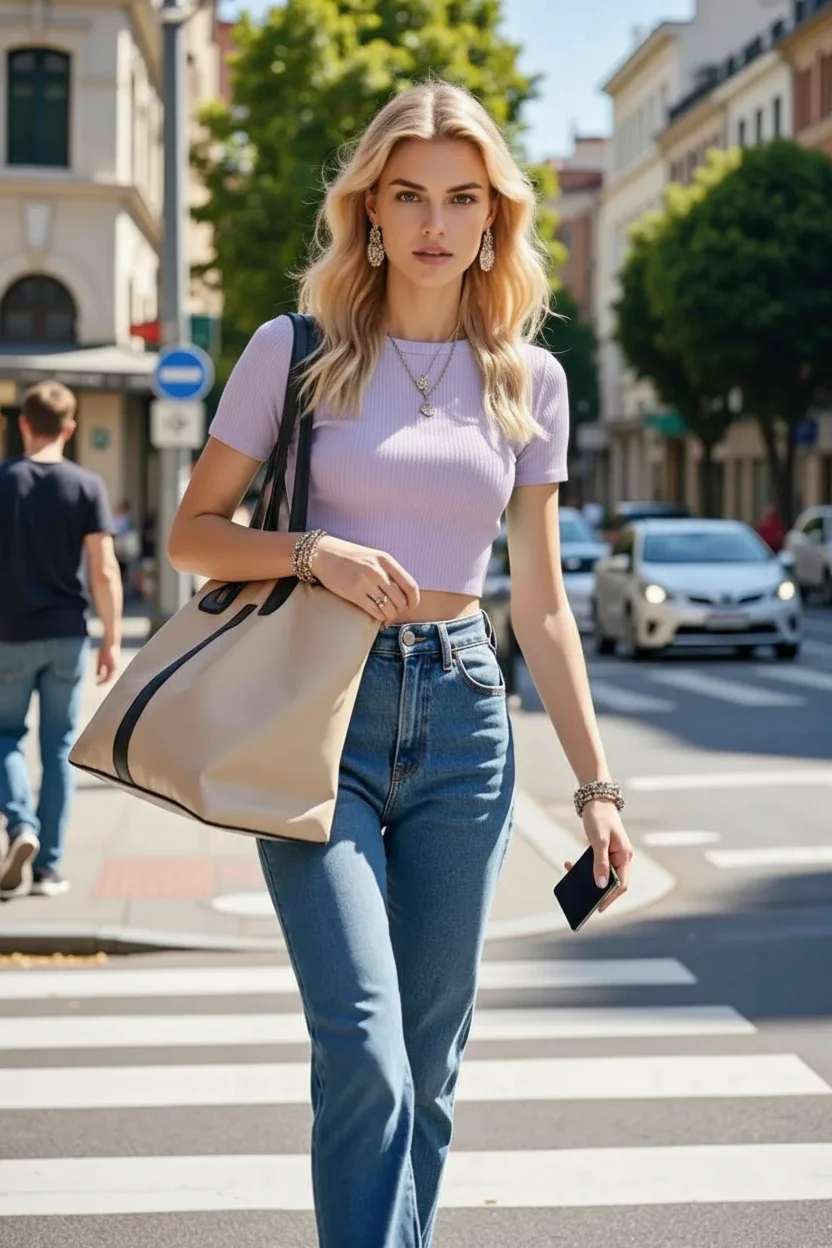
One sentence. Any structural change. Swap background, change pose, relight the scene, add or remove anything.
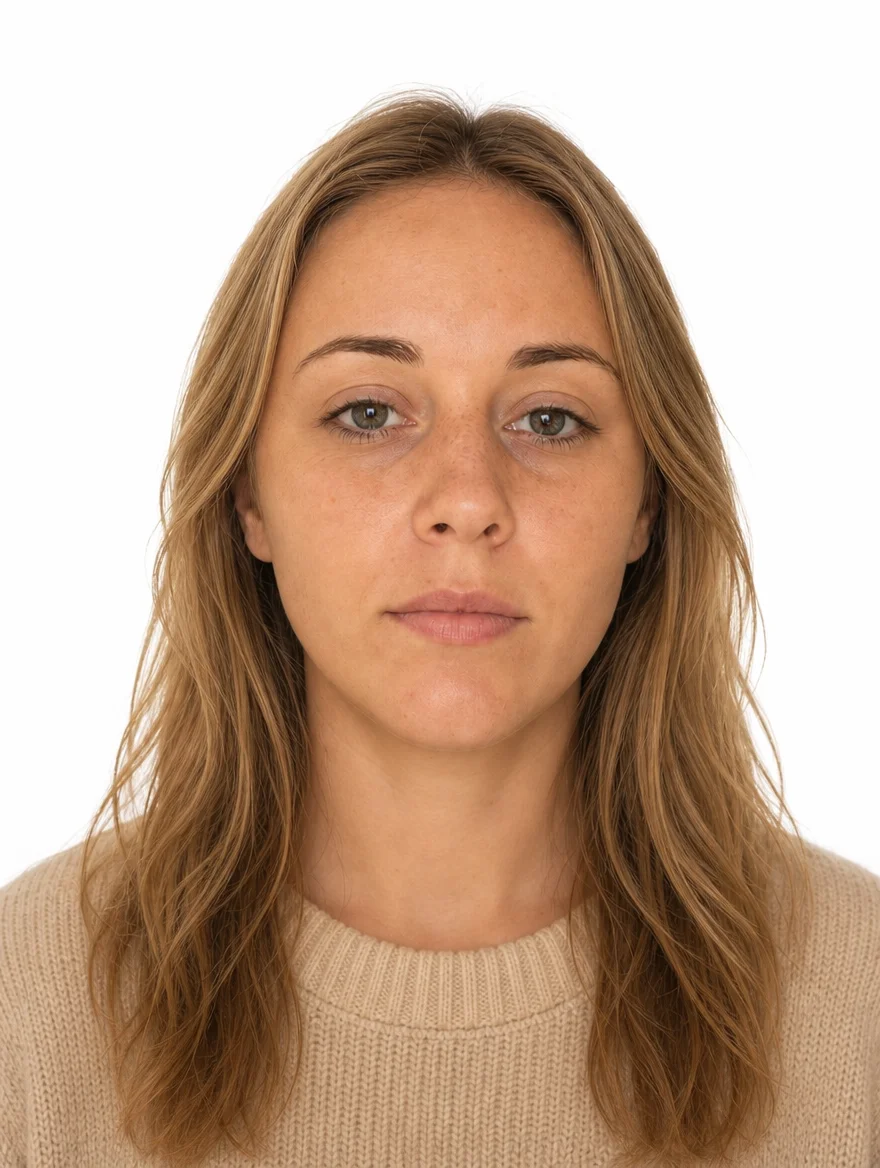
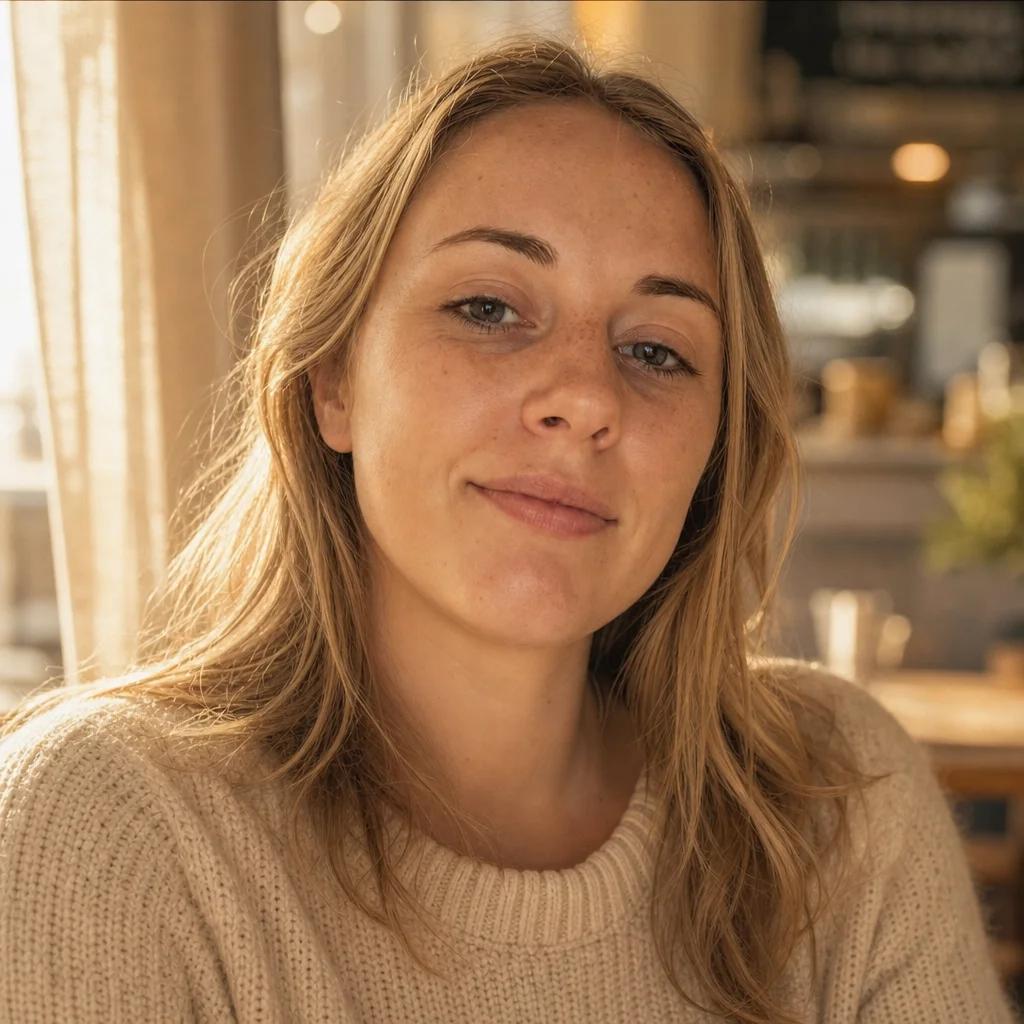
Turn any casual selfie into a polished portrait — LinkedIn, dating, passport, or just a better you.
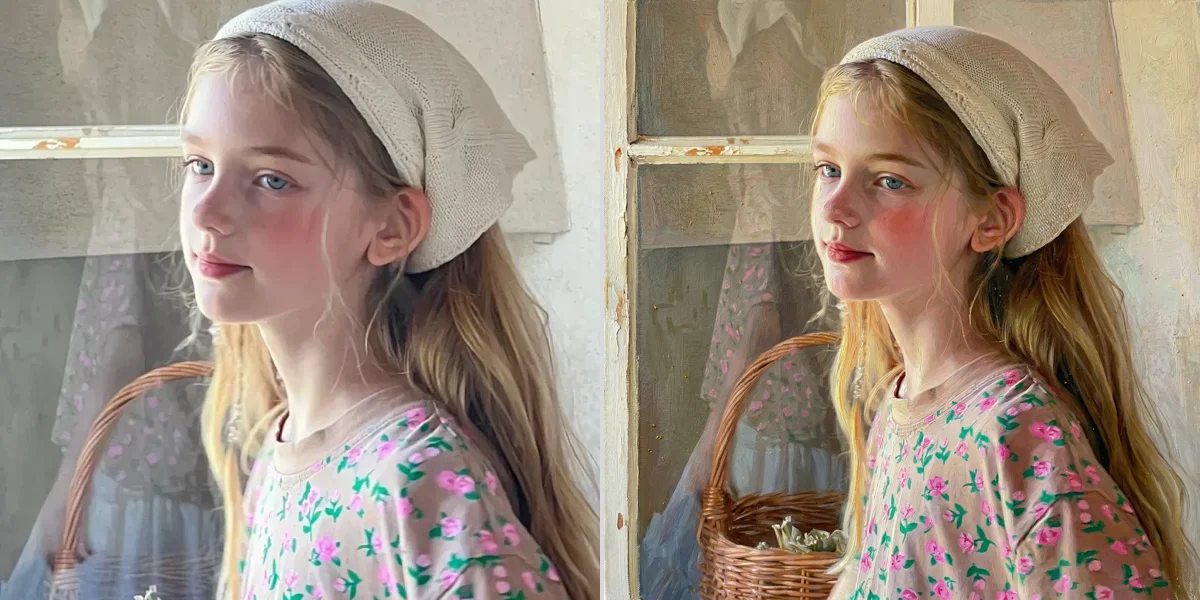
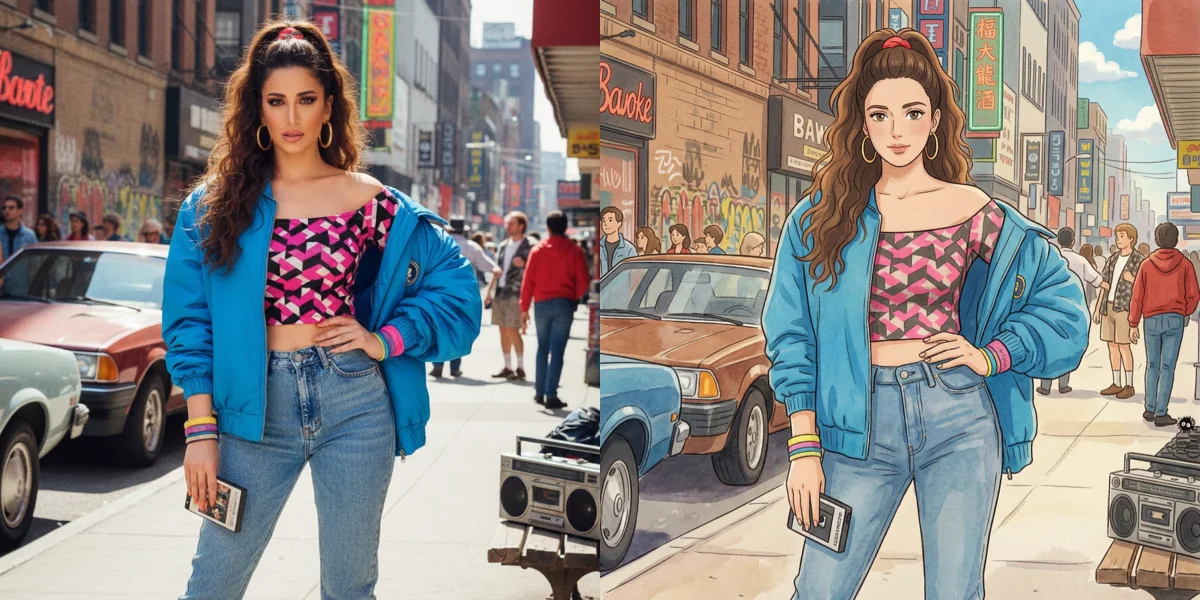
Transform any photo to any style — Ghibli, anime, oil painting, watercolor, vintage, and more.
Colorize, repair, sharpen and de-blur faded family albums. Bring decades-old prints back to life.
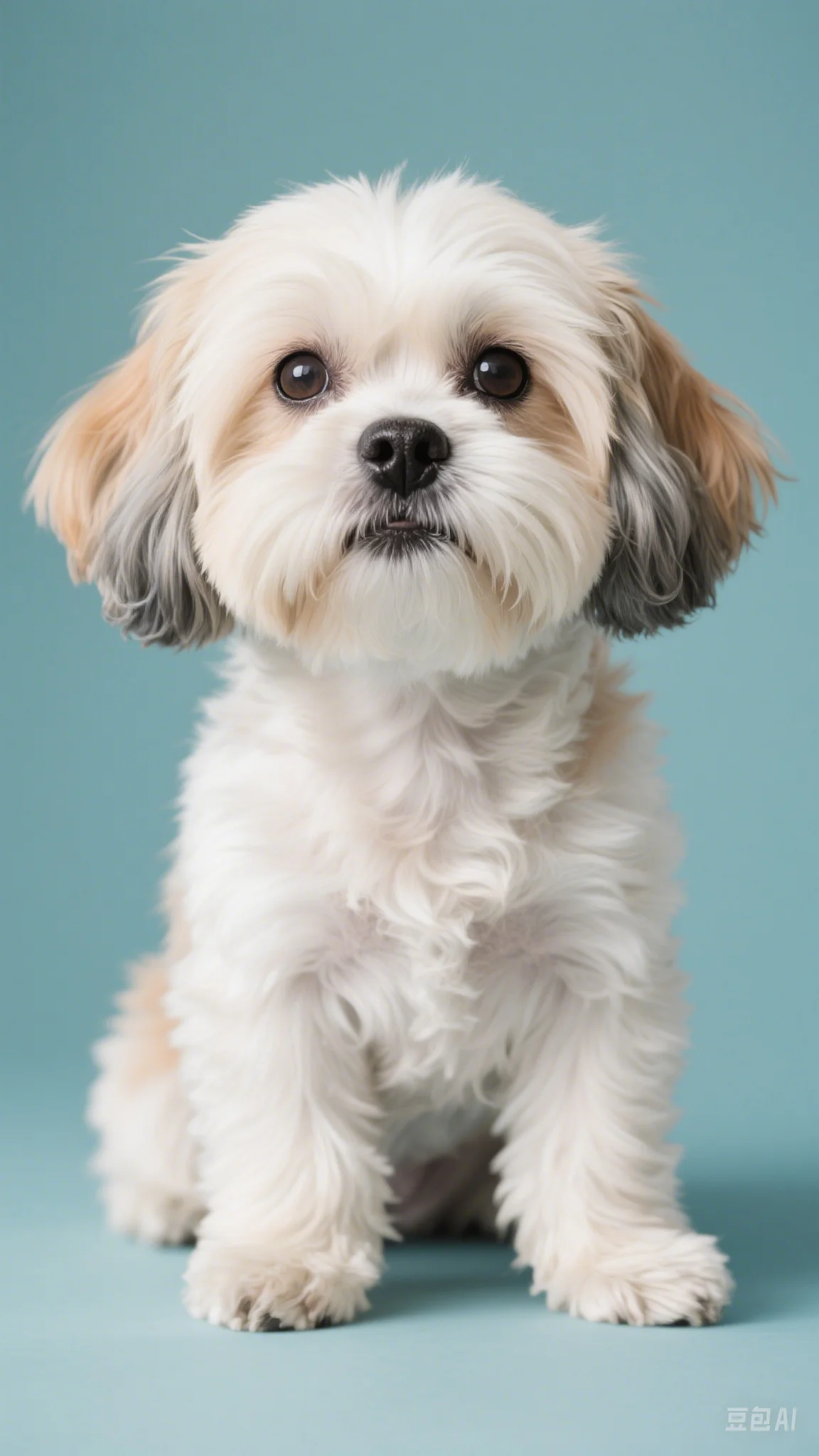
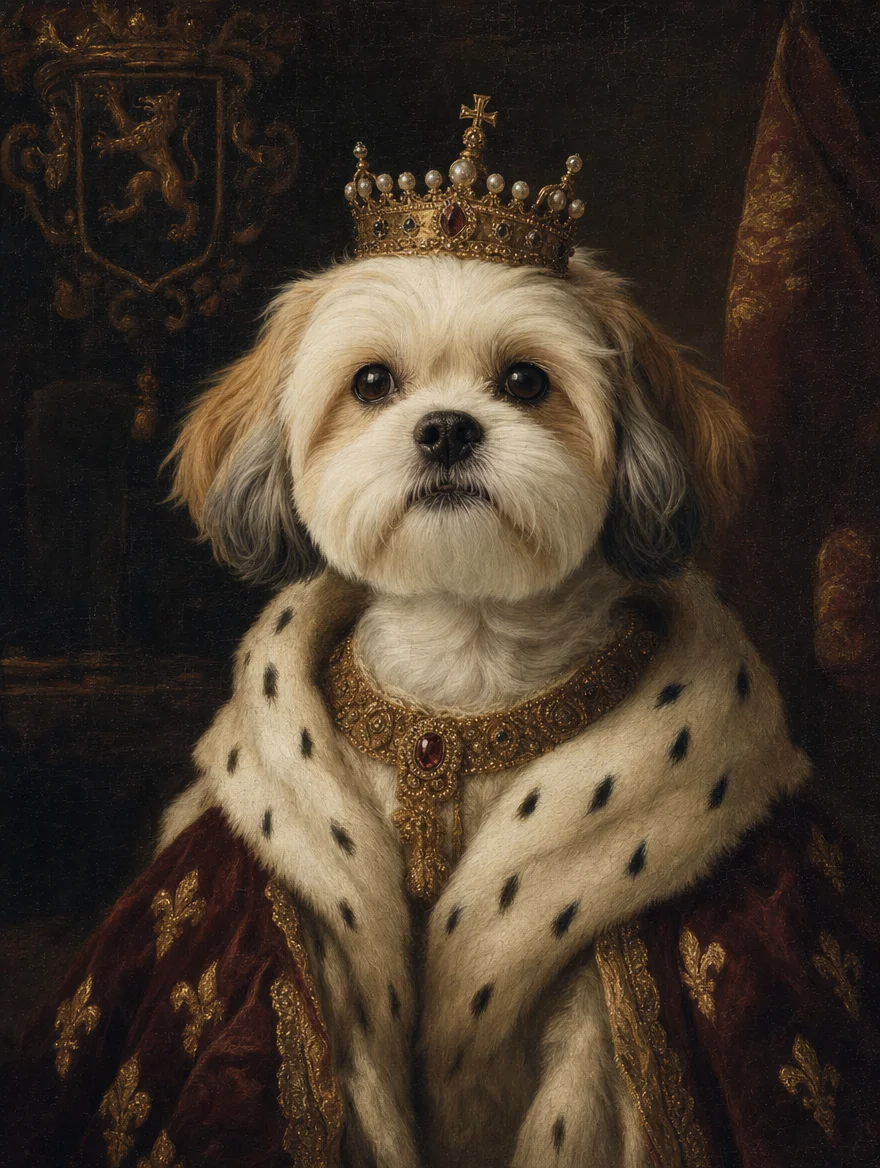
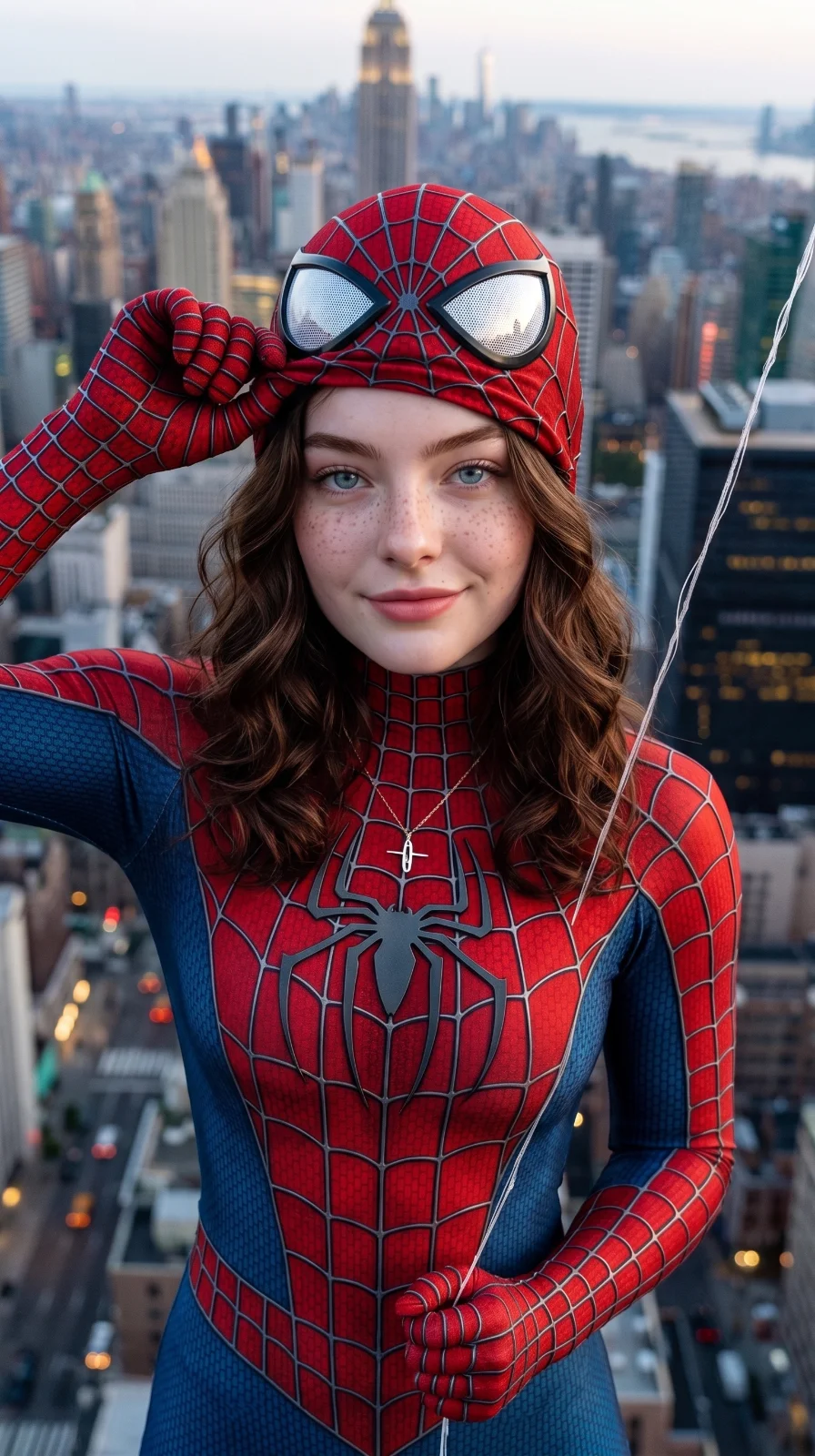
Make the stuff that goes viral — yourself as a Disney character, your pet as renaissance royalty.
Save the moment, lose what shouldn’t be in it — tourists, ex-partners, date stamps, accidental blinks.
Input: A scanned 1970s print with scratches, creases, and faded color.
You type: "restore this old photo and fix the scratches"
Result: A clean, sharp photo with damage removed and natural colors recovered.
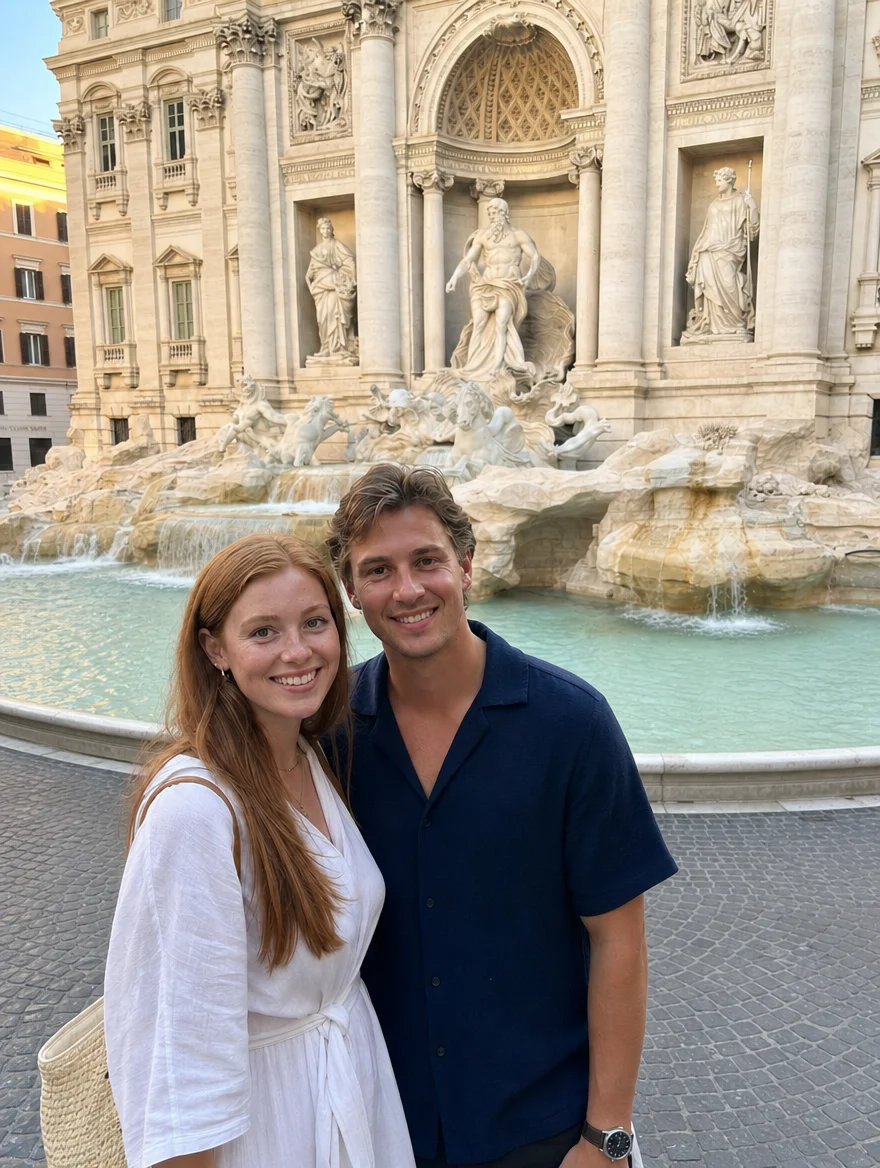
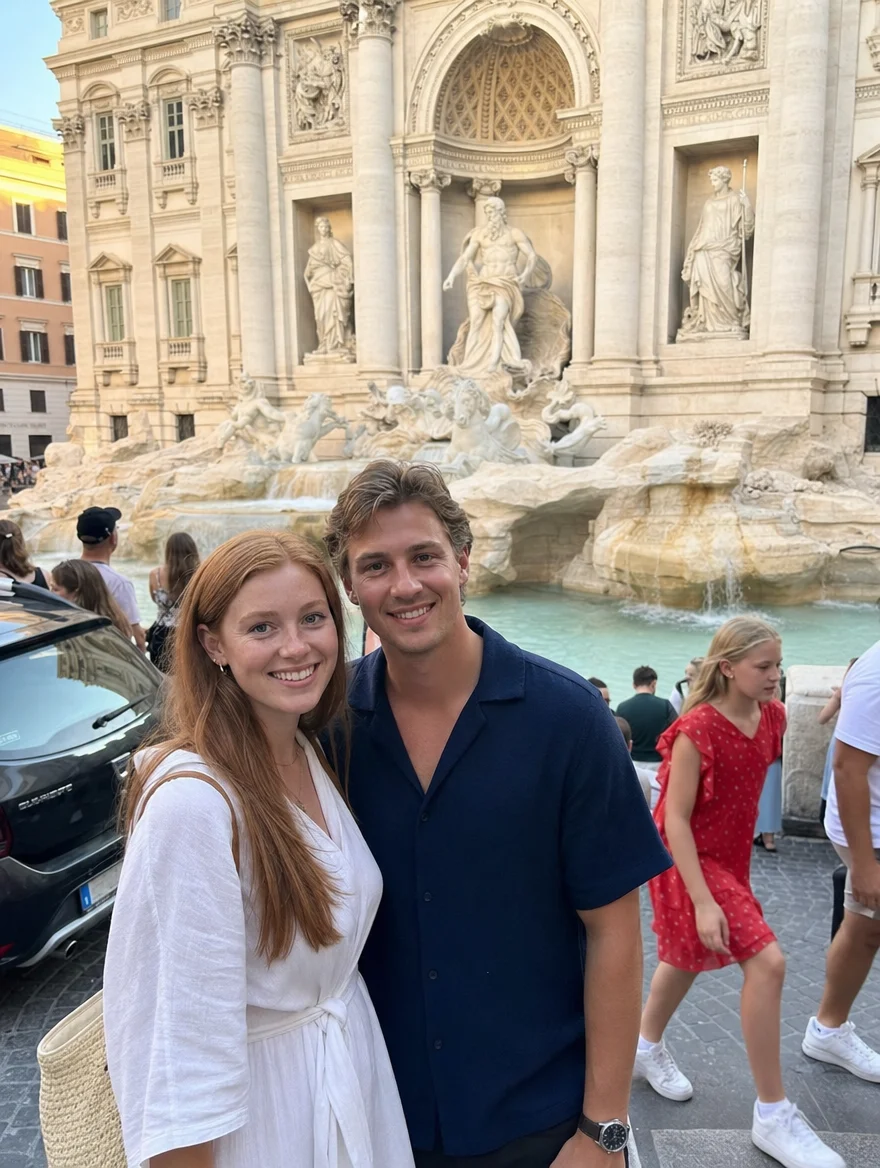
Input: A vacation shot with strangers walking through the background.
You type: "remove the people in the background"
Result: The same scene with the background cleared and naturally filled in.
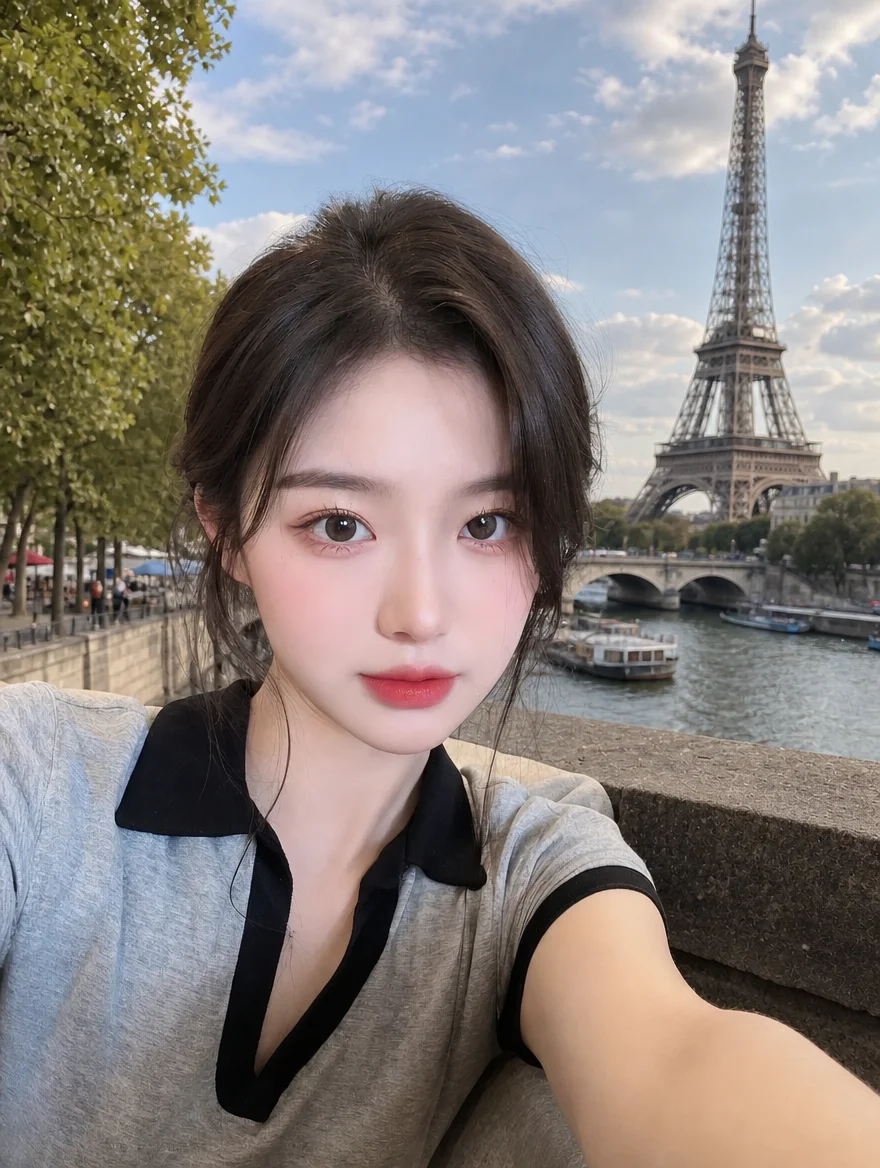
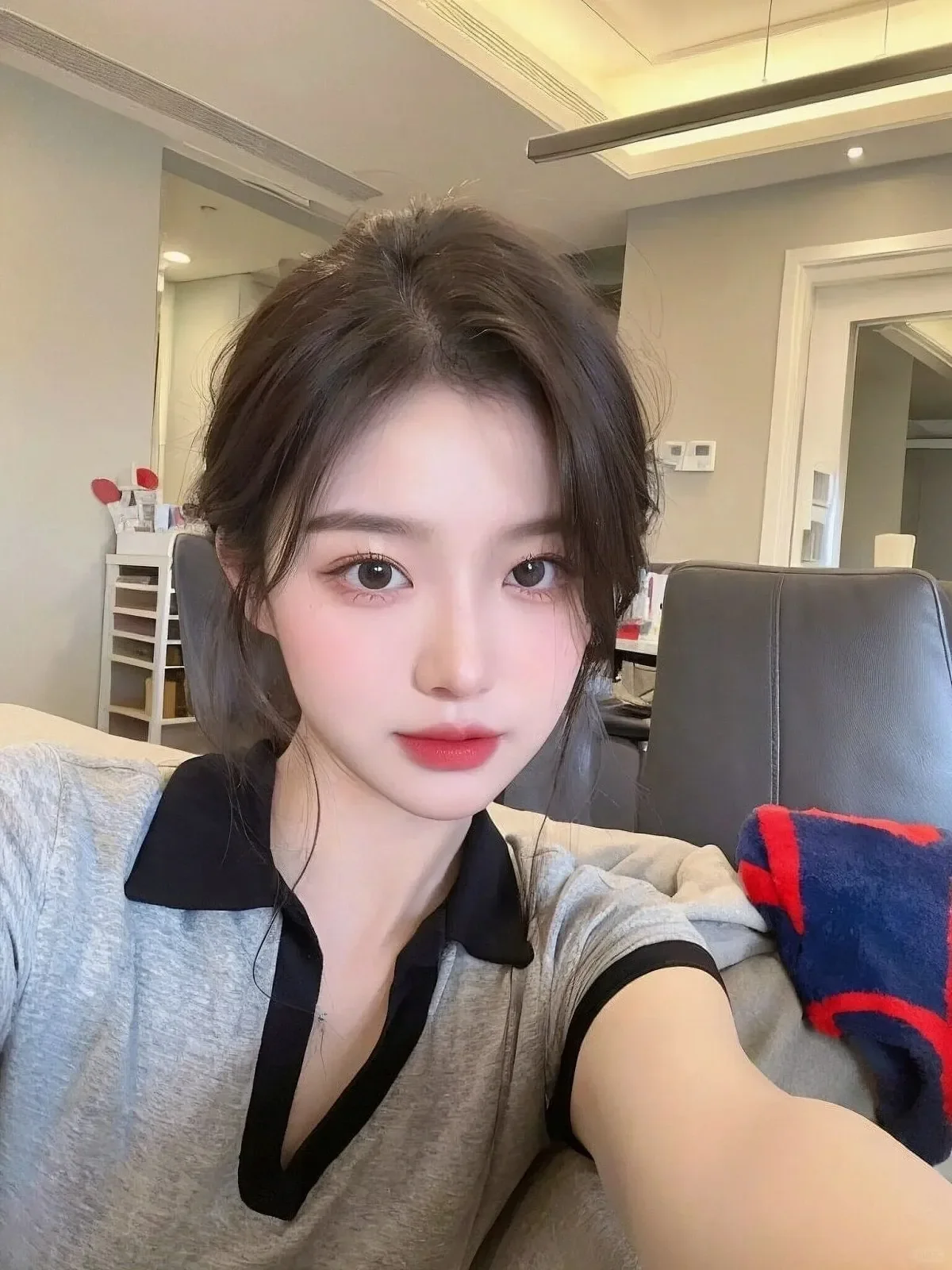
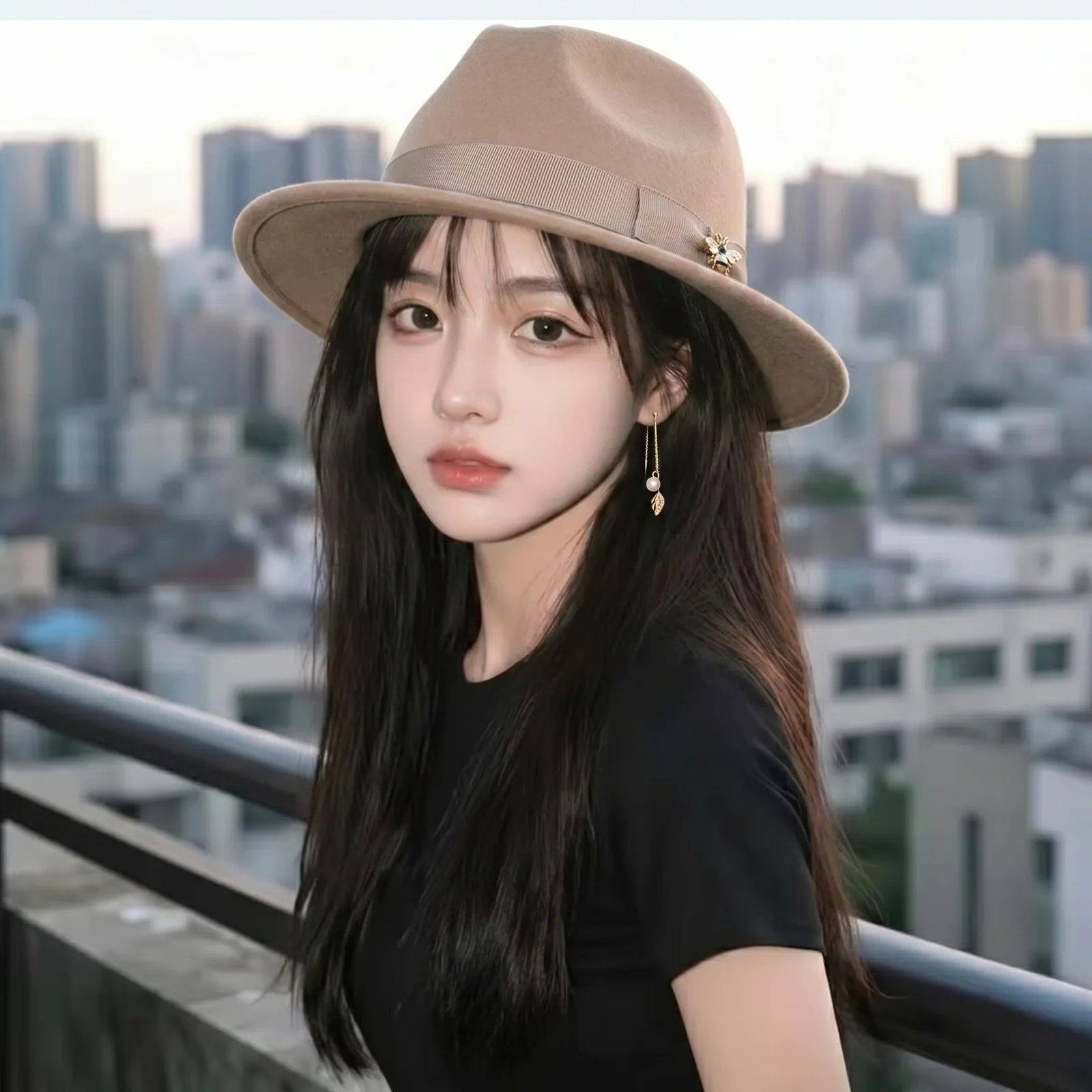
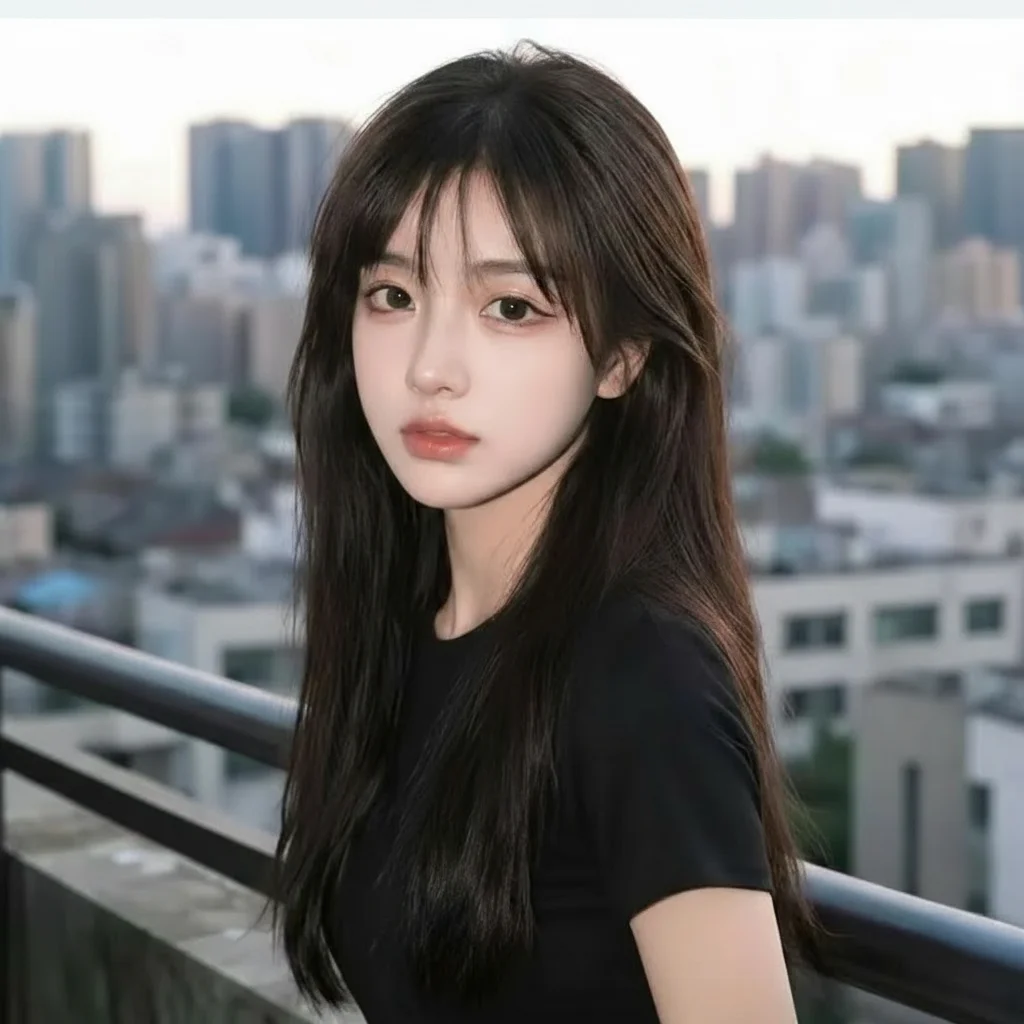
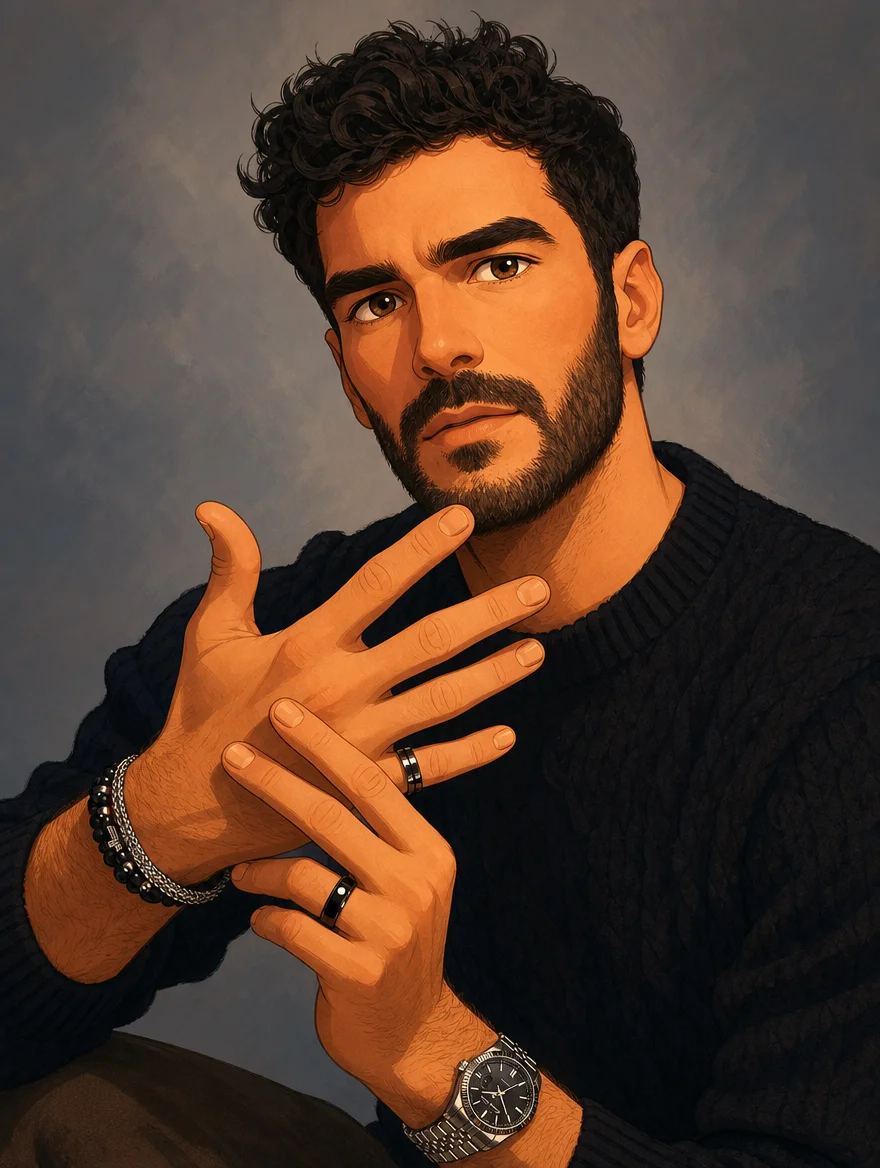
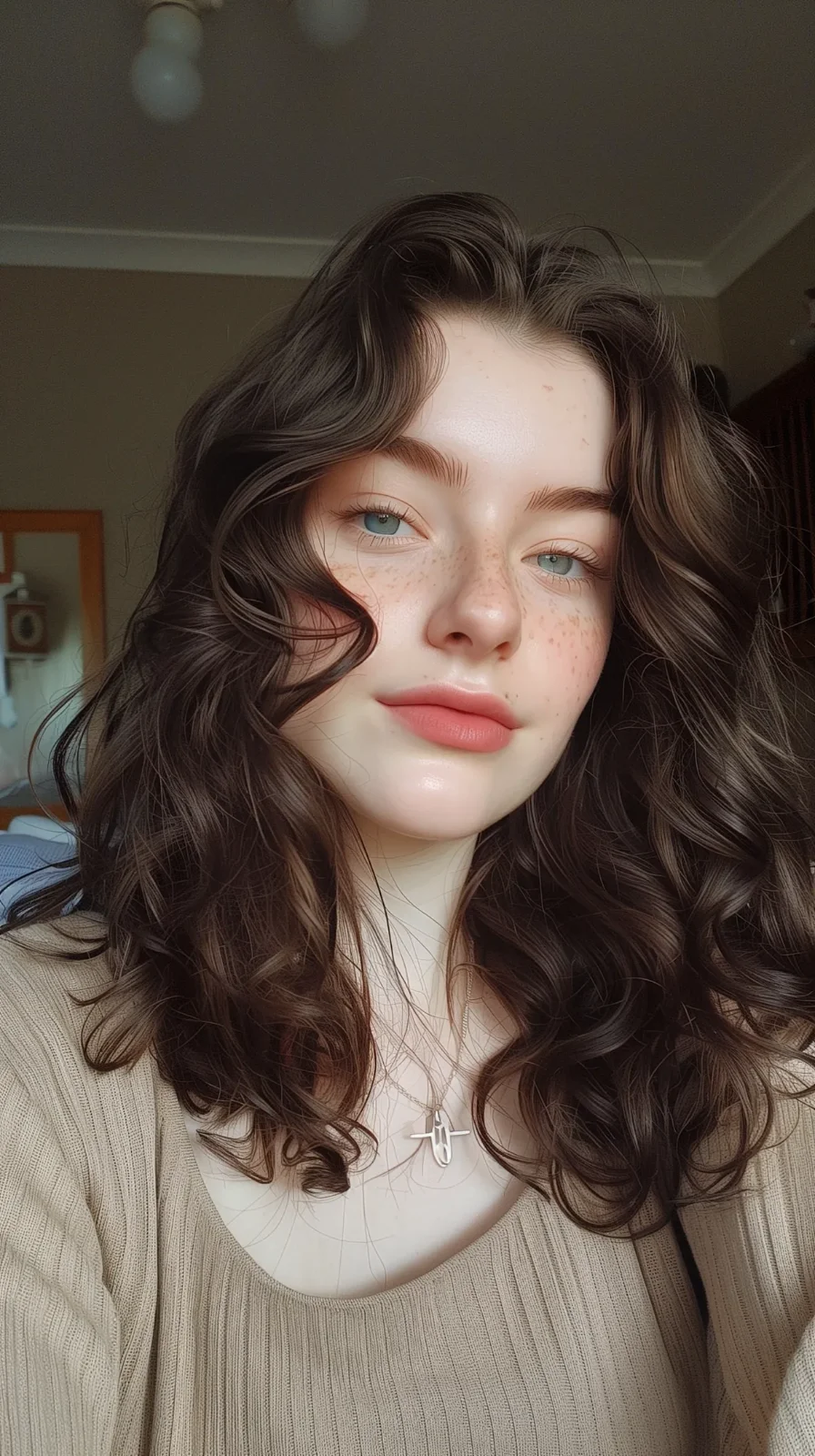
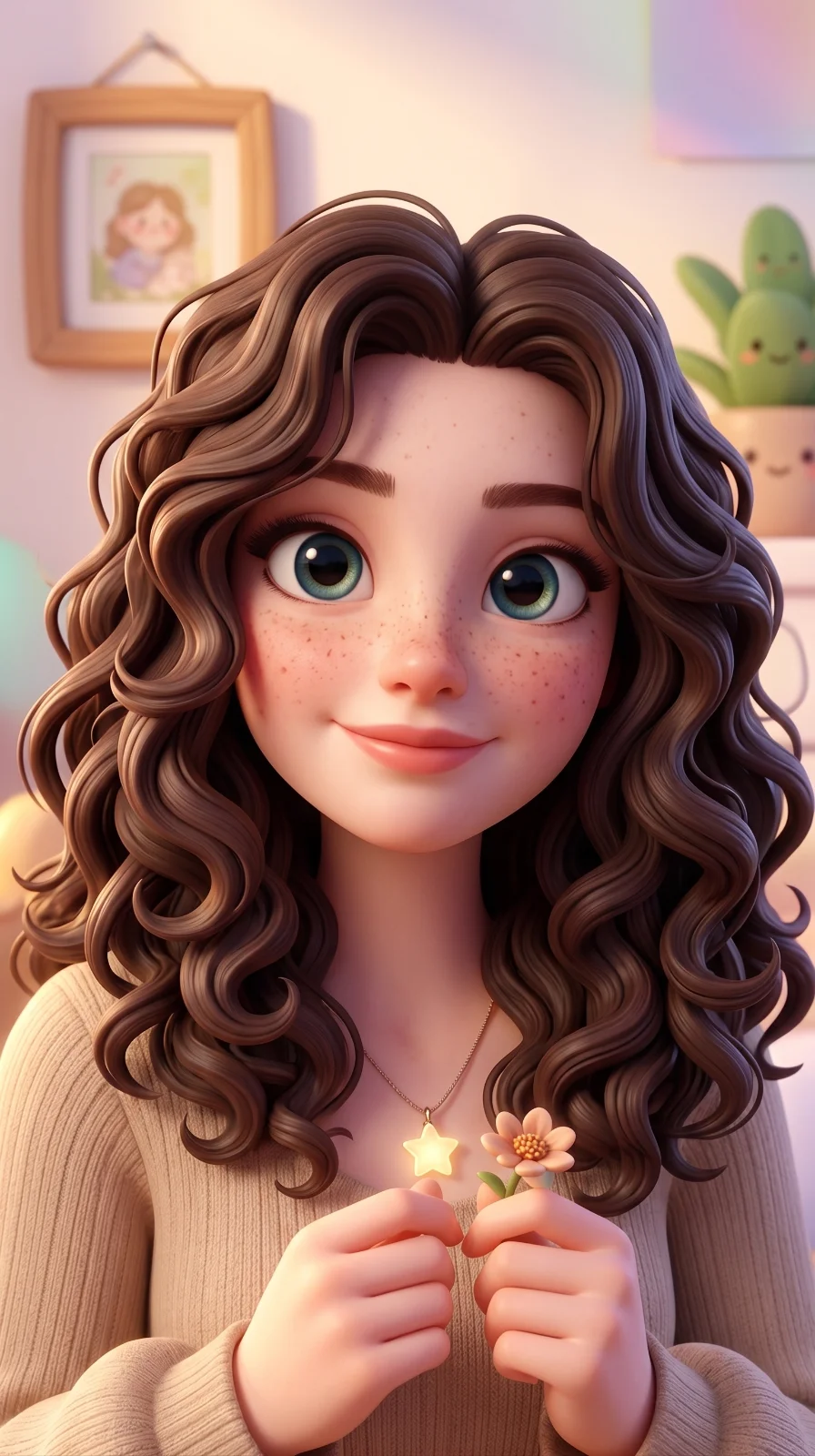
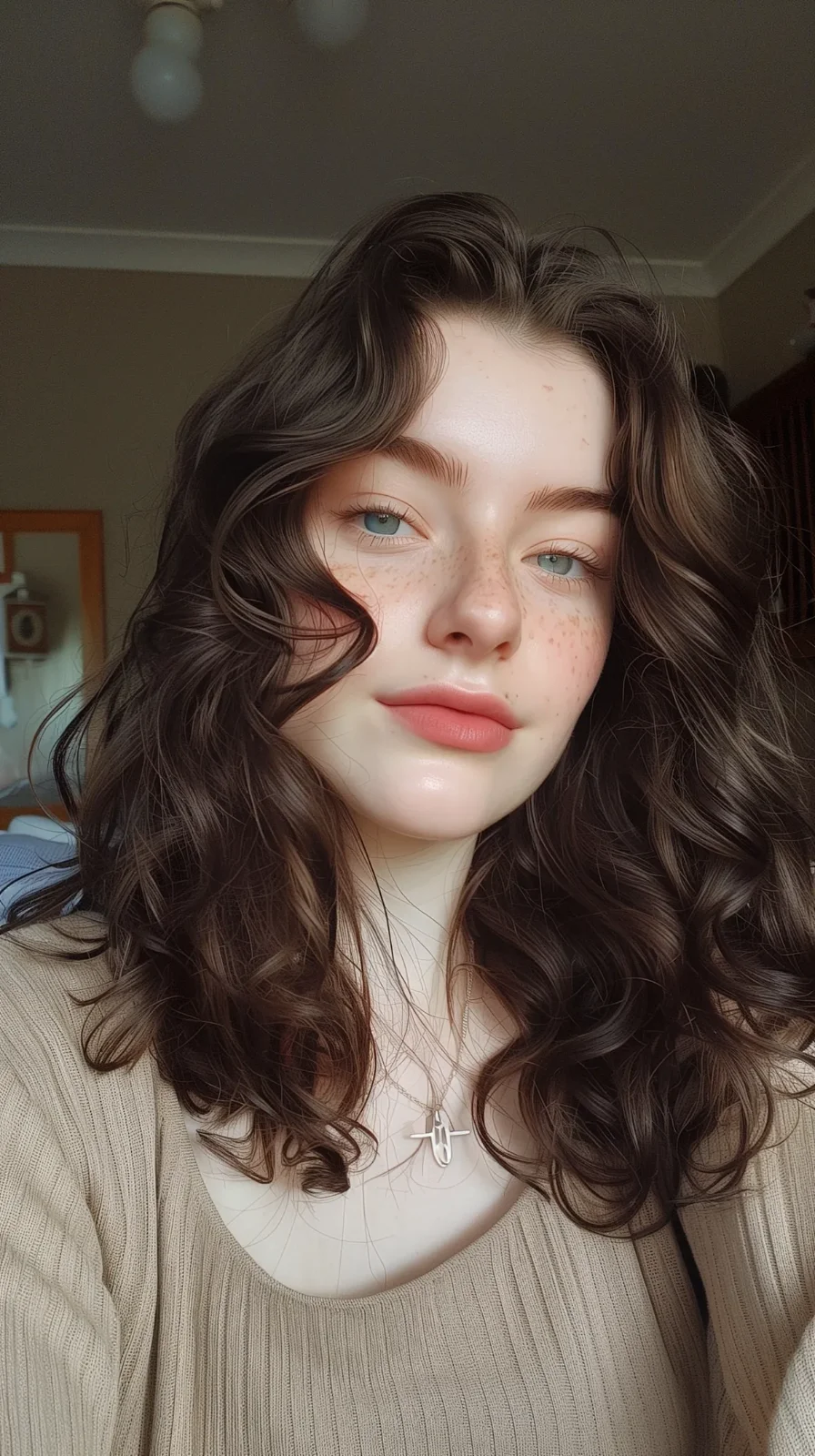
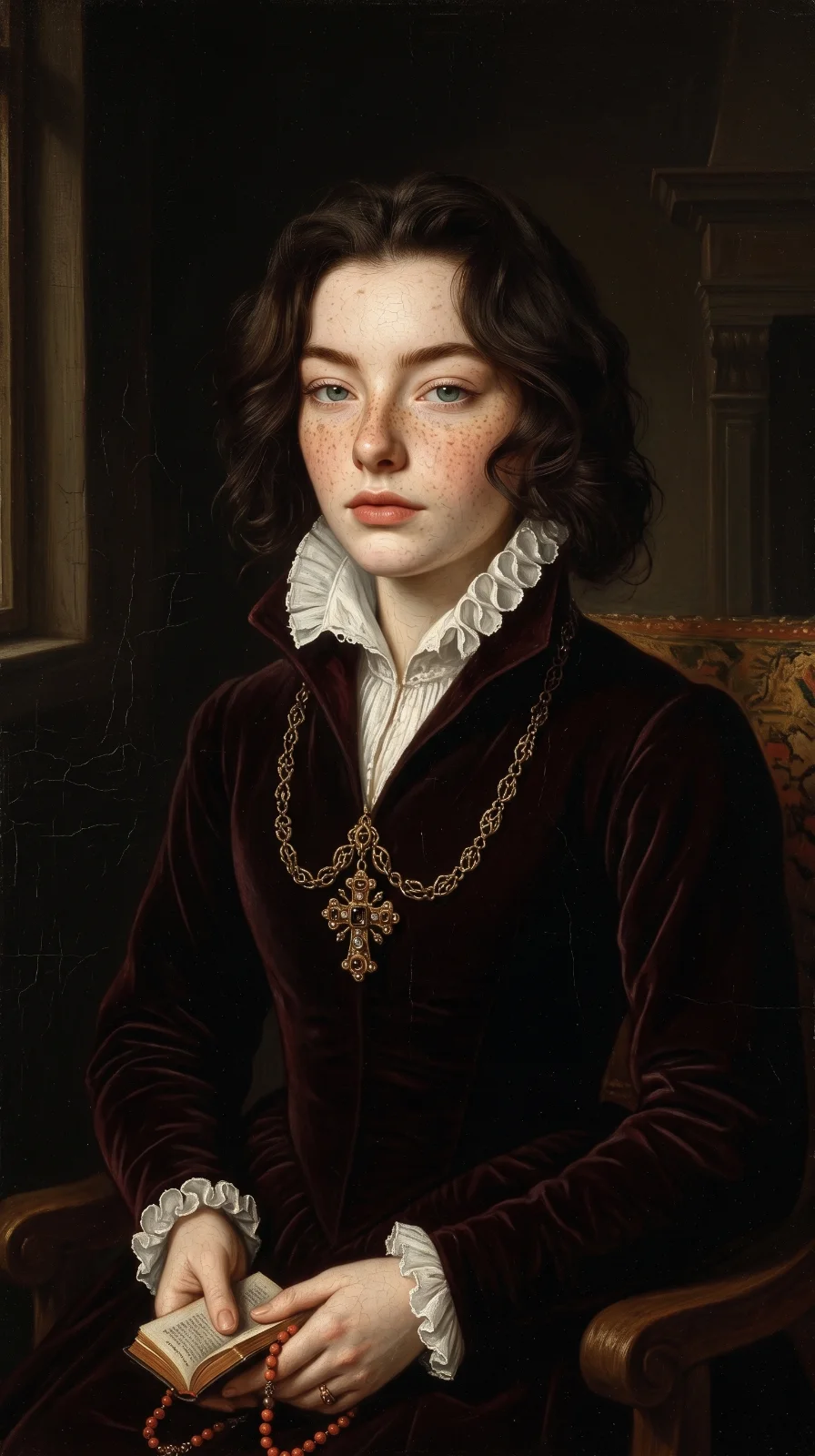
Input: A standard phone portrait photo.
You type: "turn this into anime style"
Result: An anime-style illustration that keeps the subject recognizable.
sparkpix.ai is a free online AI photo editor that lets anyone restore, enhance, clean up, and restyle photos just by typing what they want — no Photoshop skills and no software to download. It runs entirely in your browser on desktop, iPhone, and Android.
Behind the simple text box are 100+ AI tools, grouped into five things you can do to any photo:
Repair old photos, upscale resolution, unblur, and sharpen.
Erase objects, people, text, and distractions from any photo.
Remove or swap any background in a single click.
Turn photos into anime, cartoon, oil painting, and more.
Create brand-new images from a text prompt.
Three steps, about one minute, no sign-up to start.
JPG, PNG, or WebP, up to 20 MB.
Type what you want changed, or pick an AI tool.
Your edited photo is ready in seconds.
Fix, restore, and beautify personal and family photos for sharing and printing.
Batch-retouch entire shoots in SparkPix Studio instead of editing one frame at a time.
Produce clean product photos and remove backgrounds at scale for marketplaces.
Restyle photos for thumbnails, social posts, and ad creatives in seconds.
| sparkpix.ai | Photoshop & traditional editors | Typical AI photo apps | |
|---|---|---|---|
| Learning curve | Just type what you want | Steep — layers, masks, tools | Moderate |
| Tool coverage | 100+ tools in one place | Comprehensive but complex | Usually one feature |
| Batch processing | Yes — in SparkPix Studio | Needs scripting | Rarely supported |
| Works on | Any browser, no install | Desktop install | App download |
| Price | Free to start, from $9.99 | Monthly subscription | Monthly subscription |
Process hundreds of photos at once, chain multiple edits into one workflow, and manage every project in a single place — built for photographers and power users.
Explore StudioChoose the package that fits your creative needs
Get 5 free credits + 1 daily!
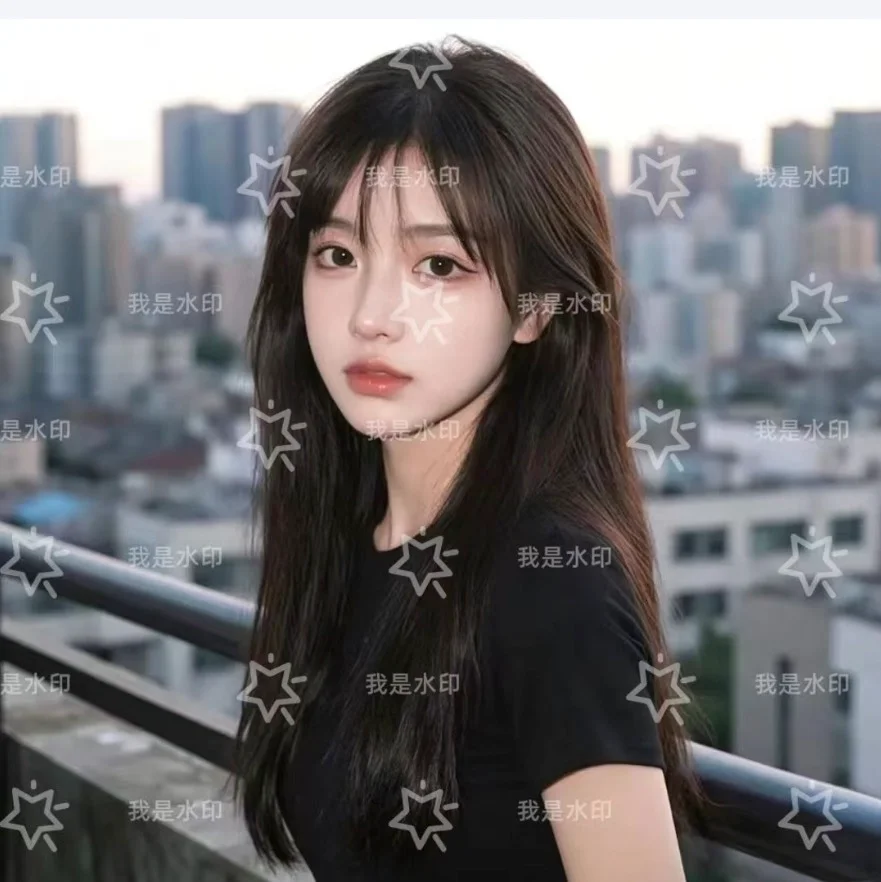
Trial generations include watermarks
Everything you need to know about our free AI photo and image editor
Our free AI photo editor uses text-to-image transformation to modify your photos and images based on natural language descriptions. Simply upload your photo or picture, describe the changes you want — background removal, style transfer, or image enhancement — and our AI applies those edits instantly while preserving your subject.
sparkpix.ai offers comprehensive AI photo and image editing features: background removal, object removal, photo restoration, style transfer, image colorization, and professional photo enhancement. Our online pic editor supports everything from simple color adjustments to complex scene modifications — all free to try.
Yes! Our AI background removal tool automatically detects and removes backgrounds from photos and images with precision. You can also remove unwanted objects, people, or elements using simple text commands. The AI intelligently fills in removed areas to maintain natural-looking results.
To use sparkpix.ai free AI photo editor online: (1) Go to sparkpix.ai and sign up for 5 free credits — no credit card required. (2) Upload your photo or image (JPG, PNG, WebP up to 20MB). (3) Type what you want to change — 'remove background', 'enhance image quality', 'restore old photo', or any edit in plain text. (4) Download your edited photo in seconds. No Photoshop skills or app download needed. The AI photo editor works on any device — desktop, iPhone, Samsung, and Android.
The best free AI photo editor depends on your needs. sparkpix.ai stands out for its Type to Edit technology — instead of complex sliders, you type what you want in plain text and the AI does the work. It covers the full range of AI photo editing: background removal, object removal, photo restoration, style transfer, image enhancement, and colorization. New users get 5 free credits with no credit card required, making it one of the most accessible free AI picture editors available.
Yes. sparkpix.ai is a free AI photo editor online — new users get 5 free credits upon sign-up with no credit card required. Each AI photo edit costs 5 credits, so you can try the full feature set for free. Additional credits start at $9.99 for 350 credits. There are no monthly subscriptions — pay only when you need more credits.
To use sparkpix.ai AI photo editor on Samsung or any Android device: open Chrome browser, go to sparkpix.ai, and sign up for free. Tap the upload button to select a photo from your gallery, type your edit instruction, and download the result within 30 seconds. No app download required — the AI image editor runs entirely in the browser and works on all Samsung Galaxy, Google Pixel, and Android phones running Android 9 or newer.
Absolutely. sparkpix.ai is designed for both personal and professional AI photo editing needs. All paid plans include full commercial usage rights for your AI-enhanced images, making it suitable for marketing, e-commerce product photos, social media content, and creative projects.
To remove background from a photo for free: go to sparkpix.ai/background-remover, upload your image, and the AI automatically detects and removes the background in seconds — no manual selection or Photoshop needed. Works on portraits, product photos, and complex scenes. New users get 5 free credits. You can also type 'remove background' in the main editor to remove the background as part of a larger edit.
To restore old photos online: upload your damaged or faded photo at sparkpix.ai/photo-restoration. The AI repairs scratches, tears, stains, and fading while sharpening soft details and recovering colors. Works on scanned prints, damaged film photos, and early digital camera images. You can also describe specific restoration needs — 'fix scratches and colorize', 'restore faded colors', or 'repair torn photo' — for targeted results.
To enhance photo quality with AI: upload your image at sparkpix.ai/photo-enhancer and type what you want improved — 'enhance image quality', 'sharpen and brighten', 'improve colors and contrast', or 'upscale to HD'. The AI automatically sharpens details, corrects exposure, enhances colors, reduces noise, and optionally upscales resolution. Works on portraits, landscapes, product shots, and low-light images.
To fix blurry photos online: upload your blurry image at sparkpix.ai/unblur-image. The AI detects the blur type — motion blur, out-of-focus, camera shake, or compression — and applies targeted correction to make the photo clear and sharp in under 30 seconds. Works on portraits, action shots, low-light photos, scanned old prints, and screenshots with blurry text.
To convert a photo to anime, cartoon, or other art styles: go to sparkpix.ai/style-transfer, upload your photo, and choose your target style — anime, Ghibli, oil painting, watercolor, sketch, cyberpunk, pixel art, and more. The AI preserves your subject while transforming the visual style. You can also type the style you want in the main editor: 'convert to anime style', 'make this photo look like a Ghibli painting', or 'transform into oil painting'.
sparkpix.ai is the only AI photo and image editor that uses Type to Edit technology — describe your edit in plain text and the AI handles the rest. Unlike traditional editors with complex toolbars, or basic AI editors limited to one function, sparkpix.ai covers background removal, object removal, restoration, style transfer, and enhancement in a single free online pic editor.
Last updated: May 2026 · Pricing · About sparkpix.ai · Powered by apimodels.app
That is a different job from generative photo editing, and our sister site EditTextImage is built for it.
Fix a typo, blank out a name or change a number in a screenshot, with the interface around it left alone.
Matches the original typeface, weight and colour, so the replacement does not read as pasted on.
Works straight on a flattened JPG — no layers, no original project file needed.
Swap the wording on a sign, label or poster inside a photo, free to try.