
FREE
Loading…
Free AI image quality enhancer. No signup required.
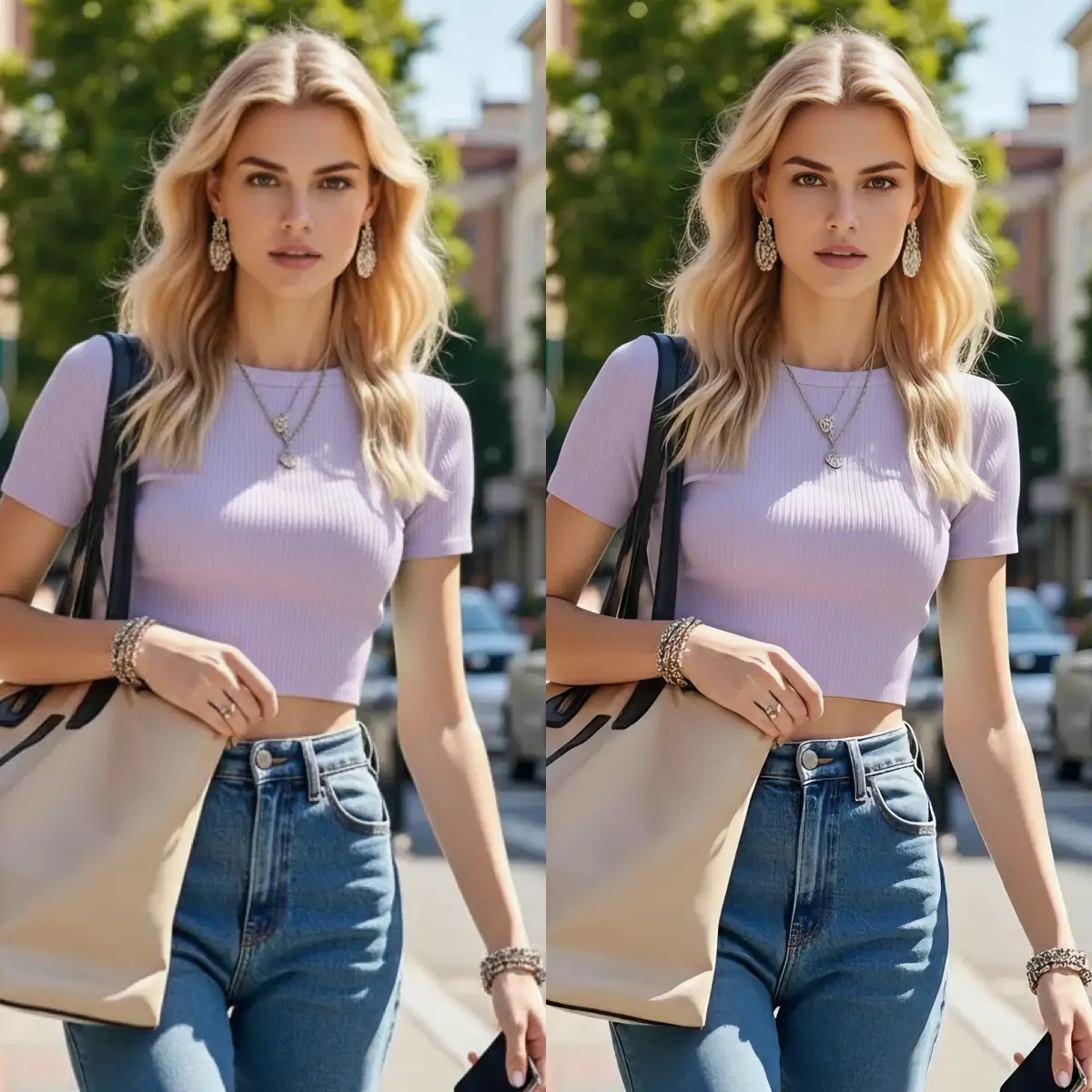
Upload to get high resolution images
Supports JPG, PNG, WebP (max 20MB)
Nude or explicit images are not supported.
Image quality enhancement uses artificial intelligence to automatically improve the visual quality of your photos and images. Our AI image quality enhancer targets four key areas: noise reduction, sharpness improvement, color correction, and resolution boosting - all in a single pass.
Unlike basic filters that apply uniform adjustments, our AI analyzes each region of your image independently. It identifies noisy areas (like low-light shadows), soft edges that need sharpening, and washed-out colors that need correction. The result is a naturally enhanced image that looks professionally edited.
Our AI enhancer reduces image noise by up to 90%, improves perceived sharpness by 2-3x, and can increase effective resolution by up to 4x. Processing takes an average of 15-30 seconds per image, regardless of the level of degradation.
Improve any image in seconds with our free AI enhancer
Drop your image into the enhancer. We support JPG, PNG, and WebP files up to 20MB.
Our AI analyzes noise, sharpness, and color balance, then applies targeted improvements automatically.
Get your improved image with better sharpness, less noise, and richer colors - ready to use.
Four AI-powered improvements applied to every image automatically
Up to 90% noise removal
Removes grain, artifacts, and digital noise from low-light or compressed images while preserving genuine texture.
2-3x sharper
Intelligently sharpens edges and fine details without introducing halos or over-sharpening artifacts.
Auto color balance
Automatically balances white levels, boosts saturation, and restores natural color vibrancy to faded images.
Up to 4x resolution
Increases effective resolution by adding AI-generated detail, making small images look crisp at larger sizes.
Our AI analyzes your image pixel by pixel, identifying noise, blur, and color issues. It then applies targeted corrections - reducing grain by up to 90%, sharpening edges, and balancing colors - to produce a visibly cleaner, sharper result in seconds.
Yes. Our AI image quality enhancer preserves original details while improving overall quality. It distinguishes between noise (which it removes) and genuine texture (which it keeps), so your enhanced image looks natural and detailed.
You can enhance any JPG, PNG, or WebP image up to 20MB. The tool works especially well on low-light photos (high noise), compressed images (JPEG artifacts), screenshots, scanned documents, and old photographs that need quality improvement.
Yes, our image quality enhancer is completely free to use. There is no signup required, no watermark added, and no software to download. Simply upload your image and get an enhanced version instantly.
Most images are enhanced in 15-30 seconds. The AI processes noise reduction, sharpening, and color correction simultaneously for fast results.
Regular filters apply the same adjustment to every pixel uniformly. Our AI enhancer analyzes each region independently - sharpening only where needed, reducing noise only in noisy areas, and correcting colors based on the actual content. This produces more natural, professional-looking results.
Upload any image and our AI will automatically enhance sharpness, reduce noise, and boost colors. No signup required.
Explore more AI-powered image tools
Enhance any photo with one click - improve sharpness, colors, and overall quality automatically.
Upscale images to higher resolution while maintaining crisp details and sharp edges.
Fix blurry and out-of-focus photos with AI-powered deblurring technology.
Edit photos by typing what you want — remove objects, change backgrounds, restore details. No Photoshop skills needed.
Sharpen, denoise, and boost photo quality in seconds. Restore detail in soft or low-light shots automatically.
Fix blurry photos with AI. Recover sharpness from motion blur, out-of-focus shots, and camera shake — all online.
Remove image backgrounds in one click. Get clean transparent PNGs for product photos, headshots, and design work.
Generate any image from a text prompt in about 3 seconds. No watermark, 3 free generations every day.
Premium AI image generation powered by Google AI. Text-to-image and image-to-image with 2K resolution.
OpenAI's latest image editing model. Upload a photo, describe the change, get high-fidelity edits in seconds.
Name one part of a photo to change and the rest stays exactly as it was. Real transparent PNG cutouts, 1K to 4K.