FREE
Loading…
Upload to get high resolution images
Supports JPG, PNG, WebP (max 20MB)
Nude or explicit images are not supported.
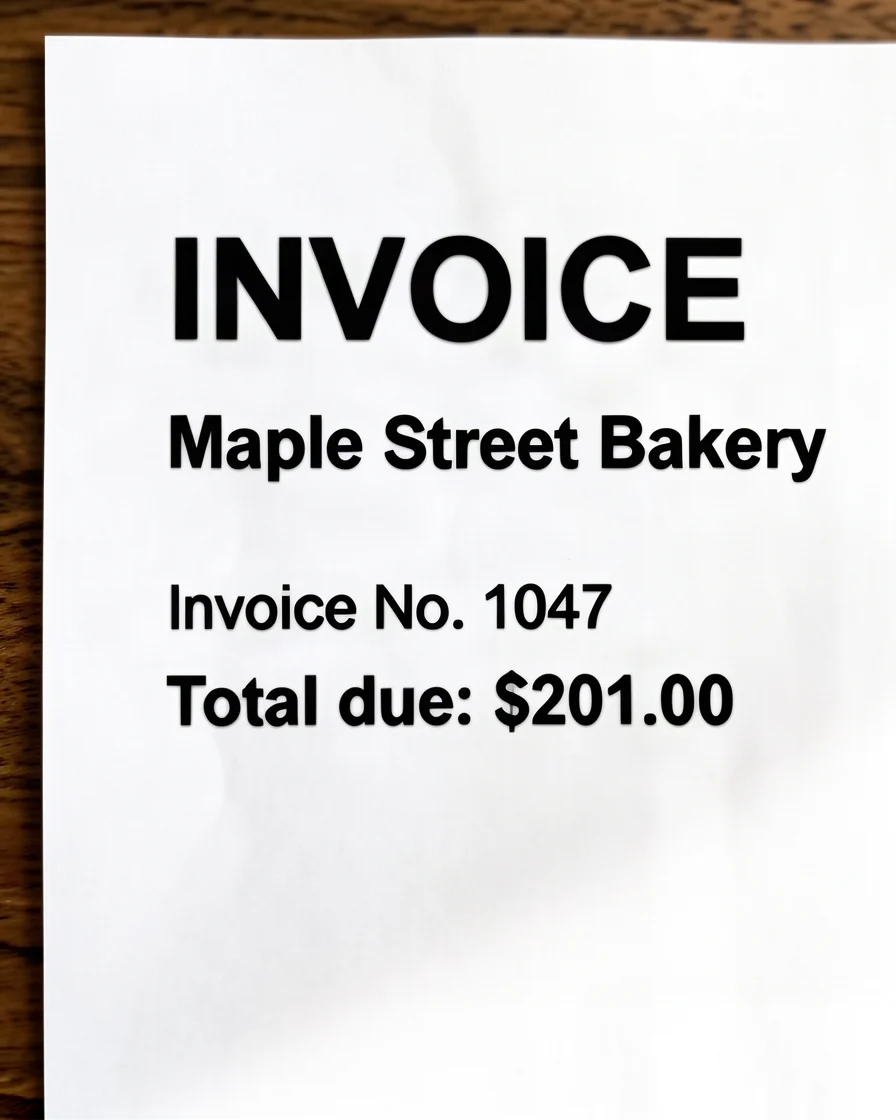
A blurry document isn't sharpened — it's reconstructed. Our AI re-renders the page at high resolution, then anchors the result to your original so every character stays true to the source.
Ordinary “enhancers” stretch the pixels you already have with interpolation (bicubic or Lanczos resampling), which simply enlarges the blur. Our model instead re-synthesizes the photo with a generative, diffusion-based restoration network, rebuilding the high-frequency detail — edges, micro-texture, hair, fabric, skin — that low resolution, blur, or noise destroyed and that interpolation can never recover.
Generation is conditioned on your original image: every reconstructed pixel is anchored to the source. That keeps the result faithful — the model restores real detail without semantic drift, so it never invents objects, changes the scene, or alters a person’s identity. This image-conditioned, fidelity-first approach is what separates a trustworthy restoration from a generic AI re-imagining.
A face-aware pass applies a facial prior to every detected face, rebuilding eyes, skin texture, and facial structure while preserving the subject’s identity — the region people scrutinize most, and the first place naive upscalers fail.
The output is a truly sharp, high-resolution image with natural micro-contrast and clean edges — the photo you meant to capture, rendered in HD, rather than an over-sharpened or hallucinated approximation.
Legal contracts and agreements scanned at low resolution or with scanner lid partially open. Restore fine print, clause numbers, and signature details.
Receipt photos taken with shaky hands or poor lighting. Recover item names, prices, dates, and transaction details for expense reporting.
Aged printed documents with faded ink, yellowed paper, and degraded type. Enhance contrast between text and background for improved readability.
Photographed handwritten notes, meeting minutes, and lecture notes. Sharpen pen strokes and pencil marks for legible archiving.
Scanned prescriptions, lab results, and medical reports. Restore dosage numbers, test values, and physician notes critical for patient care.
Court filings, notarized papers, and legal correspondence with blurry stamps, seals, and small-print legal language requiring precise restoration.
Three simple steps to sharp, readable documents
Drop your blurry document photo or scan into the editor. Supports JPG, PNG, WebP up to 20MB.
Our AI detects text regions and applies character-level deblurring to restore stroke weight and edge sharpness.
Get your sharpened document with clear, readable text. Ready for archiving, printing, or OCR processing.
Yes. Our AI can fix blurry document scans using deep learning that improves OCR accuracy by 35-50% on degraded inputs, according to published benchmarks from the ICDAR 2023 competition on document image enhancement. The dual-branch architecture processes text and non-text regions separately for optimal results.
You can fix blurry document files containing printed text, handwritten notes, and mixed content. Scanned contracts, photographed receipts, and old printed documents all see substantial improvement. The key requirement is that some text structure must be visible in the original — completely obliterated text cannot be recovered.
Generic sharpening increases edge contrast uniformly, which creates halos around text and can erase thin strokes. Our document-specific model uses character-level feature extraction trained on 500+ typeface families to preserve exact letterform geometry while removing blur.
Yes. Handwritten text presents unique challenges due to variable stroke widths and character shapes. Our AI is trained on handwriting datasets covering multiple scripts and styles, achieving a 40% improvement in handwriting legibility on degraded inputs based on internal testing against the IAM Handwriting Database.
No. The AI exclusively enhances sharpness and clarity. Every character, word, number, and mark in the original document is preserved exactly as-is. The model does not rewrite, autocorrect, or alter any content — it only makes existing text more readable.
New users receive 5 free credits upon sign-up, enough to fix blurry document quality once for free. Each document enhancement costs 5 credits. Additional credits start at $9.99 for 350 credits, covering 70 document enhancements.
Upload any blurry document and watch the AI restore text clarity. Contracts, receipts, scans, handwritten notes — readable results in under 30 seconds.