
FREE
Loading…
Edit any photo with zero visible traces — NanoBanana 2 seamlessly removes backgrounds, erases objects, restores old photos and transforms styles with undetectable precision. One all-in-one AI editor, no download needed.
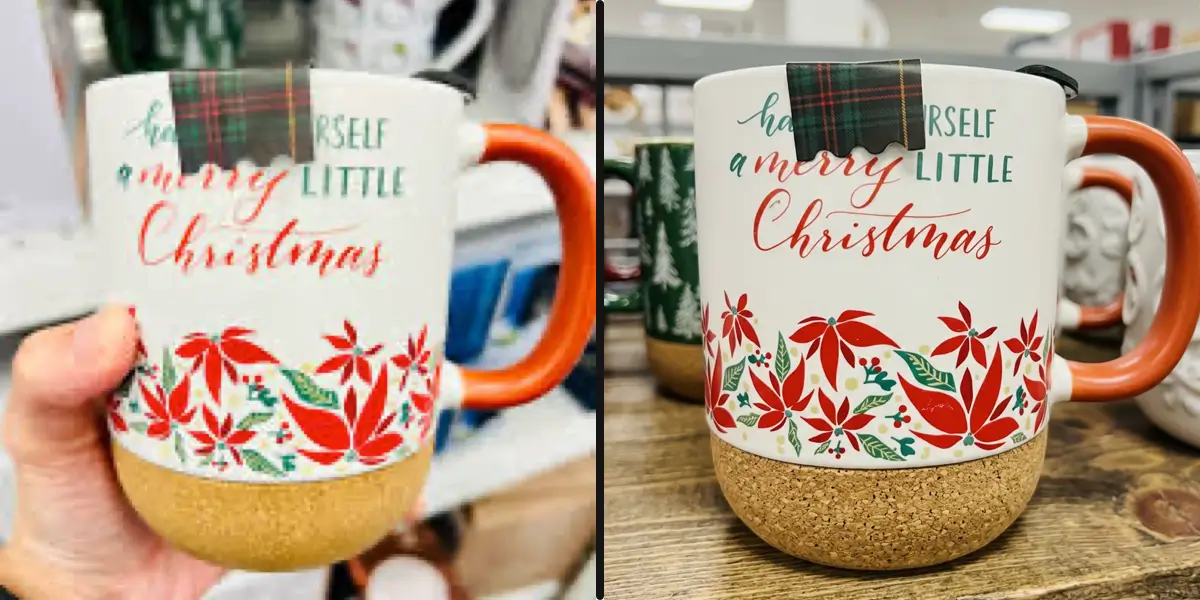
Remove image backgrounds instantly with AI. Works on people, products, animals and any object.
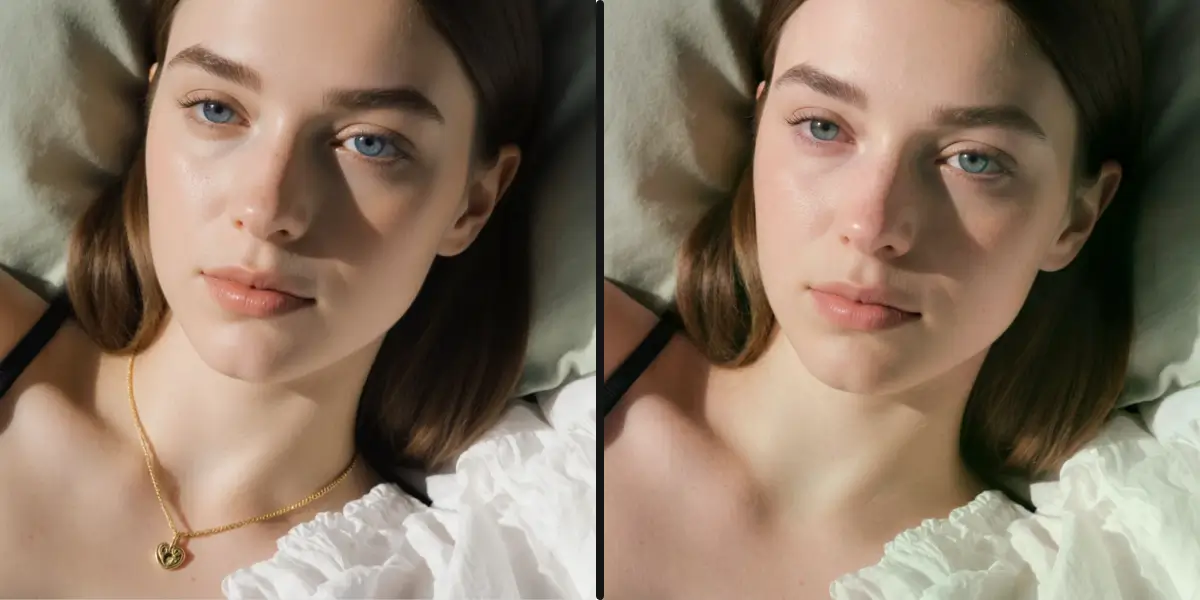
Remove unwanted objects, people, or elements from photos. AI cleanly erases while preserving the background.
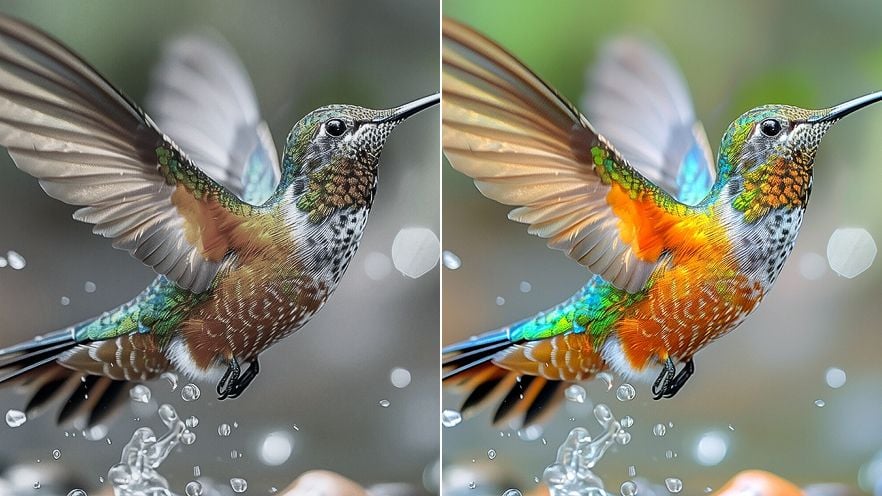
Enhance photo quality with AI. Improve clarity, color, lighting and details automatically.
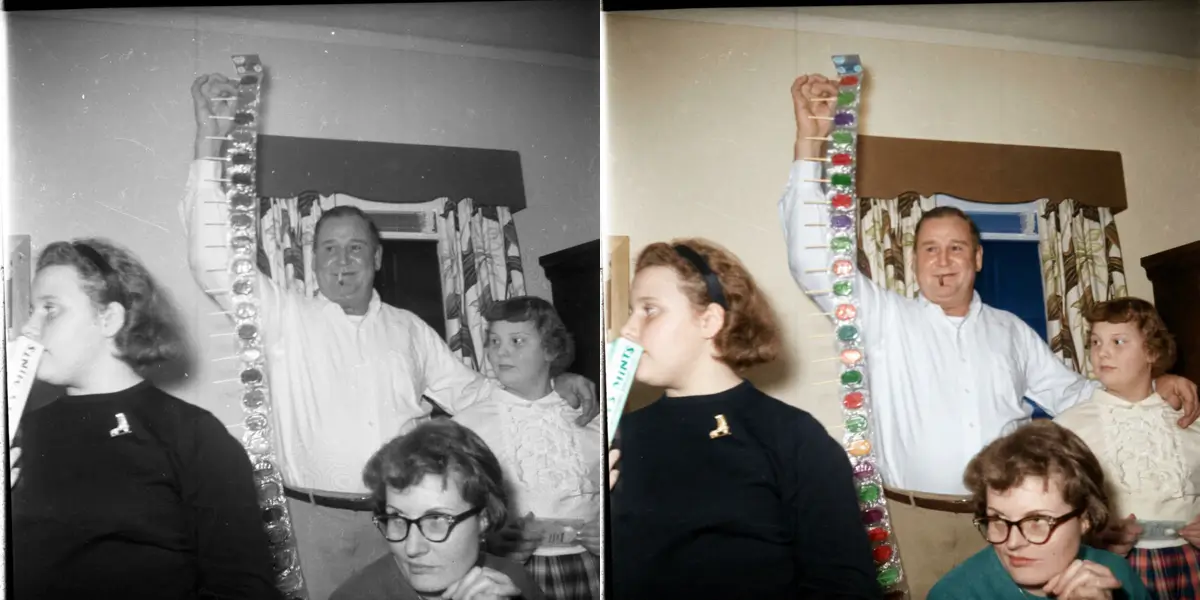
Restore old, damaged or faded photos. Repairs scratches, tears, stains and discoloration with AI.
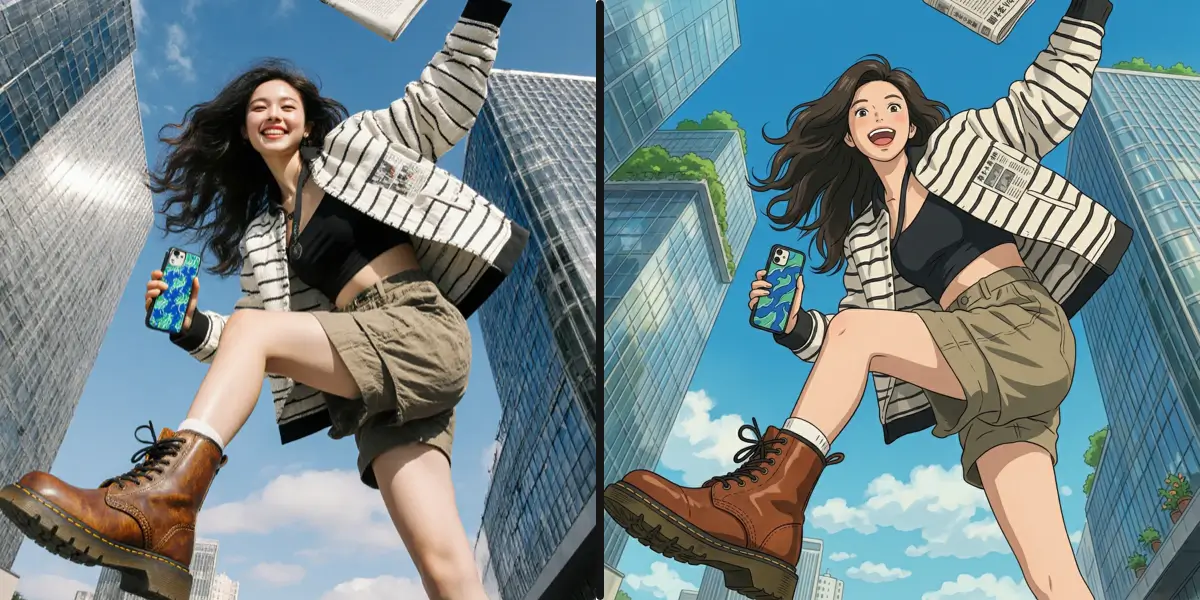
Transform photos into different art styles. Supports anime, Ghibli, cartoon, oil painting, watercolor and 20+ styles.
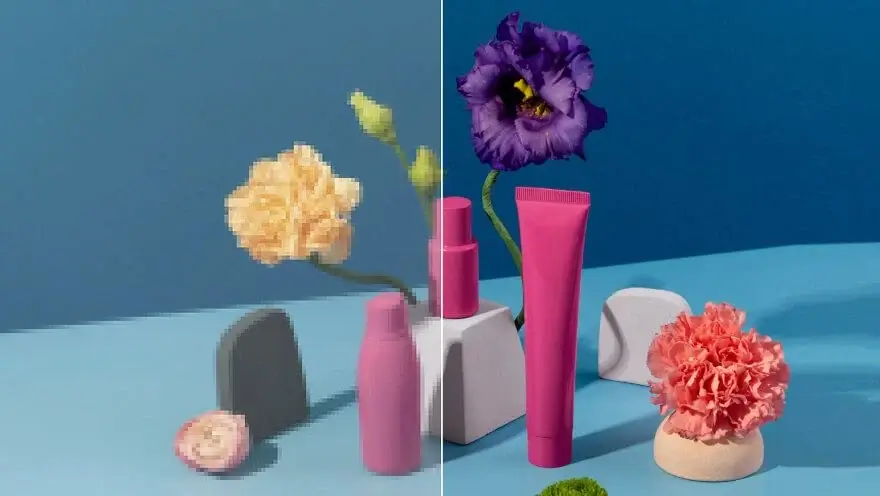
Upscale and enlarge photos with AI. Increase resolution while preserving quality and fine details.
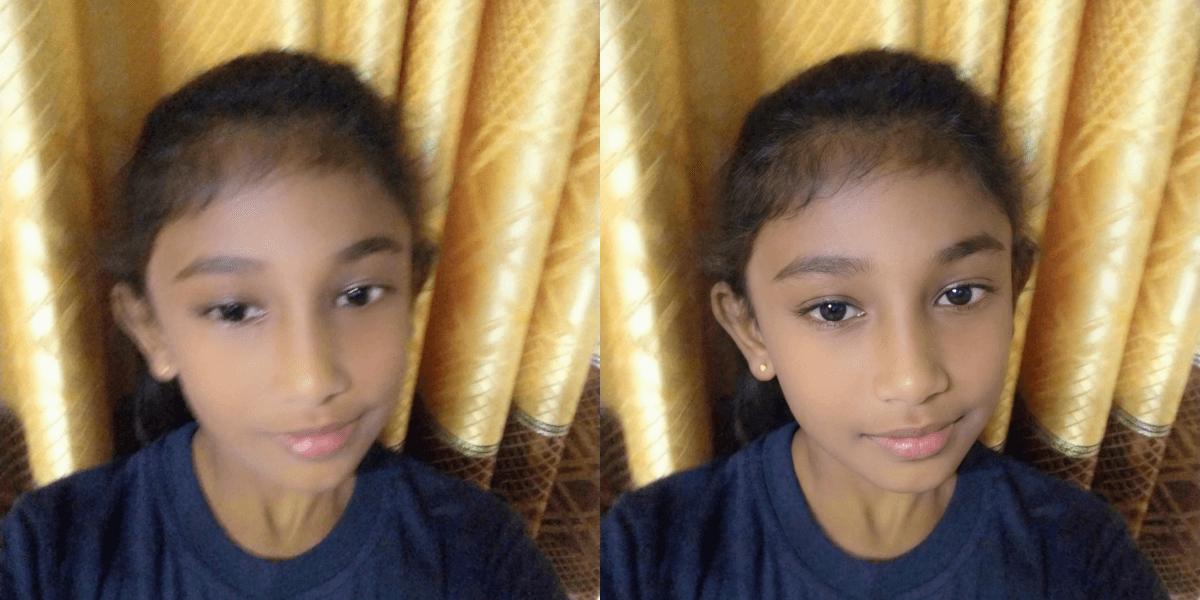
Fix blurry and out-of-focus photos with AI. Remove motion blur and restore sharp, clear details.
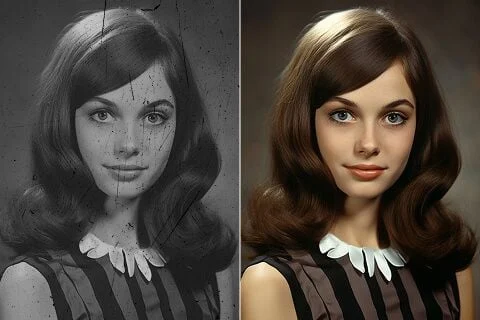
Add natural, realistic colors to black and white photos using AI. Powered by Google Gemini at 2K resolution.
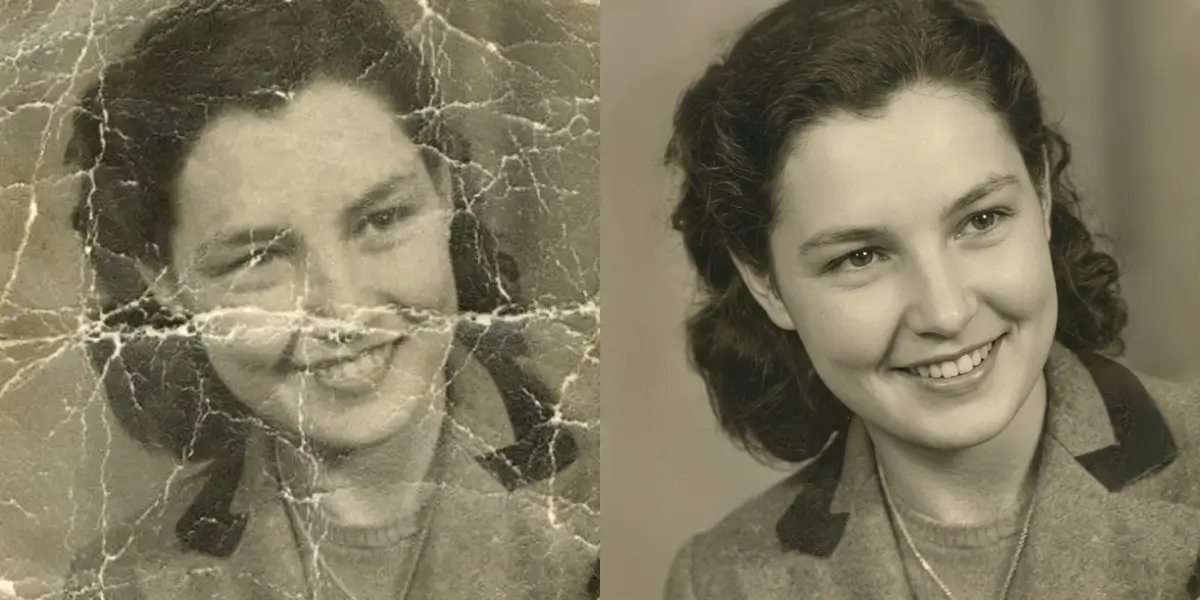
Repair scratched, torn and damaged old photos. AI removes physical damage while preserving original details.
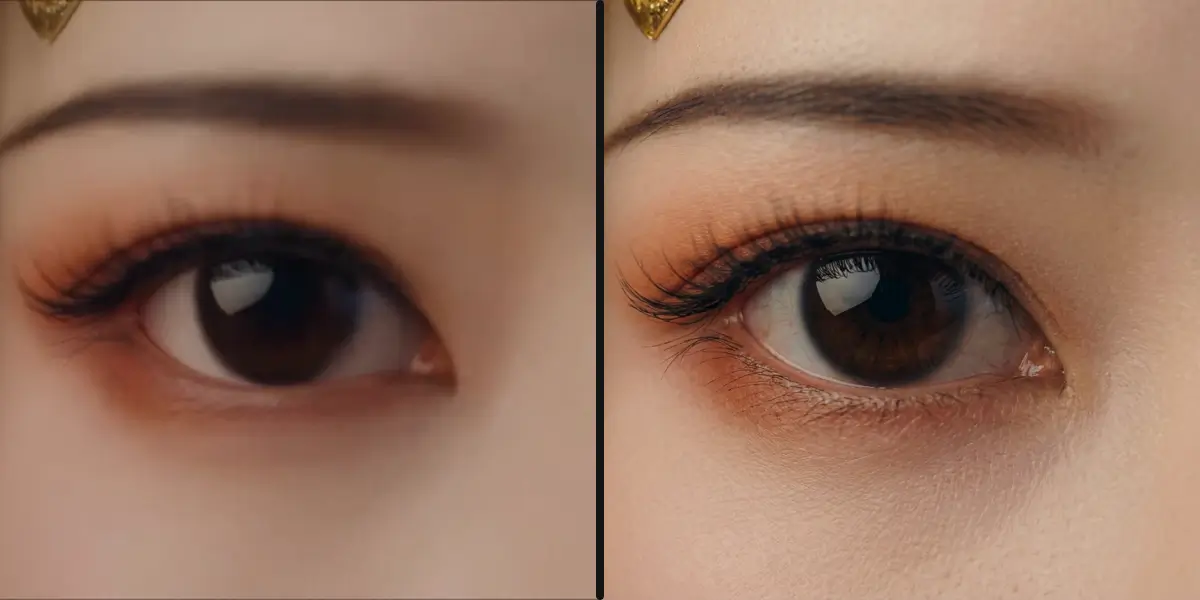
Make AI-generated images look natural. Fixes plastic skin, uniform lighting and artificial artifacts.
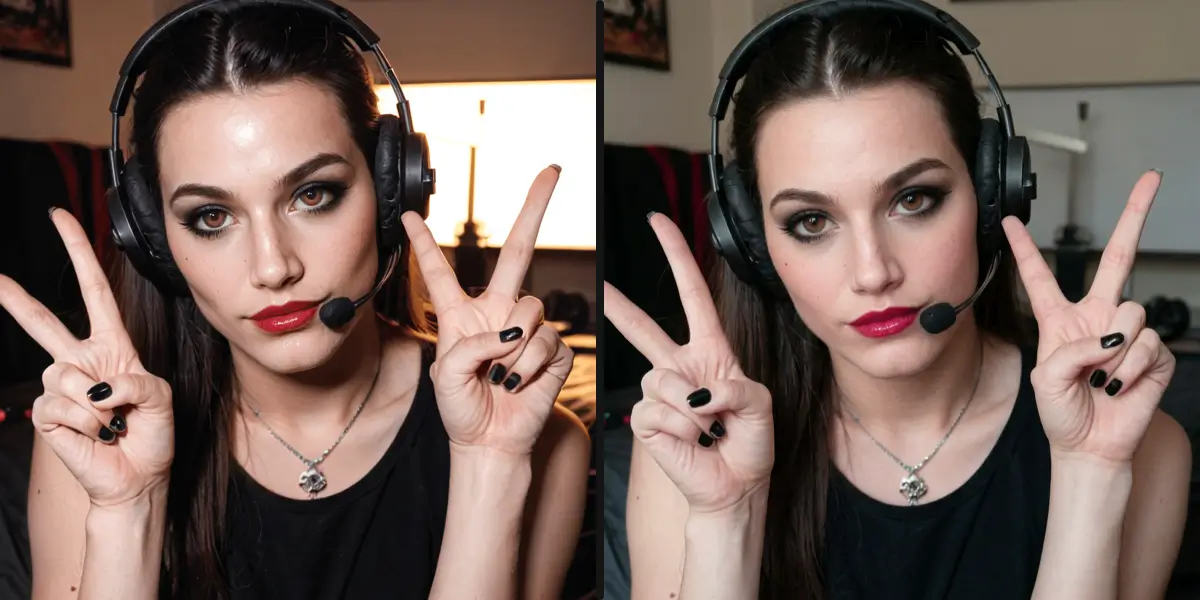
Transform AI-generated images into photorealistic photos. Adds natural skin texture, realistic lighting and lifelike details.
Powered by the latest AI technology for professional results
Get results in seconds, not minutes
Images deleted after processing
Up to 4K resolution output
State-of-the-art AI models
Yes! New users get 5 free credits. Each tool use costs 5 credits. You can purchase more credits anytime.
We support JPG, PNG, and WebP formats. Maximum file size is 20MB. Results are typically delivered in PNG format.
Most tools deliver results in 10-60 seconds depending on the image size and complexity of the operation.
Yes! All images processed through our AI tools can be used for commercial purposes. You own the rights to your results.
We take privacy seriously. Your images are processed securely and automatically deleted after processing.
Yes! All AI photo tools are fully responsive and work great on mobile browsers. No app download required.
Edit photos by typing what you want — remove objects, change backgrounds, restore details. No Photoshop skills needed.
Sharpen, denoise, and boost photo quality in seconds. Restore detail in soft or low-light shots automatically.
Fix blurry photos with AI. Recover sharpness from motion blur, out-of-focus shots, and camera shake — all online.
Remove image backgrounds in one click. Get clean transparent PNGs for product photos, headshots, and design work.
Generate any image from a text prompt in about 3 seconds. No watermark, 3 free generations every day.
Premium AI image generation powered by Google AI. Text-to-image and image-to-image with 2K resolution.
OpenAI's latest image editing model. Upload a photo, describe the change, get high-fidelity edits in seconds.
Name one part of a photo to change and the rest stays exactly as it was. Real transparent PNG cutouts, 1K to 4K.
Check whether a photo was made by ChatGPT, Gemini, Midjourney or Flux. Reads C2PA labels, then analyses the pixels.