
FREE
Loading…
Describe your idea, pick a style and where it goes, and get a clean tattoo design on a transparent background in about 20 seconds. Then upload a photo of your arm, wrist or back and see the design healed into your own skin before you book an artist.
Style
Placement
Last updated:
Straight from the generator: the style and placement chips, and what was typed. The checkerboard shows the background is transparent.
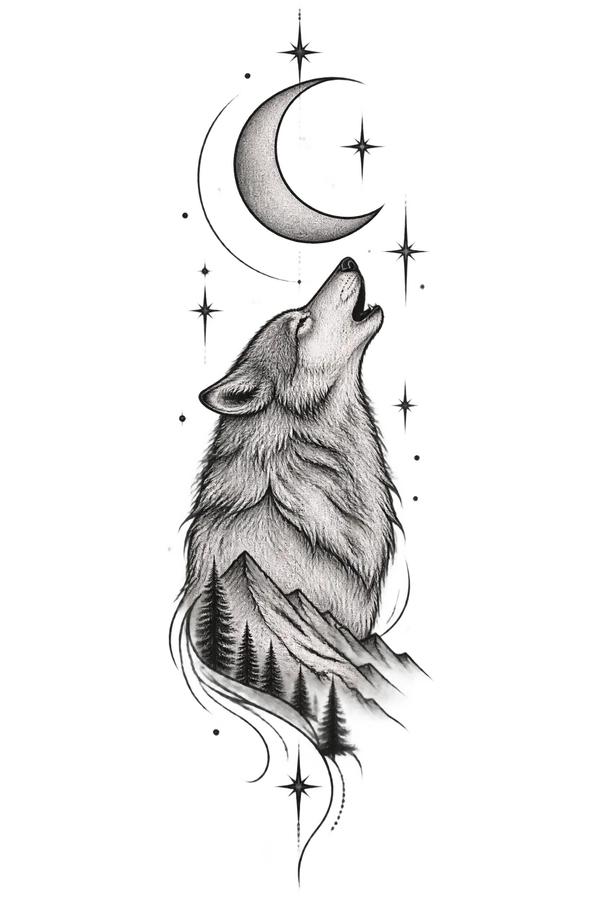
Forearm · Fine line
Typed: a wolf howling at a crescent moon
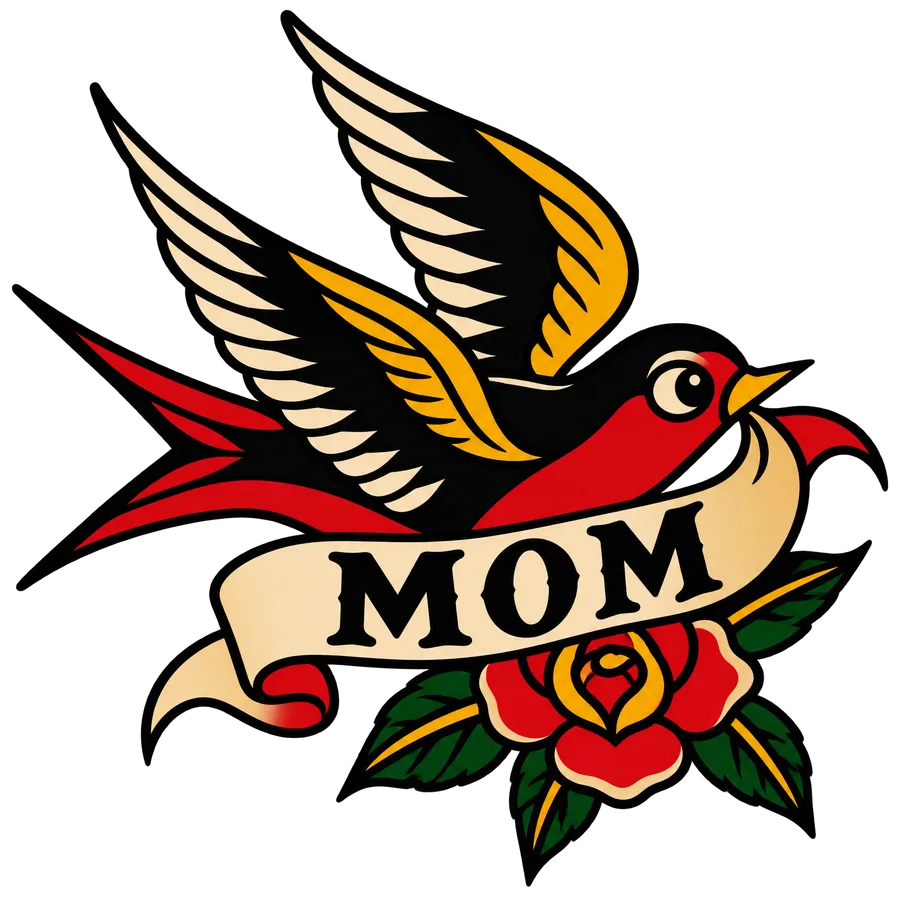
Shoulder / upper arm · American traditional
Typed: a swallow carrying a banner that reads "MOM"
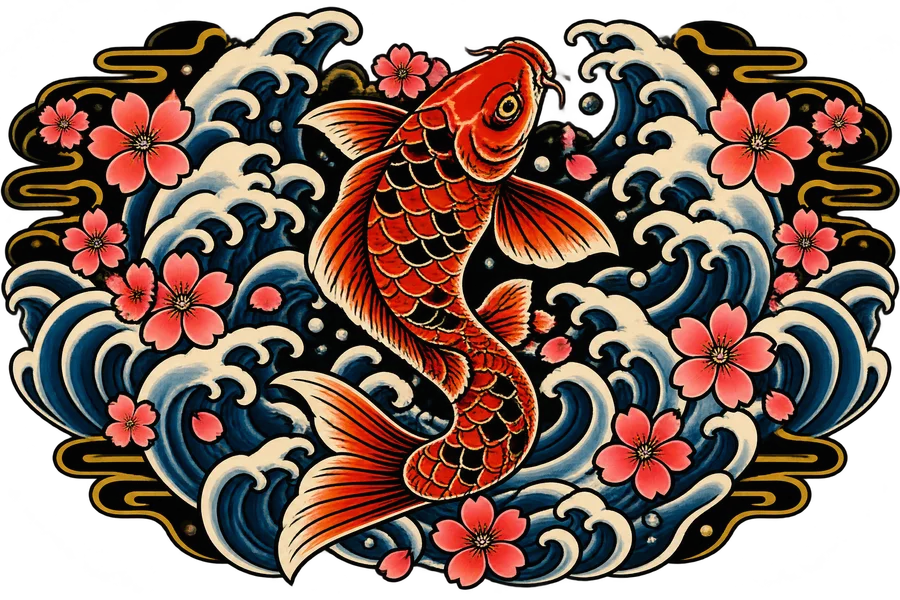
Upper back · Japanese
Typed: a koi fish swimming through waves and cherry blossoms
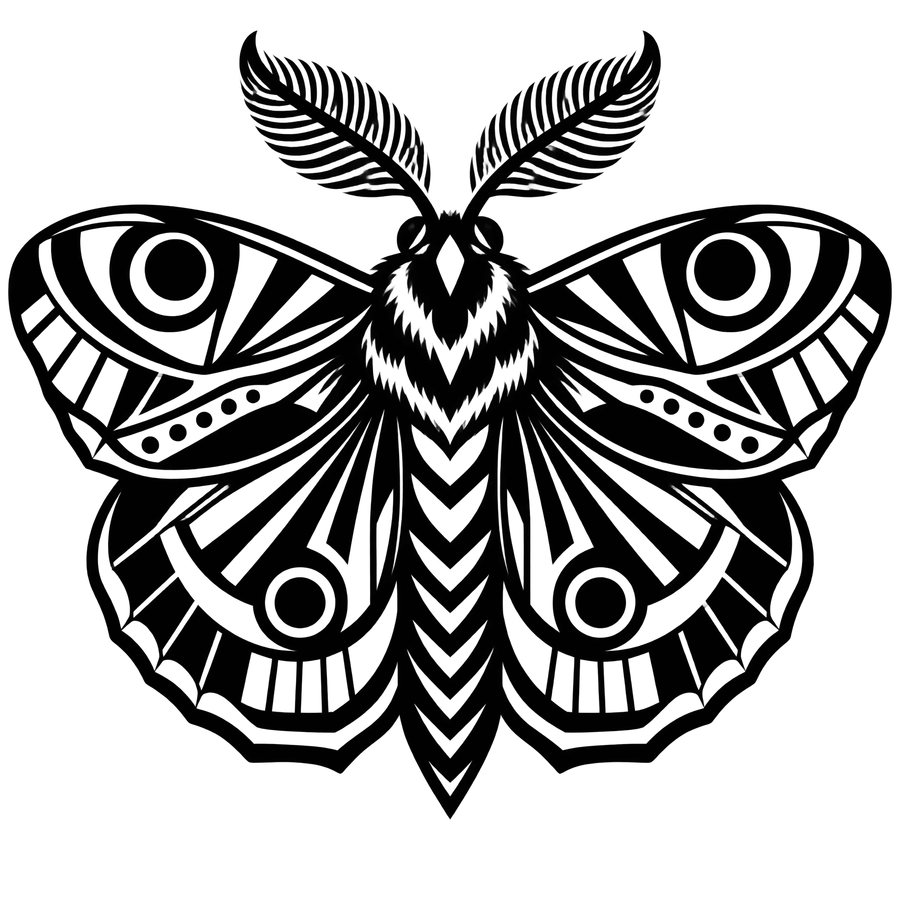
Shoulder / upper arm · Blackwork
Typed: a moth with geometric patterned wings
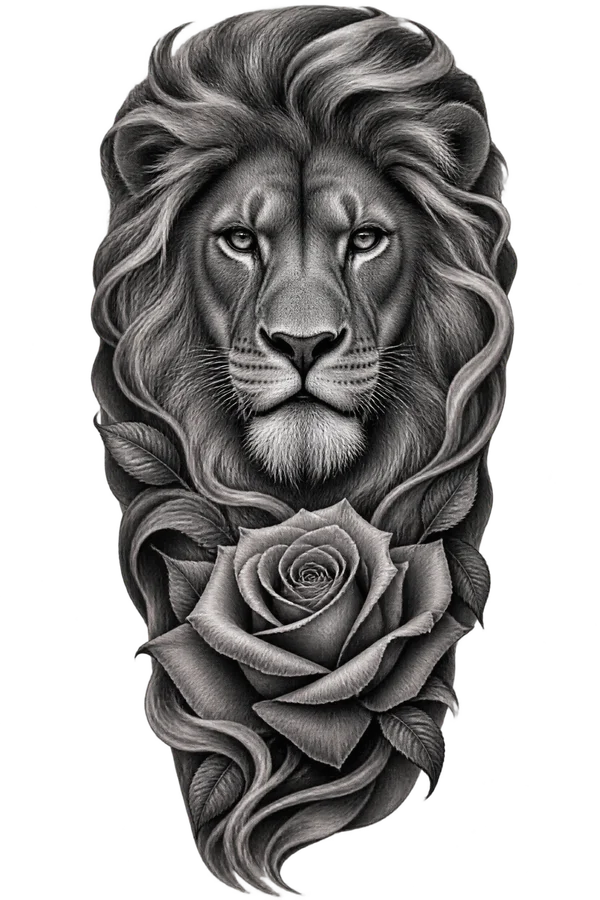
Half sleeve · Black and grey realism
Typed: a lion’s face looking forward, with a rose below it
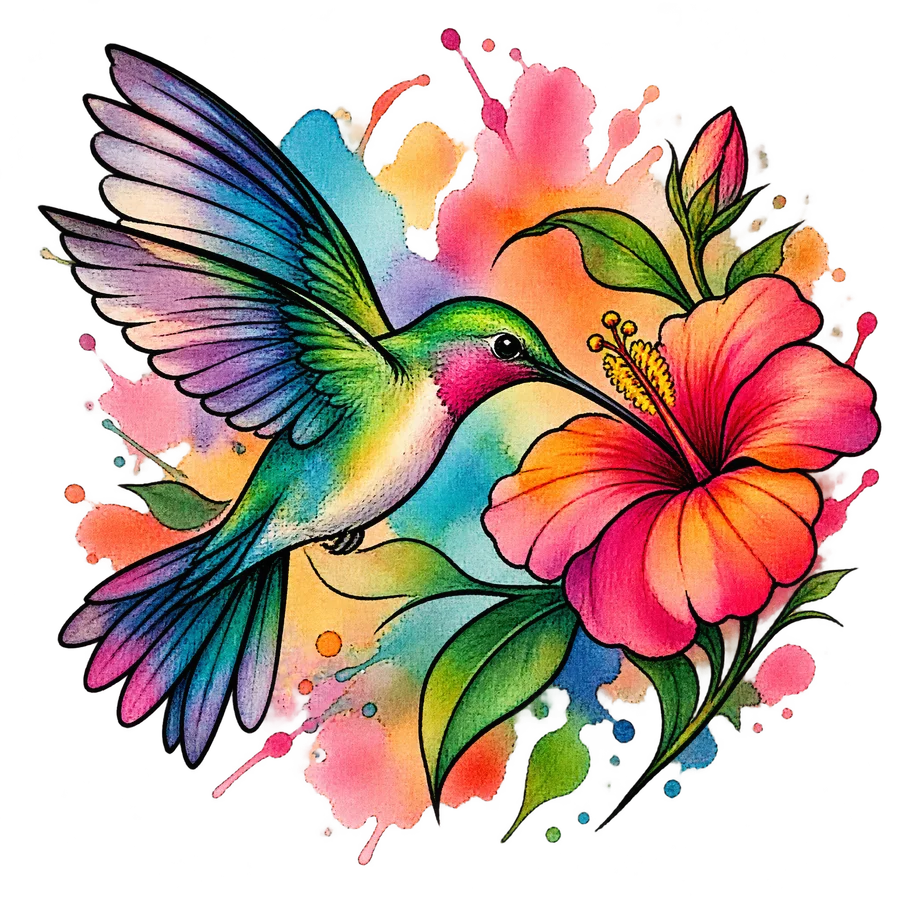
Shoulder / upper arm · Watercolor
Typed: a hummingbird drinking from a flower
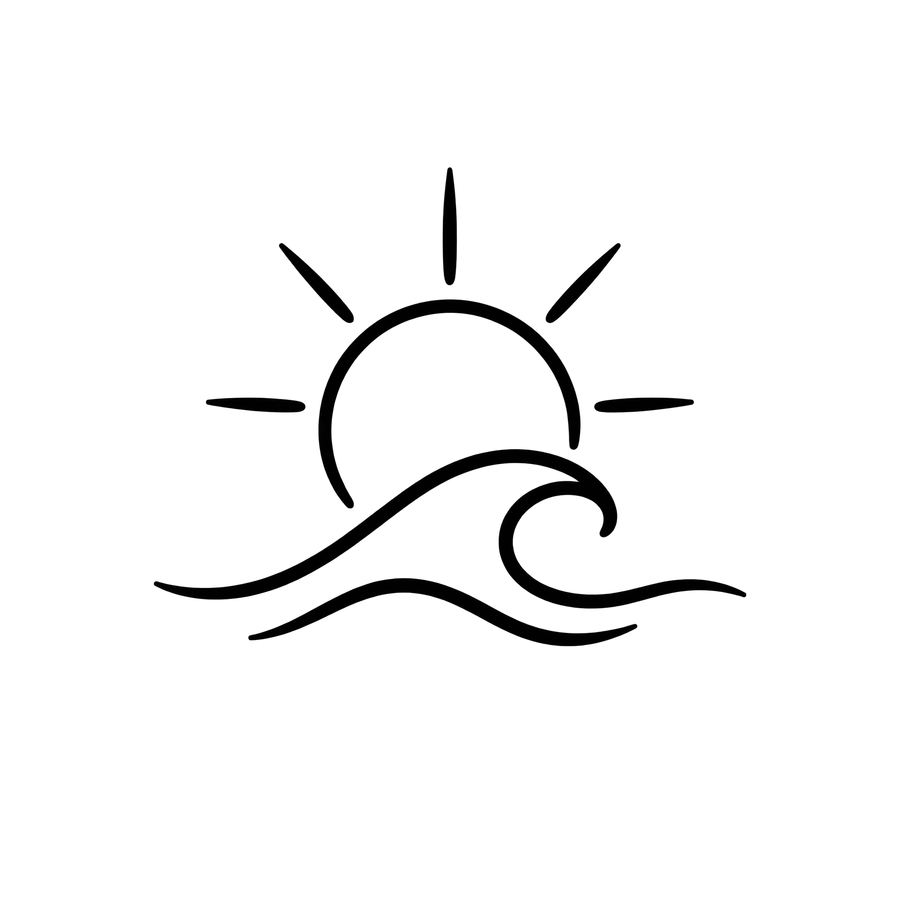
Wrist · Minimalist
Typed: a tiny ocean wave under a small sun
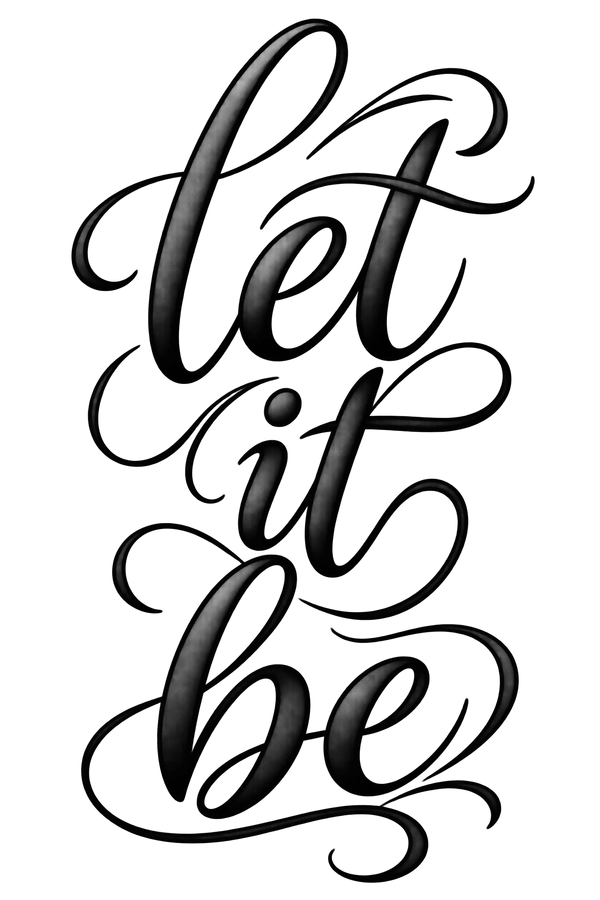
Forearm · Script lettering
Typed: the words "let it be"
Upload a clear photo of the spot as photo 1 and your design (for example the PNG you just made) as photo 2. No design? Replace the words in the box with a description of the tattoo.
Where
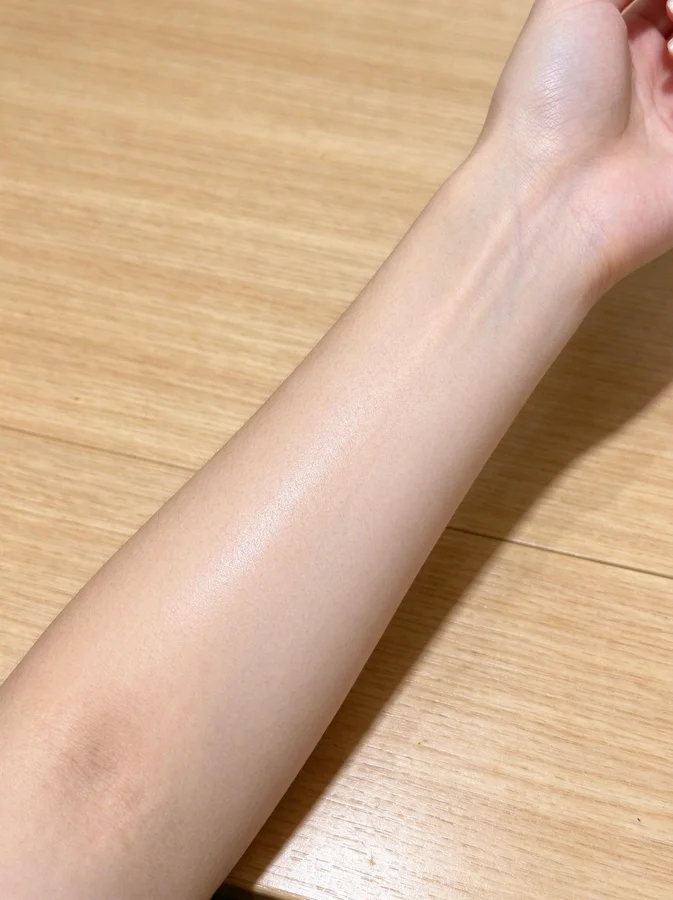
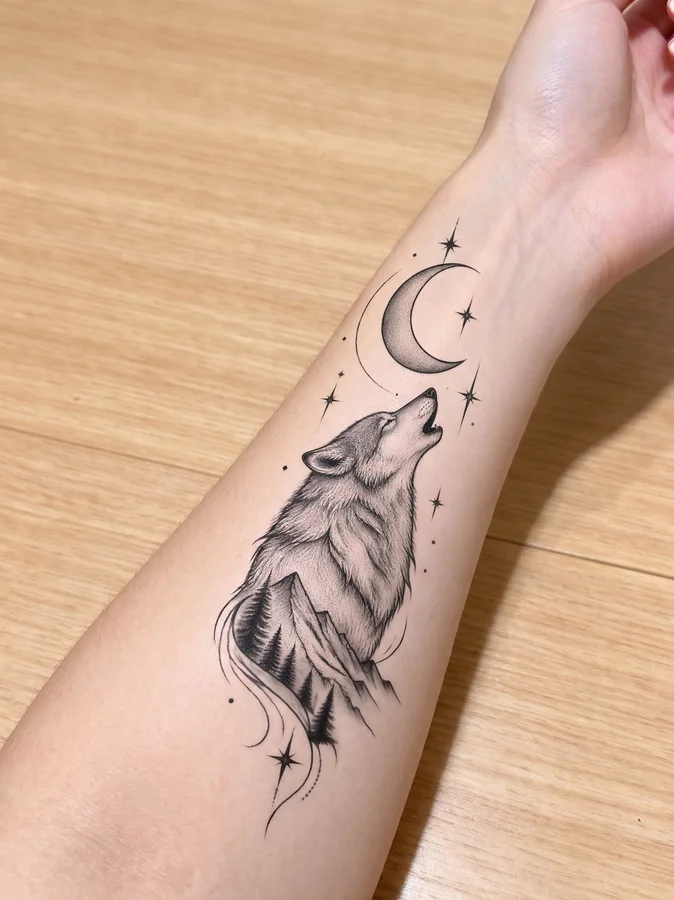
The wolf design from the generator above, uploaded as the second photo. Every element comes across (the moon, the stars, the small trees) and the fine lines sit in the skin along the forearm, not on top of it.
Where · Forearm · Design uploaded as photo 2
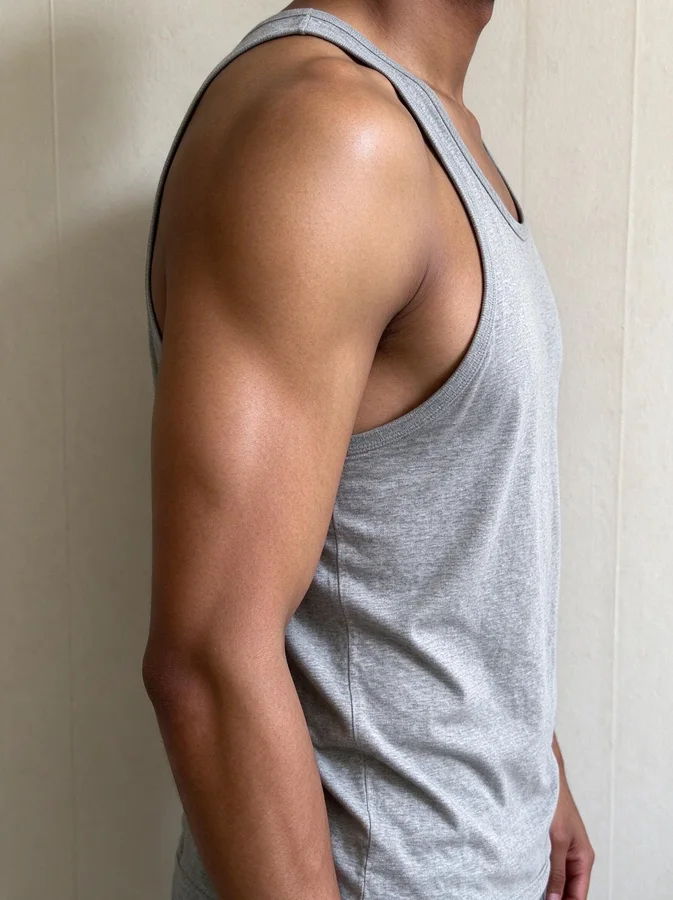
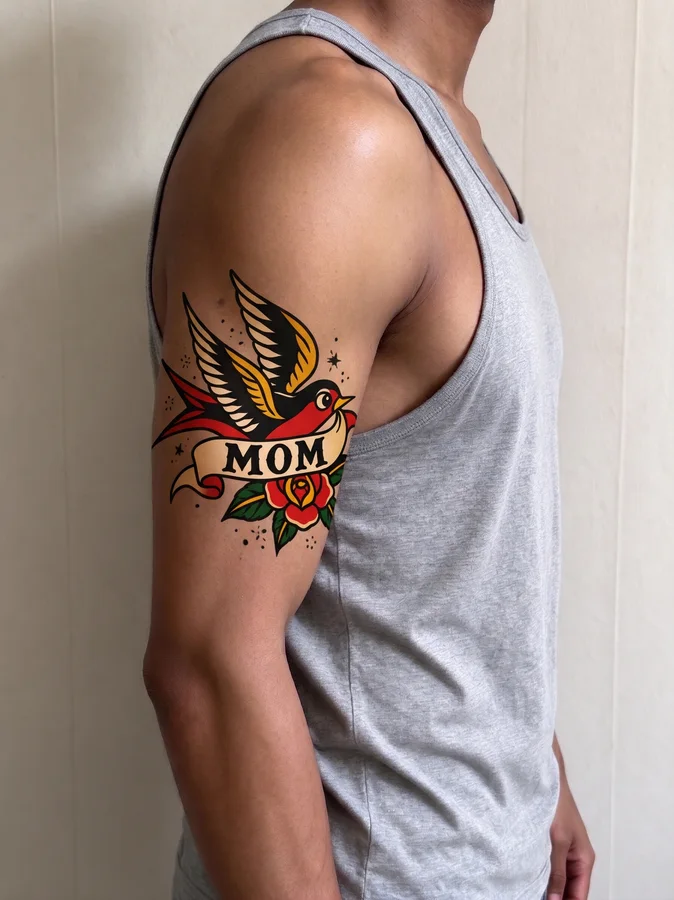
The swallow and MOM banner on a side view of the upper arm. Bold traditional colour reads clearly on darker skin, and the design wraps with the curve of the arm.
Where · Upper arm · Design uploaded as photo 2
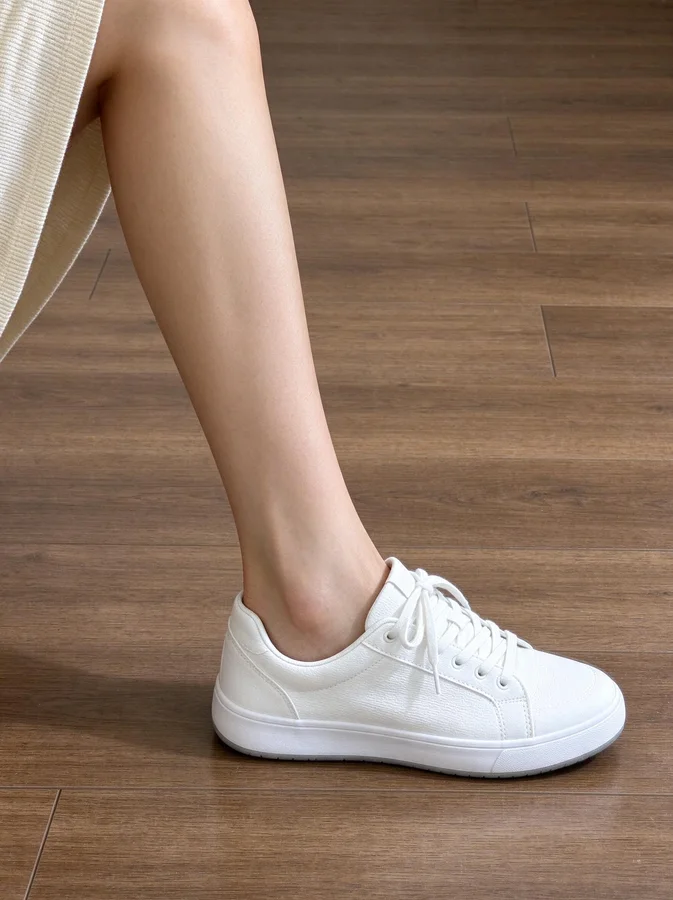
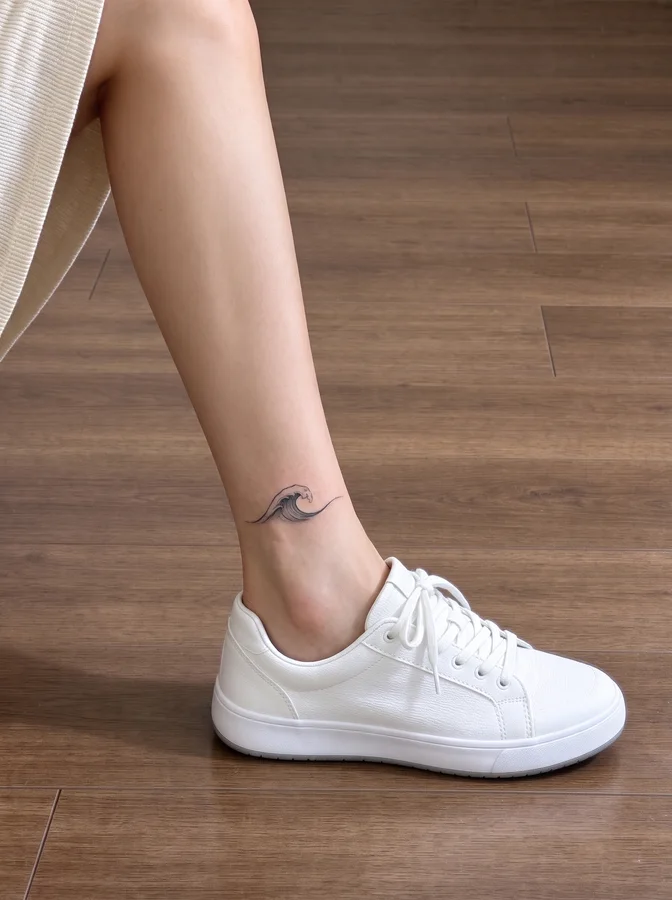
No design uploaded: the box said "a small fine line ocean wave". Useful for checking whether a small, simple idea is the right size before you design it properly.
Where · Leg / ankle · Described as: a small fine line ocean wave
The sparkpix.ai AI Tattoo Generator draws tattoo designs from a description and lets you try them on your own photo. You describe the idea, pick one of ten styles and a placement that shapes the design, and in about 20 seconds you get a design on a transparent background with lines bold enough to hold in skin. The try-on takes a photo of the body part plus the design and shows it healed into the skin, leaving the rest of the photo unchanged. Each design or try-on costs 5 credits, and the first is free.
| AI tattoo generator (here) | A custom design from an artist | Pinterest and flash sheets | |
|---|---|---|---|
| What you get | A design you can take to an artist, plus a try-on | A custom design drawn for your body | Someone else’s tattoo |
| Time | About 20 seconds per design | A consultation and days to weeks | Instant, if you find one |
| Cost | 5 credits a design or try-on | Often a deposit toward the tattoo | Free to browse |
| Unique to you | Yes, from your own idea | Yes | No: copying a tattoo is frowned upon |
| See it on your body | Yes, on your own photo | Sometimes, with a printed stencil | No |
What the tattoo shows: "a snake wrapped around a peony". Put any words in quotation marks.
Ten styles; the placement shapes the design: tall for a forearm, wide for a back, small for a wrist.
In about 20 seconds you get a transparent PNG. Run it again for variations.
Upload a photo of the spot plus your design, and see it healed into your own skin before you book.
The ten styles in the generator, what they look like and where they usually work best.
| Style | What it looks like | Good to know |
|---|---|---|
| Fine line | Thin single-needle lines, little shading | Small, delicate pieces; lines can soften over the years |
| American traditional | Bold outlines, red, yellow, green and black | Ages very well ("bold will hold") |
| Neo-traditional | Bold lines, richer colours, more detail | Medium to large pieces |
| Blackwork | Solid black and graphic patterns | Strong from across a room; good for cover-ups |
| Japanese | Waves, wind bars, koi, flat rich colour | Large pieces: back, sleeves, thighs |
| Black and grey realism | Soft shading, photographic detail | Needs size to keep detail |
| Watercolor | Colour washes behind loose linework | Pairs best with some black linework to hold shape |
| Minimalist | A small symbol in clean lines | Wrists, ankles, fingers, first tattoos |
| Geometric | Precise shapes and dotwork | Forearms, backs, mandalas |
| Script lettering | Words in flowing script | Names, dates and short phrases |
The full prompt the generator sent for three of the designs above.
A tattoo design, drawn as a tattoo artist's finished design ready to turn into a stencil. Tattoo: a wolf howling at a crescent moon. Style: fine line, delicate single-needle black lines, minimal shading, elegant and airy. Placement: the inner forearm, so the design is taller than it is wide. Only the design itself, isolated on a transparent background: no skin, no body, no mockup, no paper texture, no frame or border. Tattooable: lines and shading bold enough to hold in skin for years, no details so tiny they would blur together. Centred, filling most of the canvas. Spell any words in quotation marks exactly as written and add no other text, signature or watermark. Original artwork only: no existing logos, brand marks or copyrighted characters.
A tattoo design, drawn as a tattoo artist's finished design ready to turn into a stencil. Tattoo: a swallow carrying a banner that reads "MOM". Style: American traditional, bold black outlines, a limited palette of red, yellow, green and black, solid fills, the classic flash-sheet look. Placement: the shoulder or upper arm, so the design is roughly round. Only the design itself, isolated on a transparent background: no skin, no body, no mockup, no paper texture, no frame or border. Tattooable: lines and shading bold enough to hold in skin for years, no details so tiny they would blur together. Centred, filling most of the canvas. Spell any words in quotation marks exactly as written and add no other text, signature or watermark. Original artwork only: no existing logos, brand marks or copyrighted characters.
A tattoo design, drawn as a tattoo artist's finished design ready to turn into a stencil. Tattoo: a koi fish swimming through waves and cherry blossoms. Style: Japanese irezumi, bold outlines, waves, wind bars and traditional motifs, flat rich colours. Placement: across the upper back, so the design is wide and symmetrical. Only the design itself, isolated on a transparent background: no skin, no body, no mockup, no paper texture, no frame or border. Tattooable: lines and shading bold enough to hold in skin for years, no details so tiny they would blur together. Centred, filling most of the canvas. Spell any words in quotation marks exactly as written and add no other text, signature or watermark. Original artwork only: no existing logos, brand marks or copyrighted characters.
A good artist will redraw the design to fit your body and their technique. Treat the AI design as a strong reference, not a final stencil.
Ink spreads a little under the skin over the years. Tiny details close together blur, so small tattoos should be simple.
Photograph the actual spot, well lit and straight on, then use the try-on. Size and placement are easier to judge on your own skin.
Put the words in quotation marks and read the result letter by letter before anyone tattoos it.
Colours look different on different skin tones. The try-on gives an idea; your artist knows which inks show best on you.
Avoid copying a tattoo from someone else’s photo. Describe your own idea and change it until it feels personal.
Finding a style before you book a consultation
Seeing size and placement on your own body
Turning a rough idea into something to show an artist
Comparing a few versions side by side
Replacing your artist’s own stencil and judgement
Copying another person’s tattoo or an artist’s flash
Logos, brand marks or cartoon characters
Medical or cosmetic tattooing
It draws tattoo designs from a description. On sparkpix.ai you describe your idea, pick one of ten styles (fine line, American traditional, neo-traditional, blackwork, Japanese, black and grey realism, watercolor, minimalist, geometric, script lettering) and a placement, and in about 20 seconds you get the design on a transparent background. A second tool tries it on a photo of your own skin.
Each design or try-on costs 5 credits, and new accounts get 5 free credits, so the first one is free. After that the $9.99 monthly plan includes 350 credits (70 designs or try-ons), or 500 credits once for $19.99. No watermark.
As a reference, yes. Most artists redraw a design to fit your body and their technique, and many prefer to. Bring the PNG and the try-on photo to your consultation.
It is a clean design on a transparent background, with lines bold enough to hold in skin, so it prints cleanly as a stencil reference. Your artist will usually make the final stencil.
Upload a photo of the body part as the first image and, optionally, your design as the second. Pick the placement and press Generate: the tattoo is drawn into the skin, following its curves, texture and light, and the rest of the photo stays the same. Without a design image, describe the tattoo in the box instead.
Close, but not exactly. Real tattoos soften slightly as they heal and over the years, especially fine lines and small details. Use the try-on to judge size, placement and style.
Yes. Put the words in quotation marks and pick Script lettering, or add them to any style. They are spelled as written; check every letter before getting inked.
It can give you ideas: blackwork and Japanese styles are common for cover-ups. Try it on a photo of the existing tattoo, then let your artist plan the real cover-up, which depends on the old ink.
No. The generator draws original artwork only, not existing logos, brand marks or cartoon characters.
Uploaded photos, including body photos for the try-on, are deleted within 3 days. Results are saved to your account so you can download them again, and you can delete them at any time.
One idea, one style, about 20 seconds. Then try it on.
About 20 seconds
Transparent PNG
All of these are part of the sparkpix.ai AI photo editor, so one account works across every tool.
See yourself without a tattoo.
Your tattoo idea as a shirt print.
Silhouettes and line art on transparent backgrounds.
Turn a photo into clean outlines.
The model behind the designs.
Fix hands in AI-generated photos.
Make an image from a sentence.
All of these are part of the sparkpix.ai AI photo editor, so one account works across every tool.