
Best AI Image Humanizers in 2026: 10 Tools Compared by Price, Method and Face Safety
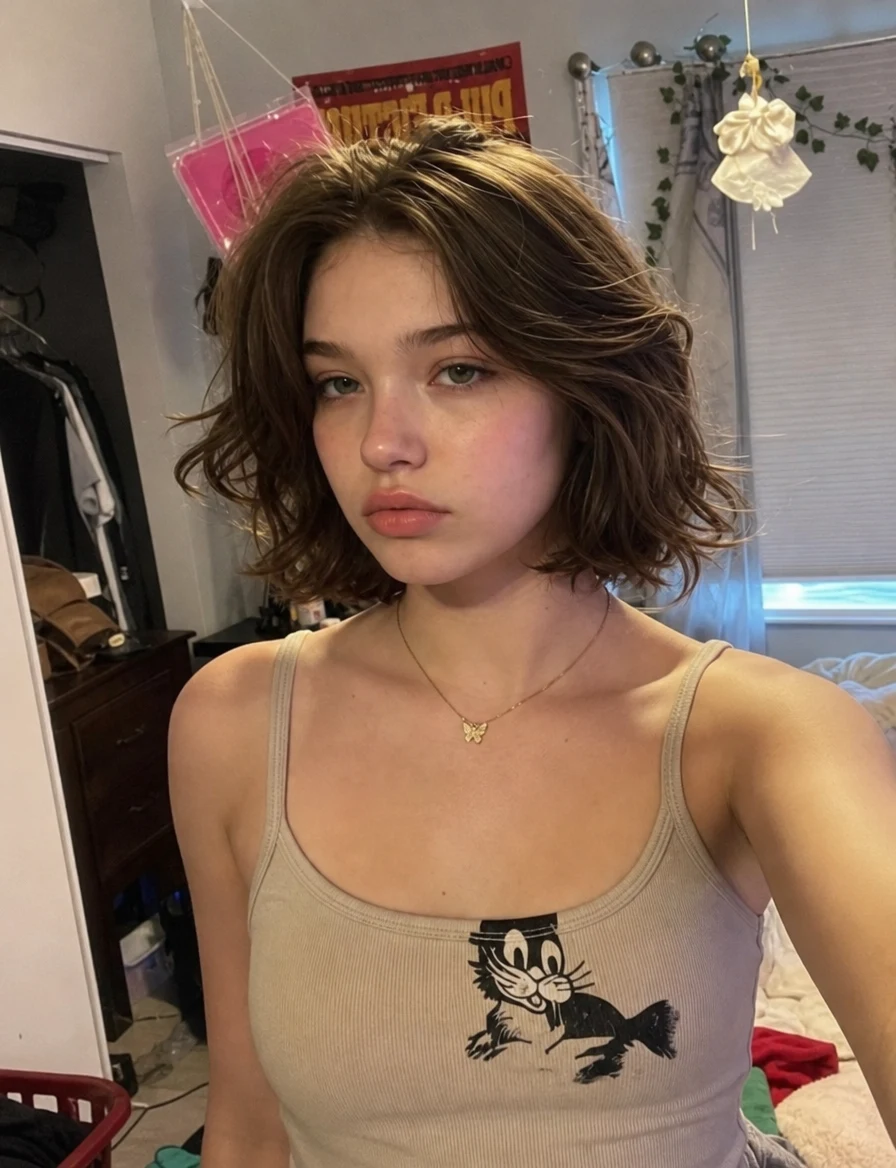
Best AI Image Humanizers in 2026: 10 Tools Compared by Price, Method and Face Safety
Last updated: September 26, 2026 · By the sparkpix.ai Editorial Team
Quick verdict: for portraits with fine skin control, Enhancor is the most specialised tool, from $12 a month for about 120 images. For very large, print-size output, Topaz Bloom is the professional choice, from $229 a year for unlimited cloud renders. For a one-click result you can try free, sparkpix costs about $0.14 per image after a free first image. If the composition is perfect and only the surface looks fake, a texture-only tool like Imagera will not touch the structure, but it costs about $1 per image.
How we compared. We read every price, limit and feature below on each vendor's own pages on September 26, 2026, and linked the page. We did not run the other nine tools ourselves, so there are no test scores here for them; where a vendor or an independent reviewer describes a weakness, we quote it and link it. sparkpix is our own product, and we describe it from our own runs. Anything we could not verify is marked as such.
First: what "humanizing" an AI image actually means
AI images give themselves away in a few repeatable ways: waxy or plastic skin with no pores, lighting that is too even, an orange-and-teal colour grade, perfect background blur, and surfaces with no noise. A humanizer fixes those tells. The tools take one of three approaches:
| Approach | What it does | Changes the face? | Fixes lighting and structure? | Examples |
|---|---|---|---|---|
| Texture-only | Adds sensor noise, film grain, micro-texture | No | No | Imagera |
| Realism upscaler / enhancer | Rebuilds detail while enlarging, with a creativity setting | At high settings, yes | Partly | Topaz Bloom, Magnific, Krea, Clarity |
| Generative re-render | Redraws the image as a photo, guided by an instruction | Can drift | Yes | sparkpix, NanoPic, Face26, LetzAI, Enhancor (skin only) |
The trade-off is always the same: the more a tool is allowed to redraw, the more of the AI look it can remove, and the more likely it is to change what was there.
One more thing. Some sites call a tool a "humanizer" when it strips SynthID watermarks or C2PA Content Credentials so an image passes AI detection. The picture does not change at all. That is detector evasion, not making an image look real, and we left those tools out.
The 10 tools at a glance
| Tool | Method | Cheapest paid option | Approx. cost per image | Max output | Free to try |
|---|---|---|---|---|---|
| sparkpix AI Image Humanizer | Generative re-render, one click | $9.99 for 350 credits (no subscription) | ~$0.14 (5 credits); ~$0.10 on the $19.99/month plan | 2K | Yes, first image |
| Enhancor | Skin-realism model, portraits only | $12/month, ~120 images | ~$0.10 | Up to 8K (by plan; not verified) | Not stated |
| Topaz Bloom | Realism upscaler, up to 8x | $229/year, or $39/month | Unlimited renders | 32 MP (Personal), 100 MP (Pro) | Yes (limits not stated) |
| Magnific Skin Enhancer | Skin enhancer with Creative / Faithful / Flexible modes | $20/month | Not published (25-200 credits per edit) | Not stated | Free plan excludes most editing |
| Krea Enhancer | Enhancer that adds realistic texture | $35/month ($21 yearly) | Not published per image | Up to 22K (paid) | Yes, 100 units/day, 2K |
| Clarity AI | Creative upscaler | $19/month ($13 yearly), 1,200 credits | ~$0.13 at 4K | 13K | No |
| Imagera AI Image Humanizer | Texture-only "real camera" pass | $19.99/month, ~20 images | ~$1.00 | Not stated | No |
| LetzAI Skin Fix | Skin fix with strength 1-5 | €99/year | Not verified | Not stated | No (free plan is browse-only) |
| NanoPic AI Image Humanizer | Generative re-render (Nano Banana 2) | $199 for 16,000 credits | ~$0.50 (40 credits) | Not stated | Yes, 40 credits |
| Face26 RealAI | Generative re-render + 2x/4x upscale | Not verified | Not verified | Not verified | Yes, watermarked |
Cost per image is the cheapest paid option divided by the images it buys, where the vendor publishes both. Subscriptions and credit packs are priced very differently, so compare the plan you would actually buy.
1. sparkpix AI Image Humanizer — best one-click option with a free first image
What it is. A browser tool that re-renders an AI image as if it were taken with a phone camera: real skin texture, natural light and colour, believable background detail. It keeps pose and framing, and is instructed to keep illustrations as illustrations rather than turn them into photos. It runs on GPT Image 2 and takes about 30-60 seconds.
Price. 5 credits per image. New accounts get 5 credits, so the first image is free. Credit packs start at $9.99 for 350 credits (about 70 images, ~$0.14 each), with no subscription needed; a $19.99 monthly plan gives 1,000 credits (about 200 images). Output is 2K on every account.
Weaknesses. It is a generative re-render, so very fine details can shift. Output stops at 2K, so print jobs need a separate upscale step. The model's safety filter refuses some images, about 1 in 20 runs in early September 2026; refused runs are refunded automatically. There are no sliders: if you want manual control over grain or skin strength, use one of the tools below.
Best for: fixing a finished AI image in one step without learning settings. Try it.
2. Enhancor — best for portrait skin with fine control
What it is. The most specialised tool on this list. Enhancor says it removes "plastic-looking skin" and restores "real textures, pores", with controls for freckles, skin texture, realism strength and local edits.
Price. Basic is $12 a month for 12,000 credits, about 120 images; Creator is $45 for about 500 (pricing). No free trial is stated on the site.
Weaknesses. It is built for faces and skin; it does not help scenes, products or rooms. A competitor's comparison page says the entry plan is limited to 1080p output; we could not verify that on Enhancor's own page.
Best for: portrait and model photos where skin is the problem. Independent photographer Chase Jarvis singles it out as the tool that actively rebuilds skin texture while keeping identity (source).
3. Topaz Bloom — best for print-size, professional output
What it is. A creative upscaler with a "Realism" model released in December 2025. Topaz says it can "instantly remove the artificial feel of AI-generated images", across skin, fabric and hair, and describes Bloom as a "quality and realism pass, not an image generator". It enlarges up to 8x and returns four variants.
Price. Bloom Personal is $229 a year paid upfront (about $19 a month), $27 a month billed yearly, or $39 month to month, all with unlimited cloud renders and exports up to 32 MP. Bloom Pro is $490 a year with 100 MP exports and full commercial rights (pricing).
Weaknesses. Topaz's own FAQ says high creativity or Realism "may reinterpret fine details such as faces"; use a low setting or Precise mode to protect them. The price is steep for occasional use.
Best for: photographers and studios who need realism and very large output from the same tool.
4. Magnific Skin Enhancer — best for experienced users who like sliders
What it is. A skin-specific tool (Freepik's image tools now sit under the Magnific name) with three modes: Creative, Faithful (light changes, keeps skin structure) and Flexible (the recommended middle). Sliders control sharpness, grain and detail, 0-100 each (API docs).
Price. Premium is $20 a month. Editing tools, the Skin Enhancer included, "typically cost between 25 and 200 credits per action" depending on tool and resolution, so the cost per image is hard to predict (pricing, credit limits).
Weaknesses. Opaque credit maths. Reviewers describe Magnific's upscaler as a "hallucination engine" that can change facial structure (Chase Jarvis). Faithful mode exists for exactly that reason.
Best for: people who want to tune grain and texture by hand and already use Freepik or Magnific.
5. Krea Enhancer — best if you already create in Krea
What it is. An enhancer inside Krea's creative suite that adds "realistic textures" while upscaling, including access to Topaz models.
Price. Free plan: 100 compute units a day, basic models only, up to 2K. Pro is $35 a month ($21 yearly) for 20,000 units a month (pricing). Krea does not publish a simple per-image price.
Weaknesses. It is a general creative platform, not a dedicated humanizer, so you tune settings yourself, and it can invent detail that was not there.
Best for: Krea users who want realism in the same workspace they generate in.
6. Clarity AI — best value per image at 4K among upscalers
What it is. A creative upscaler that redraws detail as it enlarges. It is not built around the AI look specifically.
Price. Starter is $19 a month ($13 yearly) for 1,200 credits; a 4K Creative upscale is 8 credits, about 150 images (pricing). No free tier on the pricing page.
Weaknesses. Needs prompt and creativity tuning; no dedicated skin controls.
Best for: getting large, detailed output cheaply when you are comfortable adjusting settings.
7. Imagera AI Image Humanizer — best texture-only pass
What it is. A one-click "Real Camera" pass that adds sensor noise, film grain, micro-texture and light vignetting. Imagera says it "never rewrites your composition".
Price. 20 credits per image; Starter is $19.99 a month for 400 credits, about 20 images, so roughly $1 each (pricing).
Weaknesses. The most expensive per image here. Because it only works on the surface, it cannot fix plastic lighting, colour grades or structural problems.
Best for: images whose composition must not change at all, where only the "too clean" surface gives them away.
8. LetzAI Skin Fix — best budget pick for skin, if you commit yearly
What it is. A skin fix where you choose body, face or eyes; nose and mouth are excluded by default to protect likeness. Strength runs 1-5 and a result takes about 10 seconds (guide).
Price. 10 credits per run; the Beginner plan is €99 a year (pricing). The free plan is browse-only.
Weaknesses. LetzAI says repeated runs can change a person's look, and it is not suited to illustrations or small faces.
9. NanoPic AI Image Humanizer — generative, with free starter credits
What it is. An image-to-image humanizer on Nano Banana 2 with an editable pre-filled prompt.
Price. 40 credits per run. New users get 40 credits; the published pack is $199 for 16,000 credits, about $0.50 per image (pricing).
Weaknesses. NanoPic's own page says: "The model redraws the image. It can alter identity."
10. Face26 RealAI — free to try, watermarked
What it is. Turns Midjourney, DALL-E and Stable Diffusion images into photo-style results, with optional 2x or 4x upscaling.
Price. Processing is free, but free downloads carry a watermark and new users get one watermark-free download. Paid pricing sits behind the app and we could not verify it.
Weaknesses. Watermarked free tier; results depend heavily on the source image.
Which one should you use?
| Your situation | Pick |
|---|---|
| A finished AI image, you want it to look real in one step | sparkpix |
| A portrait where the skin is the only problem | Enhancor or LetzAI Skin Fix |
| A client or print job that needs 30+ megapixels | Topaz Bloom |
| You want to tune grain and texture by hand | Magnific Skin Enhancer |
| The composition must not change at all | Imagera (texture only) |
| You need large output cheaply and can adjust settings | Clarity AI |
Whichever you choose: start from the largest original, keep creativity low for faces, run it once, and upscale last. If the goal is print, humanize first at native size and then use an AI photo upscaler.
For a free, single-purpose version of the same job, sparkpix also has Remove AI Look and Make AI Photo Realistic; all three run the same engine at the same price.
Sources: vendor pricing and product pages linked in each section, read September 26, 2026; Chase Jarvis, Best AI Image Upscaler 2026; Topaz Labs Realism update; Magnific Skin Enhancer API docs. Prices change often; check the vendor page before buying.
How to make an AI image look like a real photo
- 1
Start from the largest original
Export the AI image at its highest resolution. Humanizers rebuild texture from what is there, so a small or compressed file gives them less to work with.
- 2
Pick the method that fits the job
Use a texture-only tool if the composition is perfect and only the surface looks fake. Use a generative humanizer if lighting, skin and background all read as rendered.
- 3
Keep creativity low for faces
On tools with a creativity or strength setting, start at the lowest level. Higher settings add more detail but are more likely to change the face.
- 4
Run it once, then compare
Compare the result with the original side by side at 100% zoom. Repeated passes compound small changes into a different-looking person.
- 5
Upscale last
If the image is headed for print, humanize at native size first, then run an upscaler. Upscaling first makes the AI texture larger before it is fixed.
Frequently Asked Questions
What is an AI image humanizer?
An AI image humanizer is a tool that makes an AI-generated image look like a real photograph. It restores skin texture, natural light, believable colour and background detail, and ideally keeps the subject, pose and framing unchanged. Some tools only add grain and texture; others redraw the image with a generative model.
Which AI image humanizer is best for portraits?
For portraits where you want fine control over skin, Enhancor is the most specialised: it has freckle, texture and realism-strength controls, from $12 a month for about 120 images. For a one-click result with a free first try, sparkpix costs 5 credits per image, about $0.14 on the $9.99 pack. Topaz Bloom suits professionals who need very large, print-size output.
Will an AI image humanizer change the face?
Any tool that redraws the image can. Topaz, NanoPic and LetzAI all say on their own pages that higher creativity settings or repeated runs can alter faces or identity. Texture-only tools such as Imagera do not change structure, but they also cannot fix structural AI tells like plastic lighting or odd hands. If the face matters, use the lowest creativity setting and run the image once.
Is there a free AI image humanizer?
A few tools let you try before paying. sparkpix gives 5 credits on sign-up, enough for one full 2K humanized image. Krea gives 100 compute units a day on its free plan, limited to basic models and 2K. NanoPic gives 40 credits to new users, one run. Face26 lets you process for free but watermarks downloads.
Are "humanizers" that remove SynthID or C2PA the same thing?
No. Some sites use the word humanizer for tools that strip AI watermarks and Content Credentials so an image passes AI detection. The picture itself does not change. That is detector evasion, not making an image look real, and none of those tools are included in this comparison.
Ready to Transform Your Images?
Start creating amazing AI-powered images today with sparkpix.ai
Try It Free