
FREE
Loading…
Upload to get high resolution images
Supports JPG, PNG, WebP (max 20MB)
Nude or explicit images are not supported.
The single-image tool above is great for one photo. When you have 20, the batch image upscaler runs them all in parallel, refunds credits on failure, and gives you everything as a ZIP.
Free 5 credits on signup
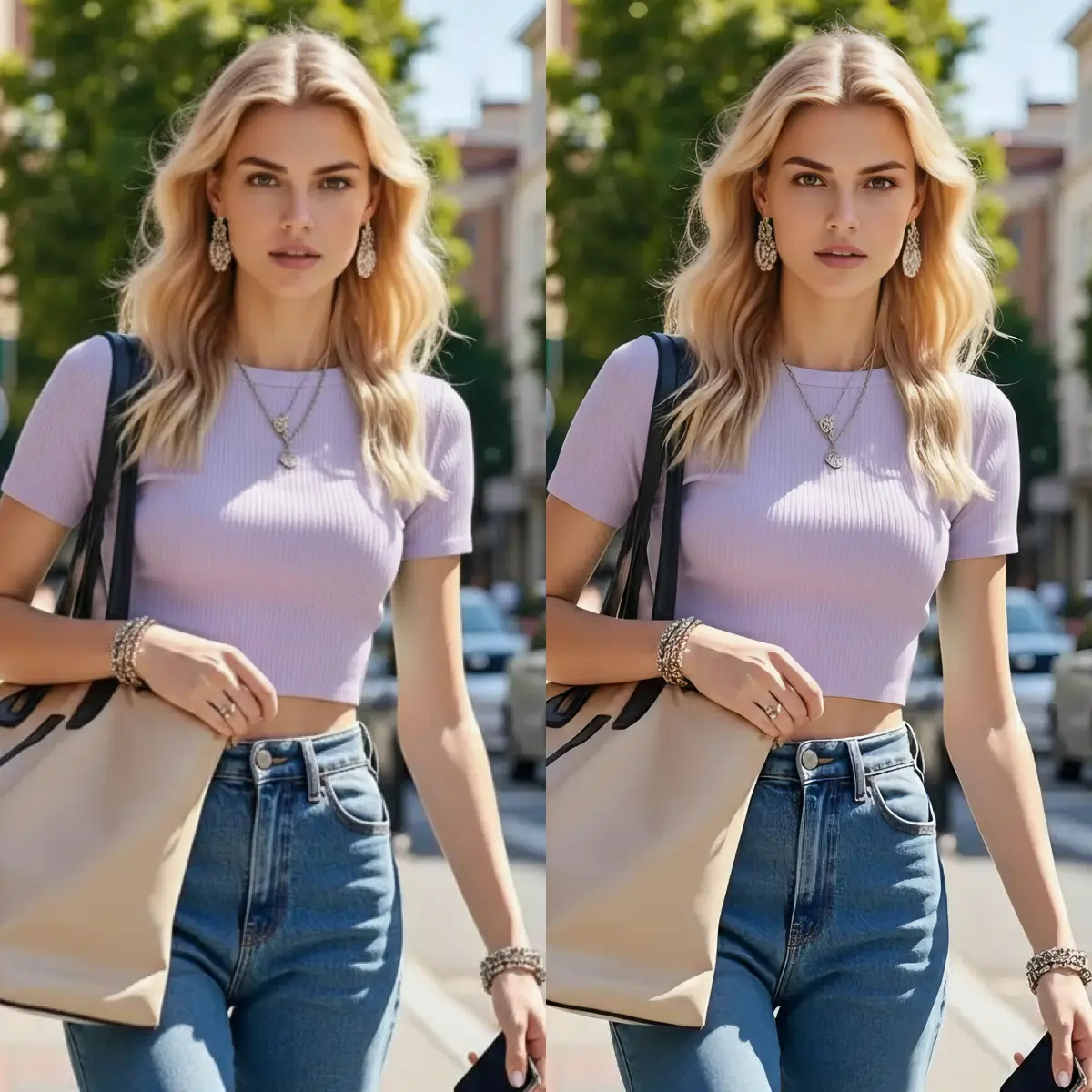
Low-resolution, soft originals upscaled to crisp 4K/6K/8K. The AI rebuilds fine detail — skin texture, hair, fabric weave, edges — and automatically sharpens faces, so the result looks naturally high-resolution, not over-sharpened.
A small, soft selfie upscaled to 4K. Faces are auto-detected and enhanced, recovering eye, skin, and hair detail without a plastic look.
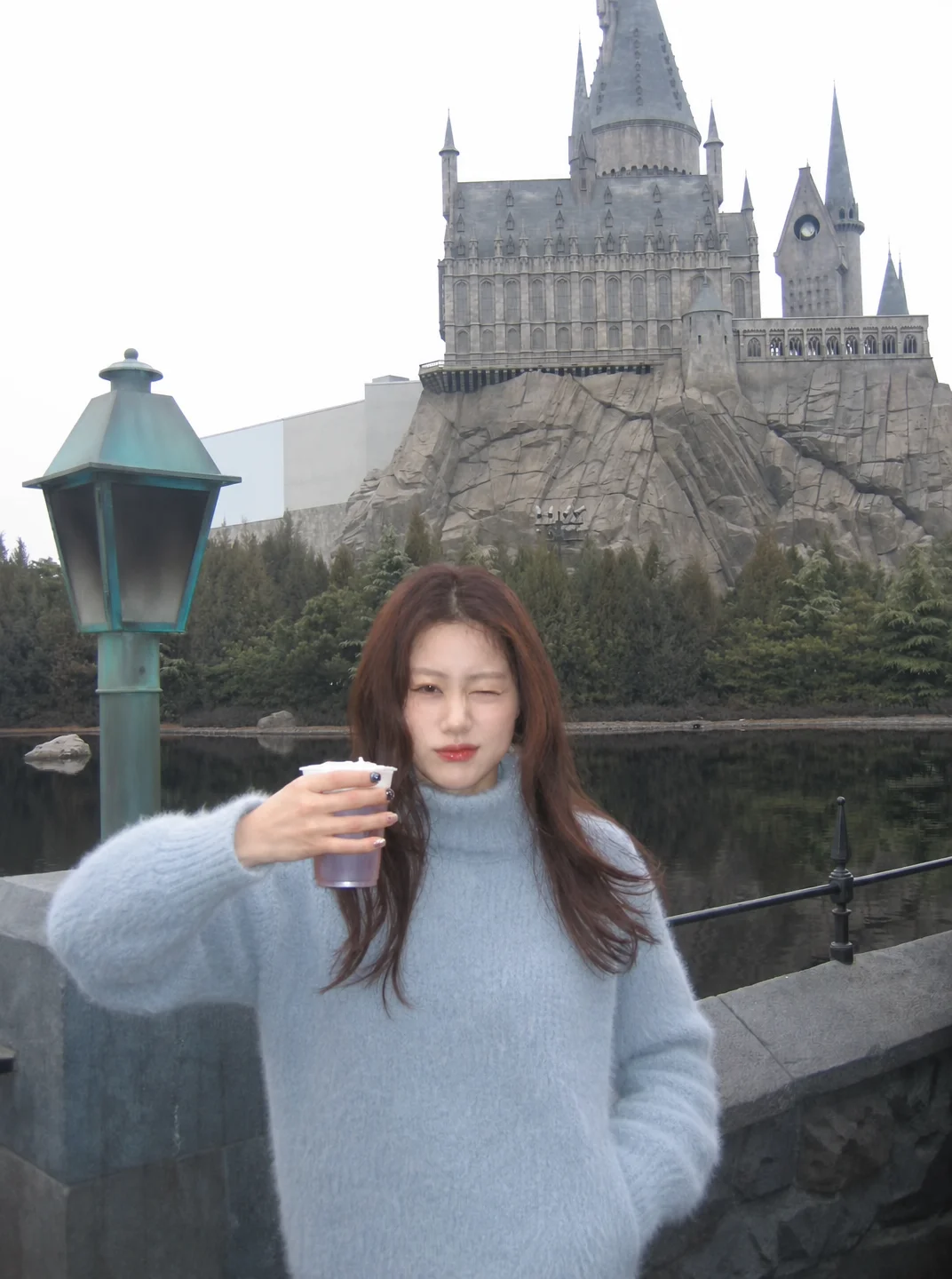
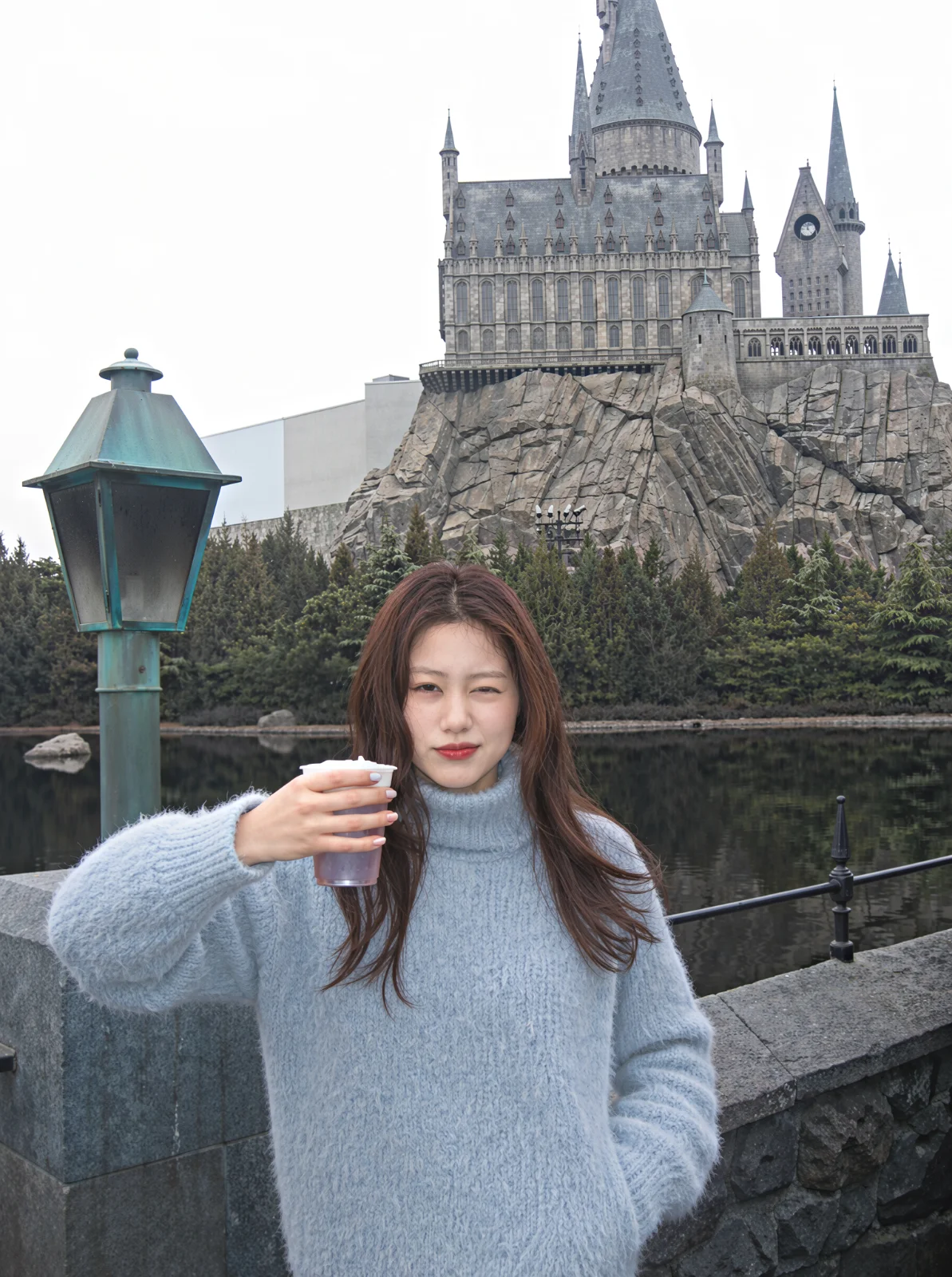
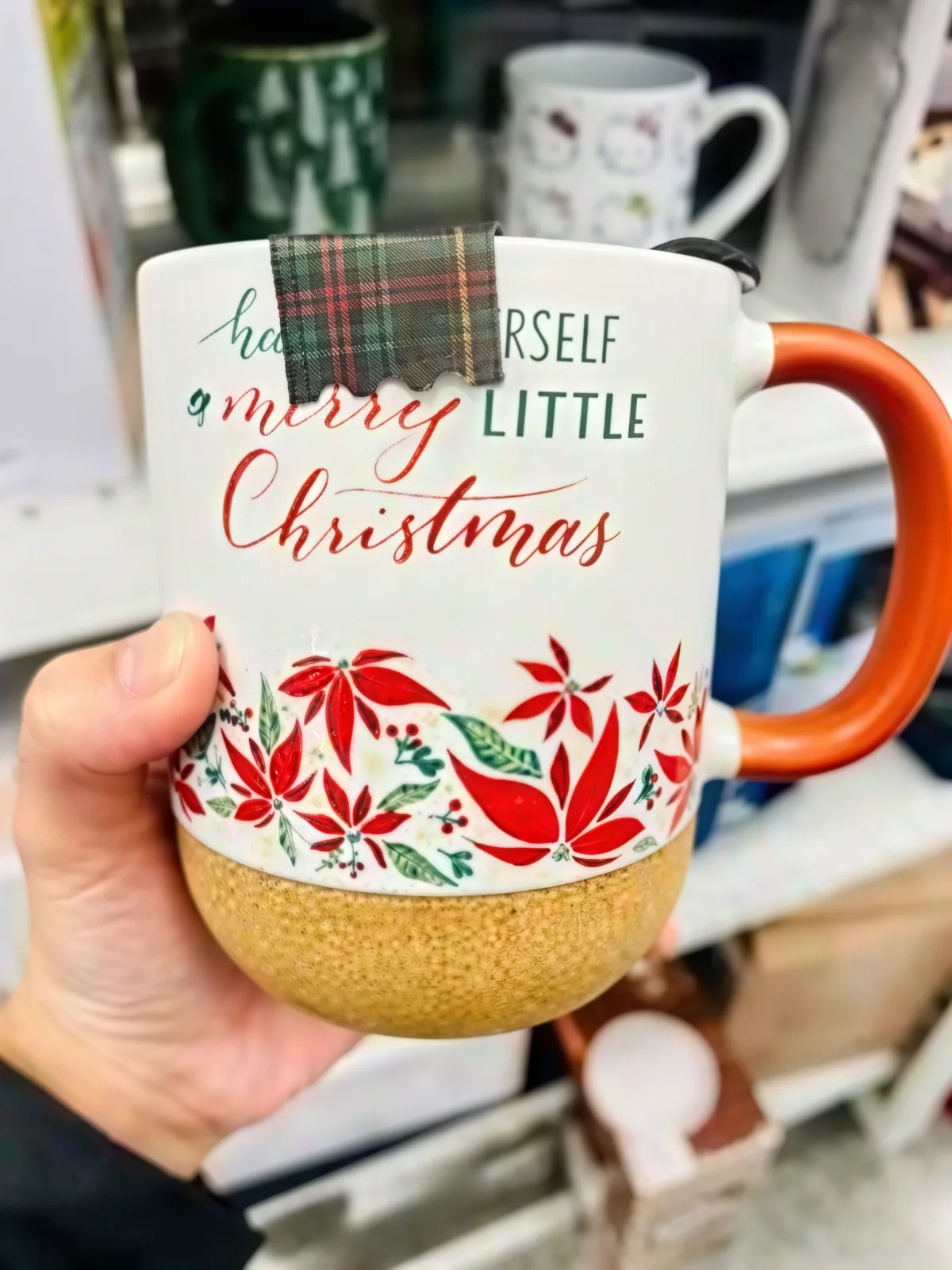
A pixelated e-commerce product image upscaled to sharp HD — clean edges and readable labels for listings and print.

An old, small scan upscaled with reconstructed detail — sharper faces and textures while keeping the original character of the photo.
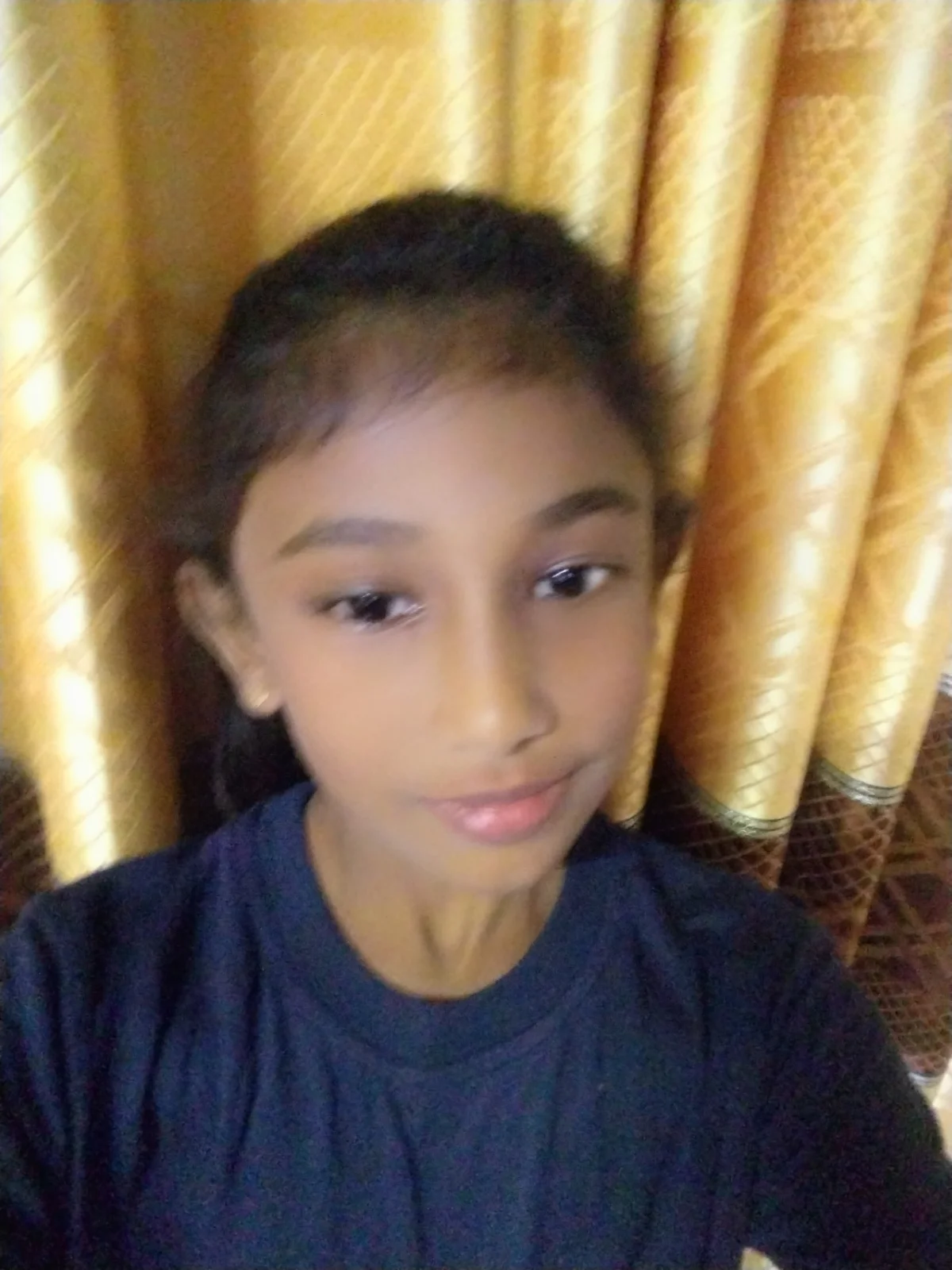
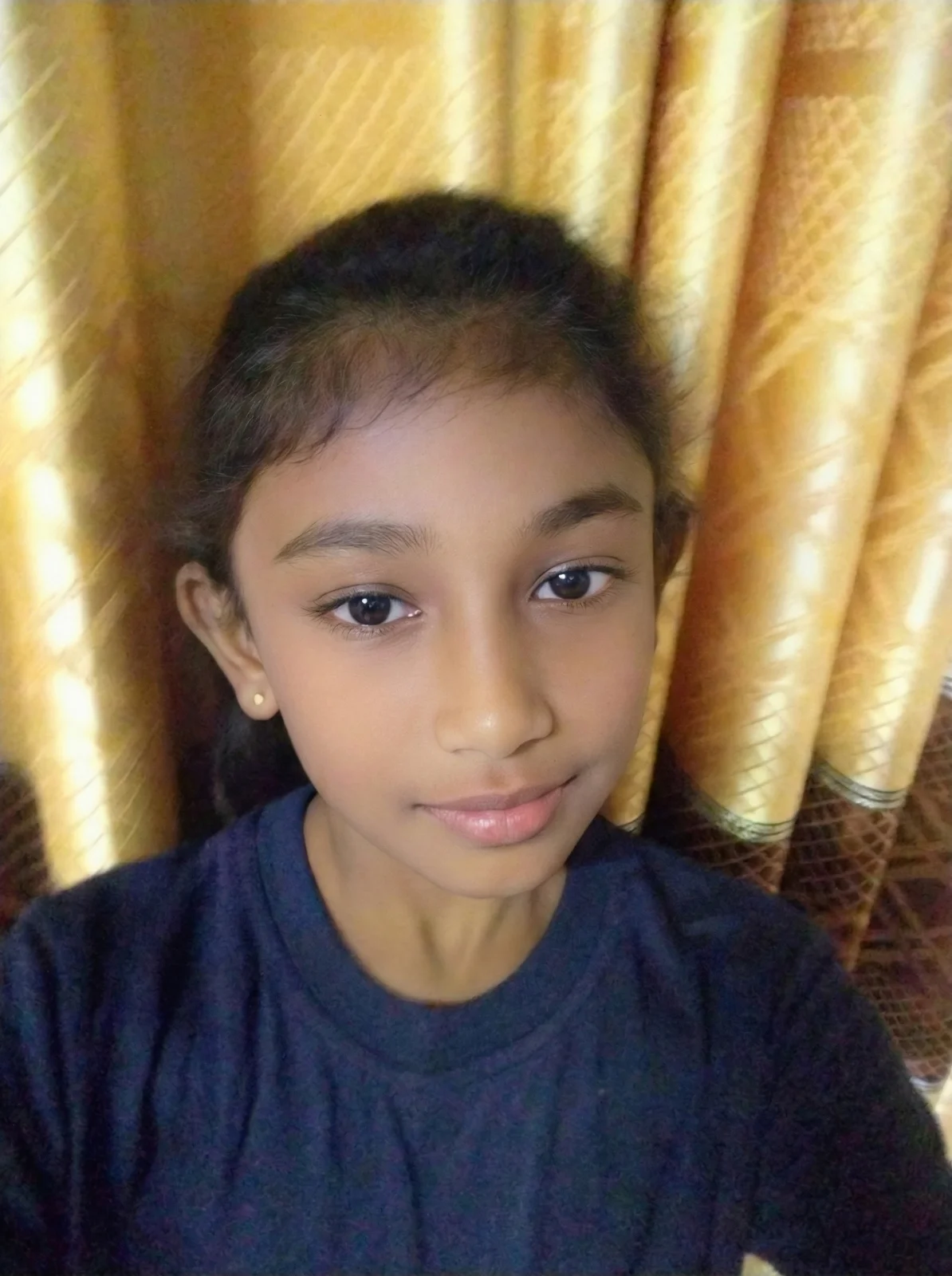
sparkpix.ai is a free, browser-based AI photo upscaler that enlarges images to 4K, 6K, or 8K and automatically enhances faces — no download, and no signup for your first results, which are ready in about 5–10 seconds. It rebuilds real detail with a super-resolution neural network instead of stretching pixels, so edges and textures stay sharp. Best for low-resolution portraits, pixelated product shots, and small old scans you want to print or display large.
What each upscale target produces in pixels, and what it's good for:
| Target | Pixels | Megapixels | Good for |
|---|---|---|---|
| 4K | 3840 × 2160 | 8.3 MP | Sharp web, large displays, 8×10" print |
| 6K | 5760 × 3240 | 18.7 MP | Posters, 12×18" print |
| 8K | 7680 × 4320 | 33.2 MP | Wall art, large-format / banner print |
| sparkpix.ai AI Upscaler | Bicubic resize | Photoshop Super Resolution | |
|---|---|---|---|
| Detail | Rebuilds new detail | Stretches pixels (soft) | Adds some detail |
| Output | Up to 8K | Any (quality drops) | 2x of source |
| Face enhance | Automatic | No | No |
| Cost | Free to start | Free | $22.99/mo (Creative Cloud) |
| Install | None (browser) | None | Desktop app |
Professional-quality image upscaling without the professional price tag
Increase image resolution by 2x or 4x while maintaining crisp details and natural textures.
Get your upscaled images in under 60 seconds. No waiting, no queues - just instant results.
Our AI understands image content and generates realistic details without artifacts or blur.
From personal photos to professional projects
Upscale vintage family photos to modern high-resolution quality
Upscale images for Instagram, Twitter, and other platforms
Upscale product photos for better online presentation
Upscale images for large format printing and posters
Simple, fast, and no technical skills required
Drop your image into our AI upscaler. We support JPG, PNG, and WebP formats up to 20MB.
Our AI analyzes your image and intelligently increases resolution while adding realistic detail.
Get your high-resolution image ready for use. Print it, share it, or use it anywhere.
Advanced AI capabilities for professional upscaling results
Choose your upscale factor. Double or quadruple your image resolution for any use case.
AI adds realistic details when upscaling, not just stretching pixels.
Special processing for portraits ensures faces look natural when upscaled.
Upscale multiple images at once for efficient workflow.
Choose from 4K (2x), 6K (3x), or 8K (4x) output resolution. A 1920x1080 photo becomes 3840x2160 at 4K, 5760x3240 at 6K, or 7680x4320 at 8K, all with AI super-resolution.
No. The AI generates realistic textures and details that simple interpolation cannot. It understands image content and produces sharp, natural-looking results without artifacts.
Yes — faces are automatically detected and enhanced during upscaling: sharper eyes, skin texture, and facial features. No toggle needed; it just works on portraits while leaving landscapes untouched.
Yes, 100% free. No login, no signup, no credits, no watermark. Upload your image, choose resolution, and download the upscaled result instantly.
We support JPG, PNG, and WebP up to 10MB. Max recommended input resolution is 1440p. Output is high-quality PNG. Processing takes 30-60 seconds depending on resolution.
Run Real-ESRGAN AI super resolution in your browser. Benchmarks and technical details.
Upscale images to 8K (7680x4320). 33.2 megapixels for large format prints and displays.
AI face restoration for blurry portraits. Enhances eyes, skin texture, and facial features.
Free image upscaler to 4K/6K/8K. No login, no watermark, instant results.
Upscale photos to 300 DPI print quality. Size guides for posters and canvas prints.
AI lossless image enlargement. 免费在线图片放大,支持4K/6K/8K。
Get started for free. No credit card required.